
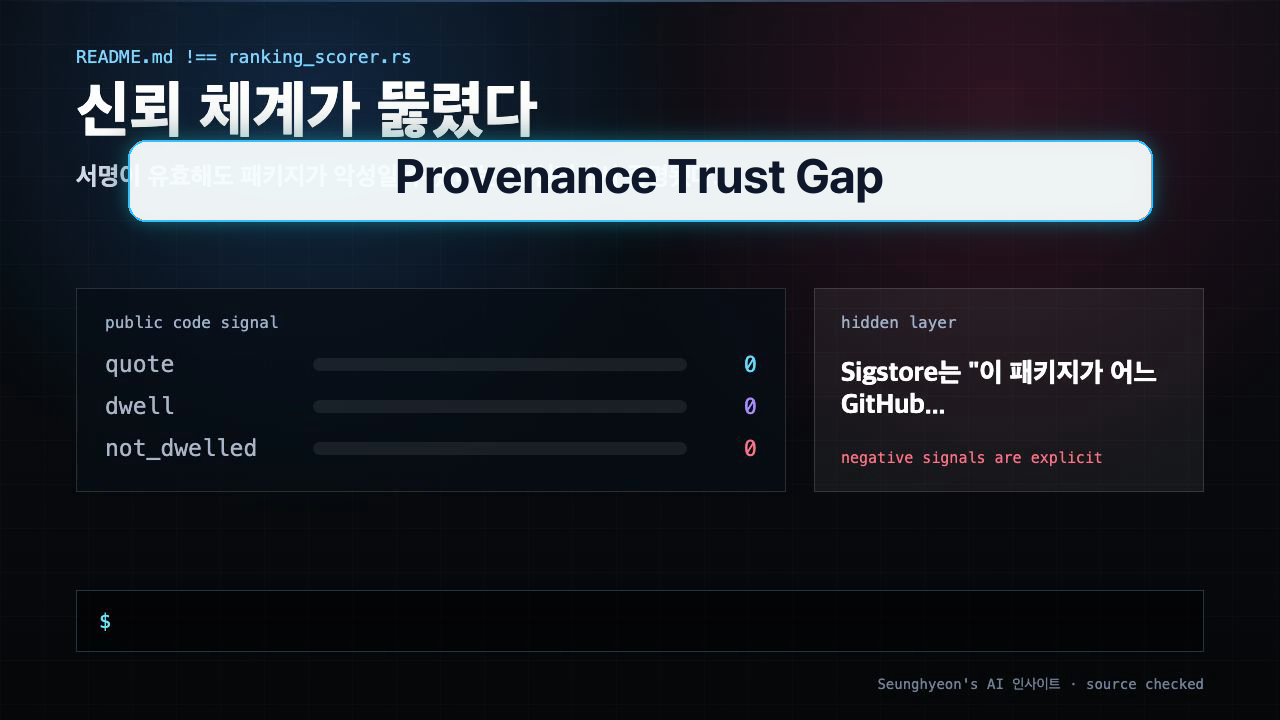
Supply chain security took a real hit in May 2026. If your project pulls from npm and you rely on Sigstore provenance badges as a trust signal, this incident deserves your full attention — not because the cryptography failed, but because the threat model everyone assumed was solid turned out to have a gap wide enough to push 633 malicious package versions through.
1. Why This Matters Now
Sigstore provenance was npm's marquee answer to supply chain attacks. The pitch was compelling: every published package carries a cryptographic attestation linking it to a specific GitHub repository, a specific workflow run, and a specific commit. Automated tooling — Dependabot, Renovate, internal CI gates — started treating the presence of a provenance badge as a meaningful safety signal.
On May 19, 2026, attackers published 633 versions of packages in the audit-grid family to the npm registry. Every one of them carried valid Sigstore provenance. npm has since yanked those versions, but the incident exposed something uncomfortable: the entire provenance model has an implicit prerequisite that nobody was checking loudly enough.
That prerequisite is account security. If the account is compromised, the provenance is compromised — and Sigstore has no way to know the difference.
2. The Core Idea
Sigstore validates the pipeline, not the person who controls the pipeline.
Think of npm package publishing like building access. Your badge reader checks whether the physical card is valid and authorized. It does not check whether the employee holding the card is actually your employee or someone who stole the card from the parking lot. The door opens either way. The alarm stays silent.
The attackers did not forge signatures. They did not break SHA-256 or ECDSA. They took over GitHub accounts that had publish rights, ran a perfectly normal-looking GitHub Actions workflow, and Sigstore did exactly what it was designed to do: it attested that the package was built by that workflow from that repository. Technically correct. Practically disastrous.
Here is what the trust chain actually looks like vs. what most teams assumed:
| Layer | What Sigstore Verifies | What Sigstore Does NOT Verify |
|---|---|---|
| Build provenance | Which repo/workflow/commit built the package | Whether the account owner is legitimate |
| Artifact integrity | The artifact matches the signed attestation | Whether the code in that repo is benign |
| Publisher identity | Which GitHub identity triggered the workflow | Whether that identity is currently under attacker control |
| Account security | ❌ Not in scope | MFA status, token hygiene, recent login anomalies |
The security model works perfectly when every account in the chain is clean. The moment one account is compromised, provenance becomes a liability: it lends legitimacy to a malicious package without catching the attack.
This is not a Sigstore design flaw in the traditional sense. It is a scope boundary. Sigstore was built to answer "where did this come from?" not "is the person who built this trustworthy right now?" Those are different questions, and this incident is the field demonstration of why conflating them is dangerous.
3. How to Implement It
Three concrete checks you should run today. None of them require new tooling — they work with what you already have.
Check 1: Audit your lock files for the affected packages
# Check for audit-grid in npm lock file
grep -r "audit-grid" package-lock.json yarn.lock pnpm-lock.yaml 2>/dev/null

# Broader check across the monorepo
find . -name "package-lock.json" -o -name "yarn.lock" -o -name "pnpm-lock.yaml" \
  | xargs grep -l "audit-grid" 2>/dev/null
Expected output if you are clean:
(no output)
If you get hits, check the exact version against npm's advisory list and remove the affected versions immediately. Do not just npm audit fix — verify manually, because the package was yanked and your lock file may reference a version that no longer resolves.
Check 2: Verify MFA on every account with publish rights
# List all collaborators on your npm package
npm access list collaborators <your-package-name>

# For GitHub Actions: audit which workflows have publish permissions
grep -r "NPM_TOKEN\|NODE_AUTH_TOKEN" .github/workflows/ --include="*.yml" -l
For each account that appears in either list, confirm in the GitHub org settings that MFA is enforced — not just recommended, enforced. Go to Organization Settings → Authentication security → Require two-factor authentication.
If you are using fine-grained personal access tokens for npm publish, rotate them now. Tokens scoped to specific packages and organizations reduce blast radius significantly.
Check 3: Audit your dependency bot trust policy
# renovate.json — example of a provenance-only trust gate (risky)
{
  "packageRules": [
    {
      "matchPackagePatterns": ["*"],
      "allowedVersions": "!/^0/",
      "requiresProvenance": true   # ← this alone is not sufficient
    }
  ]
}
A requiresProvenance: true rule only checks that the package has a Sigstore attestation — it does not check account health. Pair it with a minimumAge setting to add a time-delay gate:
# Safer: provenance + minimum age (reduces zero-day auto-merge risk)
{
  "packageRules": [
    {
      "matchDepTypes": ["dependencies", "devDependencies"],
      "requiresProvenance": true,
      "minimumReleaseAge": "3 days"
    }
  ]
}
This gives the community time to catch malicious releases before your bot merges them automatically. Three days is not a guarantee, but it is a meaningful friction layer.
Verification: Confirm your CI publish workflow uses OIDC, not long-lived tokens
# .github/workflows/publish.yml
permissions:
  id-token: write   # Required for OIDC-based provenance
  contents: read

jobs:
  publish:
    runs-on: ubuntu-latest
    steps:
      - uses: actions/checkout@v4
      - uses: actions/setup-node@v4
        with:
          node-version: '20'
          registry-url: 'https://registry.npmjs.org'
      - run: npm publish --provenance
        env:
          NODE_AUTH_TOKEN: ${{ secrets.NPM_TOKEN }}
The id-token: write permission enables OIDC token issuance, which is what backs Sigstore provenance in GitHub Actions. If you are using this correctly, your publish workflow is not the weak link — the account that holds secrets.NPM_TOKEN is.
4. What to Watch in Production
Cached versions in CI. If your CI system caches node_modules or the npm cache directory, a malicious version that was downloaded before the yank may still be sitting in that cache. Invalidate your cache explicitly after an incident like this:
# GitHub Actions: update the cache key to force invalidation
# Change "v1" to "v2" in your cache key
- uses: actions/cache@v4
  with:
    path: ~/.npm
    key: ${{ runner.os }}-node-v2-${{ hashFiles('**/package-lock.json') }}
Docker image layers. If you built and pushed a Docker image during the exposure window, that image may contain the affected package in a layer. Check your image digests and rebuild from a clean base if there is any overlap with the May 19 window.
Lock file pinning. This is the strongest defense against this class of attack. When your lock file pins exact versions with their integrity hashes, a yanked package version cannot be silently substituted. Run npm ci in production builds instead of npm install — npm ci respects the lock file strictly and fails if the lock file is out of sync with package.json.
# Use npm ci in CI — it enforces lock file fidelity
npm ci --audit

# Verify integrity of installed packages
npm ls --depth=0
Organization-level token scoping. GitHub's fine-grained personal access tokens now support repository-level scoping. An npm token that can only publish your-package-name and nothing else limits what an attacker can do with a compromised account. This should be standard practice for any automated publish workflow.
Cross-environment differences. On macOS with Homebrew-installed Node, the npm cache lives at ~/.npm. In Docker, it is typically at /root/.npm or wherever you set npm config set cache. In GitHub Actions, check your actions/cache configuration. The cache invalidation step above covers Actions specifically — adjust the path for other environments.
Sigstore provenance is still worth using. The attestation model is sound and it raises the cost of certain supply chain attacks meaningfully. What this incident clarified is that provenance is one layer in a defense-in-depth stack, not the stack itself.
The actual work is upstream: enforcing MFA across every account that touches your publish pipeline, rotating tokens to fine-grained scoped credentials, and treating "signed" as a necessary condition rather than a sufficient one.
Check your lock files today, audit your CI account security this week, and adjust your Renovate or Dependabot policy before you next merge a dependency update automatically.
🐦 Faster updates on X: @baegseungh7061
📚 More in this series: AI Insights
💌 Subscribe: Follow on X or grab the RSS
댓글
댓글 쓰기