
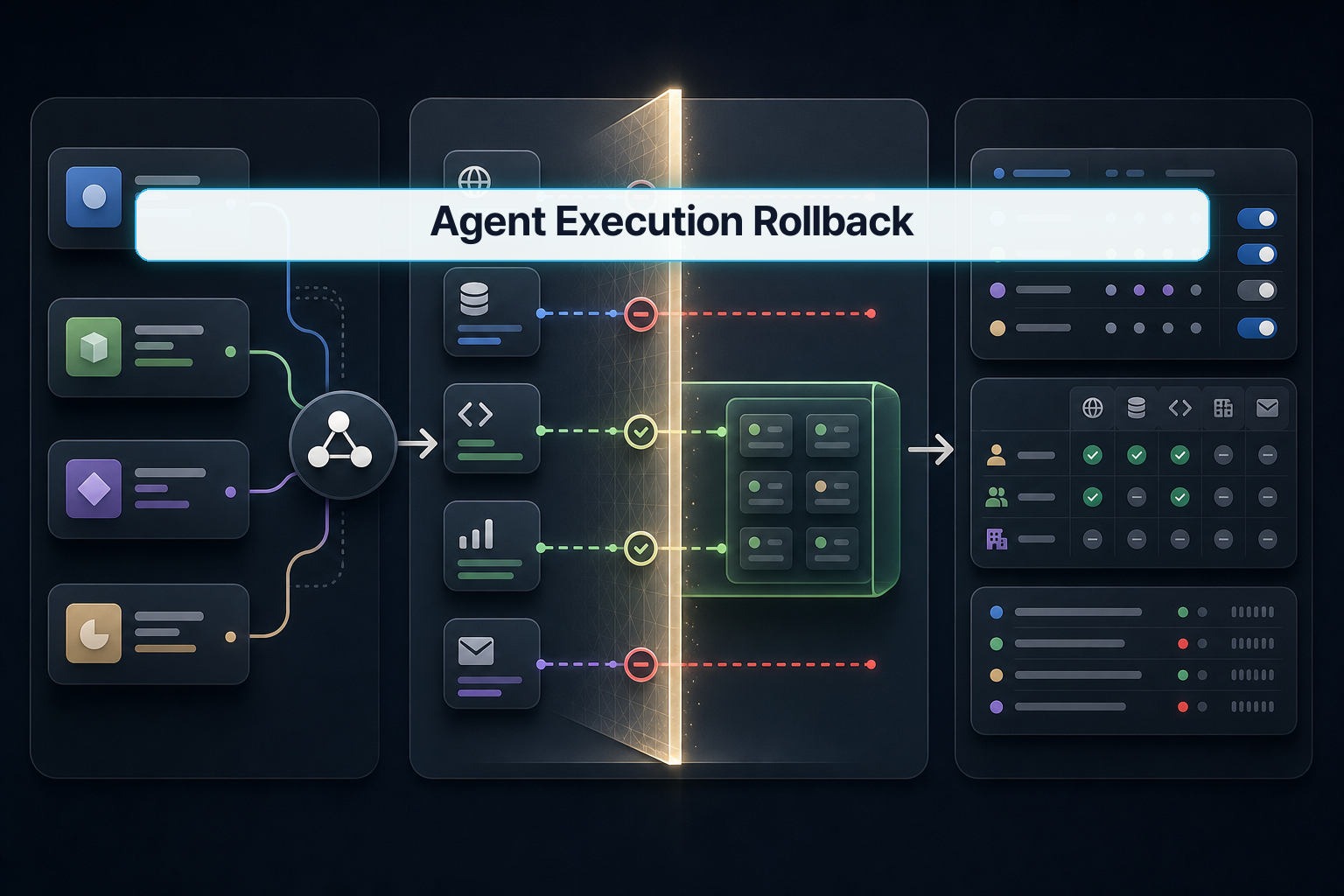
Running a coding agent against your real codebase is a calculated risk. One hallucinated refactor, one misread file path, one cascade of bad tool calls — and you're staring at a diff that touches 40 files in ways you didn't ask for. The model quality debate dominates the discourse, but the sharper question for anyone shipping production software is: what happens when the agent gets it wrong?
SafeSandbox is a direct answer to that. It wraps local-file coding agents — Cursor, Claude Code, Codex, anything that writes to disk — with a snapshot layer that checkpoints state before the agent touches anything, then lets you roll back to any of those points if the run goes sideways.
This tutorial walks through why execution boundaries matter more than model benchmarks right now, what SafeSandbox actually does, how to set it up, and what to watch for in a real project.
1. Why this matters now
The competitive gap between frontier coding agents has compressed to the point where raw capability is nearly a commodity. GPT-4o, Sonnet 3.7, Gemini 1.5 Pro — they all write reasonable TypeScript, refactor Python, and navigate mid-size repos. The real differentiator has moved downstream: can you trust the agent to modify your files without nuking something irreplaceable?
Git helps, but not as much as people assume. If an agent makes 12 sequential commits, each of which looks plausible in isolation, and the damage is in the composition — wrong variable renamed across six files, a test suite silently disabled — you're not rolling back a single commit. You're doing archaeology.
The pain a real developer feels here is specific: you're trying to move fast with agent-assisted development, but you keep a mental hand on the kill switch because you've been burned before. You want to give the agent more rope, but rope requires a safety net.
That's the gap SafeSandbox is filling. Not better agents — better execution fences.
2. The core idea
SafeSandbox intercepts the moment before an agent writes to disk and records a filesystem snapshot at that checkpoint. Every subsequent write is tracked against that snapshot. If the agent runs off the rails at any point, you restore to the snapshot and the filesystem state is exactly what it was.
Think of it like database transactions, applied to your filesystem:
| Concept | Database | SafeSandbox |
|---|---|---|
| Start boundary | BEGIN TRANSACTION |
Snapshot taken |
| Write operations | INSERT / UPDATE / DELETE |
Agent file modifications |
| Success | COMMIT |
Accept agent output |
| Failure | ROLLBACK |
Restore to snapshot |
The difference from Git alone is granularity and automation. Git requires you to decide when to commit. SafeSandbox snapshots continuously at configurable intervals — before each tool call, before each file write, or at timed checkpoints — so you can roll back to the exact moment things were still good, not just to "before the entire session."
It works at the OS level, not the Git level, which means it catches changes that agents make outside tracked files — generated build artifacts, .env mutations, cache corruption.
3. How to implement it
Install
npm install -g safesandbox
# or via homebrew on macOS
brew install safesandbox
Verify the install:
safesandbox --version
# Expected: safesandbox 0.x.x
Initialize a sandbox for your project
Navigate to your project root and run:
safesandbox init --project ./my-repo --snapshot-on write
The --snapshot-on write flag tells SafeSandbox to checkpoint before every file write the agent performs. Other options:
--snapshot-on tool       # checkpoint before each agent tool call
--snapshot-on interval   # checkpoint on a timed interval (use --interval-ms)
--interval-ms 30000      # e.g. every 30 seconds
For most projects, write gives the best rollback granularity without overwhelming disk space.
Connect your coding agent
SafeSandbox runs as a local proxy that your agent's file system calls pass through. Add the proxy address to your agent configuration:
For Claude Code (~/.claude/settings.json):
{
  "sandbox": {
    "enabled": true,
    "proxy": "localhost:7700",
    "snapshotDir": "~/.safesandbox/snapshots"
  }
}
For Cursor (.cursor/settings.json in your repo):
{
  "aiAgent": {
    "fileProxyUrl": "http://localhost:7700"
  }
}
Start the proxy:
safesandbox serve --port 7700 --project ./my-repo
Expected output:
SafeSandbox proxy listening on :7700
Snapshot dir: ~/.safesandbox/snapshots/my-repo
Watching: ./my-repo
Trigger a rollback
List available snapshots:
safesandbox snapshots list --project ./my-repo
Output:
ID          TIMESTAMP               TRIGGER     FILES AFFECTED
snap_001    2026-05-28T09:12:00Z   write       0
snap_002    2026-05-28T09:12:44Z   write       3
snap_003    2026-05-28T09:13:10Z   write       11
snap_004    2026-05-28T09:13:55Z   write       18
Roll back to the last known-good state:
safesandbox rollback --project ./my-repo --to snap_002
Verification:
safesandbox diff --project ./my-repo --snapshot snap_002
# Should show no diff if restore succeeded
Verify your setup end-to-end
Run a dry-fire test before trusting it with a real agent session:
safesandbox test --project ./my-repo --write-test
This creates a temp file, triggers a snapshot, modifies the temp file, rolls back, and confirms the original content is restored. Passing output:
[PASS] Snapshot created before write
[PASS] File modified during test
[PASS] Rollback restored original content
[PASS] No orphaned temp files
4. What to watch in production
Snapshot storage grows fast. On a large monorepo with --snapshot-on write, a heavy agent session can generate gigabytes of snapshots in under an hour. Set a retention policy:
safesandbox config set --project ./my-repo \
  --max-snapshots 50 \
  --max-snapshot-age 24h
Docker and remote dev containers need extra setup. The OS-level filesystem hook that SafeSandbox uses requires running in the same OS context as your files. If your project lives inside a Docker container, run the SafeSandbox proxy inside that container, not on the host:
# docker-compose.yml excerpt
services:
  dev:
    image: my-dev-image
    volumes:
      - .:/workspace
    command: >
      sh -c "safesandbox serve --port 7700 --project /workspace &
             your-normal-start-command"
Agent calls that bypass the proxy. Some agents have escape hatches — shell execution, subprocess spawning — that write files outside the proxy's interceptor. Audit what tools your agent has access to and disable shell-level write tools if you want complete coverage. For Claude Code specifically, restrict the Bash tool's write permissions in your settings:
{
  "permissions": {
    "allow": ["Bash(git status)", "Bash(git diff)"],
    "deny": ["Bash(rm *)", "Bash(> *)"]
  }
}
Rollback does not undo Git history. If the agent ran git commit as part of its session, those commits remain after a filesystem rollback. Run git log after any rollback and manually revert commits that shouldn't have happened. A future integration between SafeSandbox and Git's reflog would close this gap, but it isn't there yet.
macOS vs Linux behavior. On macOS, SafeSandbox uses FSEvents for file watching. On Linux, it uses inotify. The FSEvents backend can miss rapid bursts of writes (e.g., a yarn install that touches 2,000 files in two seconds). On Linux, inotify handles this more reliably. If you're on macOS and running agents that do heavy dependency installs, exclude node_modules from snapshot scope:
safesandbox init --project ./my-repo \
  --exclude "node_modules/**" \
  --exclude ".next/**" \
  --snapshot-on write
FAQ
When should I use a snapshot-based execution boundary like SafeSandbox?
The right moment is before you let any coding agent touch a codebase you can't afford to manually reconstruct. That means production repos, codebases with complex build state that takes hours to restore, or projects where the agent session will span multiple tool calls without a human in the loop for each one. If you're running an agent in a throwaway sandbox or against a repo you can re-clone in 30 seconds, the overhead isn't worth it.
What should I check before applying this in production?
Three things. First, verify the proxy intercepts all write paths your agent uses — including any shell execution or subprocess tools, not just direct file APIs. Second, confirm your snapshot retention settings won't exhaust disk before a long session completes. Third, test the rollback path before you need it: run safesandbox test --write-test and confirm it passes cleanly on the actual machine and container setup you'll use in production. Discovering a broken rollback during an incident is worse than not having the tool at all.
What is the easiest way to verify the result after a rollback?
Run safesandbox diff --project ./my-repo --snapshot <target-id> immediately after restoring. It should return empty output if the filesystem matches the snapshot exactly. Follow that with a git status to check for any unstaged changes the diff tool might have missed, and run your project's lint or type-check command to confirm the codebase is in a buildable state.
Closing
The next wave of agent adoption is blocked less by model capability than by trust — specifically, the trust that comes from knowing a bad run can be undone cleanly. SafeSandbox is one of the first tools to address that directly at the filesystem layer rather than at the Git layer.
Next step: set up SafeSandbox in your dev environment, run the write test, and then try a bounded agent session with snapshot-on-write enabled. Once you've seen a rollback work in practice, you'll give agents significantly more latitude.
🐦 Faster updates on X: @baegseungh7061
📚 More in this series: All posts
💌 Subscribe: Follow on X or grab the RSS
댓글
댓글 쓰기