
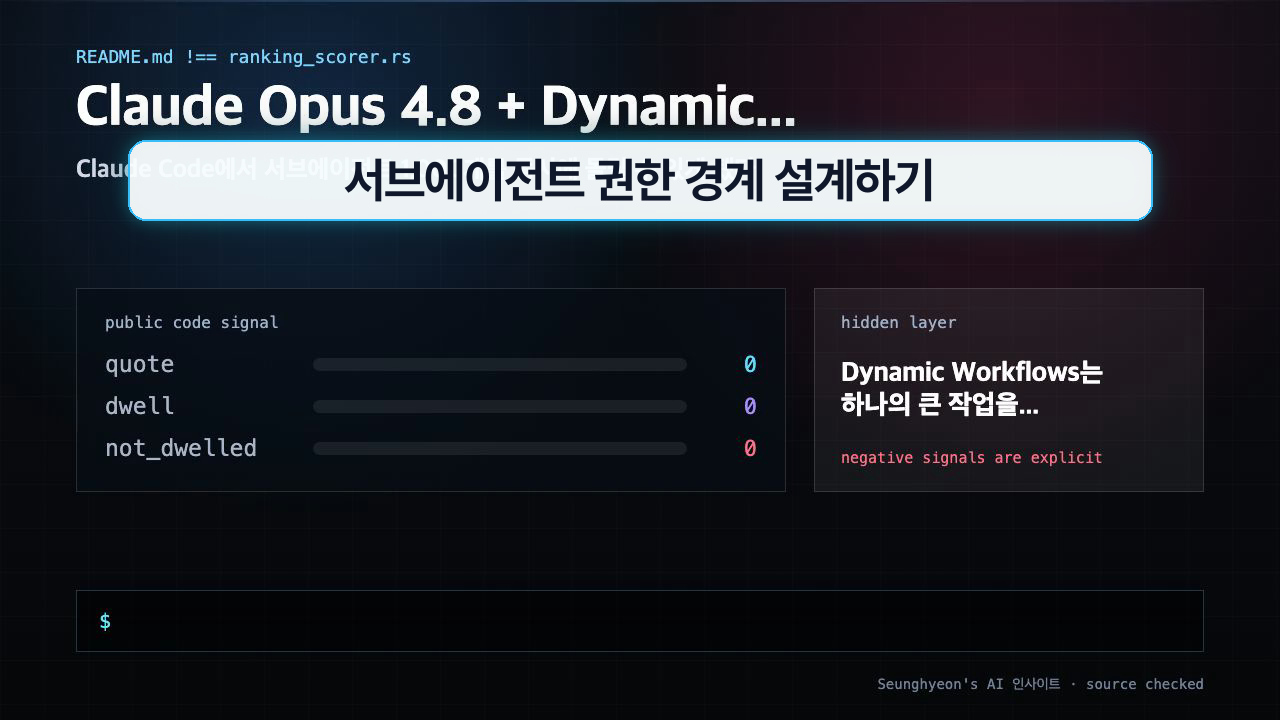
If you're running non-trivial workloads in Claude Code — multi-file refactors, large-scale test generation, bulk document analysis — Claude Opus Dynamic Workflows changes what's architecturally possible. This tutorial covers what the feature actually is, how to wire it up safely, and the permission model you need to get right before you scale.
1. Why this matters now
Until now, Claude Code operated mostly in a serial or lightly concurrent mode: one agent, one context window, one thread of execution at a time. That works fine for editing a single file or answering a pointed question. It breaks down fast when the task is "refactor the entire auth layer across 200 files" or "generate integration tests for every API endpoint."
The real pain isn't that the model is too slow. It's that the orchestration layer forces everything through a single bottleneck. You end up either waiting through sequential steps or manually spinning up separate Claude Code sessions and stitching results together yourself.
Anthropic's release of Claude Opus 4.8 ships a new orchestration primitive called Dynamic Workflows, and it's a structural change — not just a speed bump on the same architecture.
2. The core idea
Dynamic Workflows lets a single top-level agent decompose a task and dispatch up to 1,000 sub-agents to work on subtasks in parallel. Each sub-agent gets its own scoped context, its own tool permissions, and reports results back to the orchestrator.
The analogy that fits: instead of one engineer rewriting an entire report section by section, you assign each section to a different team member simultaneously, then one editor merges the outputs. The time savings are obvious. The coordination costs are real.
Here's how the capability tiers break down:
| Mode | Best for | Relative cost |
|---|---|---|
| Default (Opus 4.8) | High-accuracy tasks, complex reasoning | Same as Opus 4.7 |
| Fast Mode | High-volume, latency-sensitive steps | Lower than default |
| Sub-agent parallelism | Bulk operations across many files/APIs | Scales with agent count |
The cost model is the other key change. Opus 4.8 holds the same price point as 4.7, but Fast Mode is priced lower. That means you can route cheap, repetitive sub-tasks to Fast Mode and reserve default mode for the orchestrator and any steps where accuracy matters. Blanket use of max-quality mode is no longer the only option.
What you shouldn't do yet is treat 1,000 parallel agents as a default setting. The upper limit exists, but using it without thinking through permission boundaries first is how you create a system that does a lot of things very quickly — including the wrong things.
3. How to implement it
Dynamic Workflows is enabled through the Claude Code orchestration API. The pattern is: define a root task, declare a decomposition strategy, set per-sub-agent permission scopes, and let the orchestrator handle dispatch and result aggregation.
A minimal working example using the Anthropic SDK:
import anthropic

client = anthropic.Anthropic()

# Root orchestrator task
response = client.messages.create(
    model="claude-opus-4-8",
    max_tokens=4096,
    system="""You are an orchestrator. Decompose the task into subtasks.
For each subtask, specify:
- task_id: unique identifier
- scope: list of files or directories the sub-agent may access
- tools: list of allowed tools (read_file, write_file, bash, etc.)
- mode: 'fast' or 'default'
Return subtasks as a JSON array before executing.""",
    messages=[
        {
            "role": "user",
            "content": "Refactor the /src/auth directory: extract JWT logic into a separate module, add input validation to all handlers, generate unit tests for each new function."
        }
    ]
)
For sub-agent permission scoping, the key config block looks like this:
# claude-workflows.yaml
workflow:
  name: auth-refactor
  max_parallel_agents: 50        # start low; raise only after testing
  mode_routing:
    orchestrator: default
    subtasks_analysis: default
    subtasks_codegen: fast
    subtasks_test_gen: fast
  agent_permissions:
    file_access: scoped           # each agent sees only its declared scope
    external_api: deny            # block outbound calls unless explicitly needed
    shell_exec: restricted        # allowlist only; no arbitrary bash
  logging:
    level: verbose
    destination: ./logs/workflow-run-{timestamp}.json
  rollback:
    on_failure: checkpoint        # revert to last clean checkpoint per agent
    checkpoint_interval: 10       # every 10 sub-agent completions
Launch a workflow run with:
claude-code workflow run --config claude-workflows.yaml --dry-run
The --dry-run flag is non-negotiable on first run. It shows you exactly which files each sub-agent would touch and what permissions it would request, without committing any changes.
Expected output from a successful dry run:
[DRY RUN] Workflow: auth-refactor
Agents planned: 47
Files in scope: 83
External API calls: 0 (denied)
Shell commands: [git status, npm test] (allowlisted)
Estimated token usage: 2.1M (38% Fast Mode)
No permission violations detected.
Run without --dry-run to execute.
If you see permission violations in the dry run output — an agent requesting access outside its declared scope — stop there and fix the YAML before proceeding.
4. What to watch in production
Permission blast radius. One agent writing to the wrong file is recoverable. Fifty agents doing it simultaneously may not be. Scope each sub-agent to the minimum file set it actually needs. If an agent is generating tests for auth/jwt.ts, it has no reason to access config/database.ts. Declare that explicitly.
Fast Mode quality threshold. Fast Mode is cheaper and lower latency, but it can miss edge cases in complex reasoning. Code generation tasks that touch security logic, authentication, or financial data should stay on default mode even if they feel routine. The cost delta rarely justifies the risk.
Log aggregation before you need it. With 1,000 potential execution paths, post-hoc debugging without structured logs is close to impossible. Set logging.level: verbose from day one and route logs to a queryable store (a local SQLite DB or a log aggregation service both work). The log schema you'll want:
CREATE TABLE agent_runs (
    run_id TEXT,
    agent_id TEXT,
    task_description TEXT,
    files_accessed TEXT,      -- JSON array
    tools_called TEXT,        -- JSON array
    status TEXT,              -- success | failure | rollback
    token_count INTEGER,
    mode TEXT,                -- fast | default
    timestamp_start DATETIME,
    timestamp_end DATETIME
);
Rollback paths are not optional. Design your checkpoint interval before you run, not after something goes wrong. A checkpoint every 10 agent completions gives you a maximum blast radius of 10 agents' worth of changes on any failure. For destructive operations (deletes, renames, schema migrations), drop that to 5 or 1.
Mac vs. Linux shell behavior. If you're developing on macOS and deploying workflows in a Linux container, test shell-exec allowlists in both environments. sed -i behaves differently on BSD vs. GNU. Workflows that pass dry run locally can fail in CI for this reason alone.
FAQ
When should I use Claude Opus Dynamic Workflows?
Dynamic Workflows pay off when the task is genuinely parallelizable — multiple independent files, multiple unrelated API endpoints, multiple test suites that don't share state. If your task is a sequential chain where step B depends on the output of step A, parallel agents won't help much and add coordination overhead. A good rule of thumb: if you'd naturally assign it to multipleengineers working simultaneously, it's a good candidate.
What should I check before applying Claude Opus Dynamic Workflows in production?
Three things before you flip the switch. First, audit your current Claude Code tool permissions — anything that was "broadly open for convenience" becomes a risk at scale. Second, run a dry run and read every line of the permission report. Third, confirm you have a rollback path: either checkpoint-based revert in the workflow config, or a clean git branch you can reset to. Don't start a live run on a codebase that isn't under version control.
What is the easiest way to verify the result?
After a workflow completes, run git diff --stat to get a summary of what actually changed and compare it against the dry run's declared file scope. Any file appearing in the diff that wasn't in the dry run scope is a red flag — investigate before merging. For code generation tasks, run your existing test suite immediately after workflow completion. If the workflow generated new tests, run those too. The combination of scope diff and test run catches the majority of correctness issues.
Closing
Dynamic Workflows shifts Claude Code from a single-agent tool to a multi-agent orchestration platform. The capability is real and the scaling ceiling is high — but the value you get out of it is determined almost entirely by how carefully you design sub-agent permission boundaries before the first production run.
Next step: run a dry-run workflow on a non-critical codebase, read the full permission report, and tune your claude-workflows.yaml scope declarations before scaling up.
🐦 Faster updates on X: @baegseungh7061
📚 More in this series: AI Insights
💌 Subscribe: Follow on X or grab the RSS
댓글
댓글 쓰기