
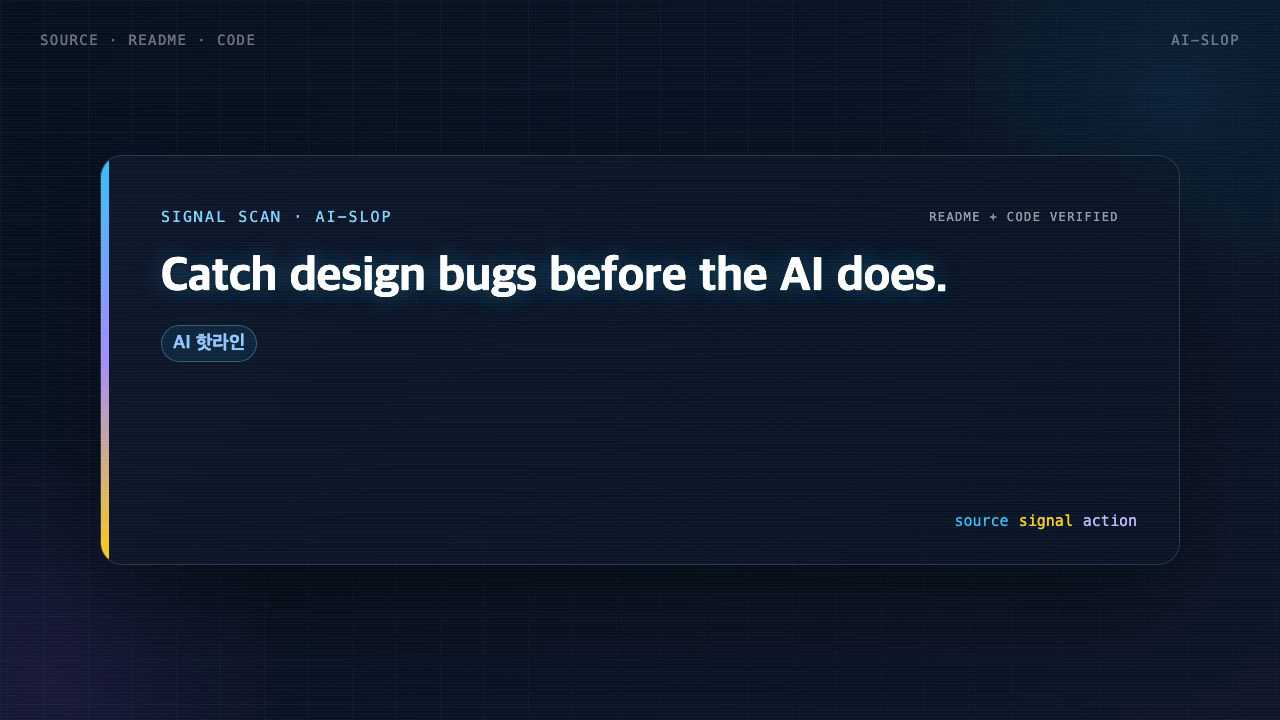
AI-generated UI all looks the same. Here's why.
When you build frontends with Claude or Cursor, the output feels familiar in an uncanny way. Inter everywhere, purple-to-blue gradients, cards nested inside cards, gray text on colored backgrounds. Every model trained on the same SaaS template corpus produces the same handful of tells.
The harder problem is catching these patterns before they ship. Manual design review doesn't scale with every PR. Asking the AI to self-review introduces its own biases.
What impeccable solves
impeccableis a design skill for Claude Code. But its real differentiator isn't the skill — it's theCLI anti-pattern detector that ships alongside it.
Run npx impeccable detect on a directory, HTML file, or URL, and it finds 24 design issues without an API key, without an LLM, without a login. Deterministic regex-and-CSS-parsing rules, same output every run, CI-safe.
Two detection categories:
- AI slop: side-tab borders, purple gradients, bounce easing, dark glows — patterns models reproduce by default
- General quality: line length, cramped padding, small touch targets, skipped heading levels
How it works
The CLI runs in two modes.
Deterministic mode (default): 27 rules checked via regex and CSS parsing. Zero LLM calls.
LLM critique pass: Inside Claude Code, /impeccable critique or /impeccable audit adds 12 semantic rules — hierarchy, emotional resonance, accessibility — things regex can't catch.
The separation is the design decision. Deterministic rules belong in CI. LLM pass belongs in the dev loop.
Setup
For Claude Code:
# Project-specific
cp -r dist/claude-code/.claude your-project/

# Or global (applies to all projects)
cp -r dist/claude-code/.claude/* ~/.claude/
To try the CLI without installing the skill:
npx impeccable detect src/                   # scan a directory
npx impeccable detect index.html             # scan an HTML file
npx impeccable detect https://example.com    # scan a URL (Puppeteer)
npx impeccable detect --fast --json .        # regex-only, JSON output
Examples
Example 1 — CI integration
Add a design lint step to GitHub Actions:
# Part of .github/workflows/design-lint.yml
- name: Design lint
  run: npx impeccable detect --fast --json src/ > design-report.json
--fast skips Puppeteer and runs regex-only — suitable for CI environments. JSON output can be parsed to post PR comments or pipe to Slack.
Example 2 — Pre-ship review in Claude Code
/impeccable polish settings      # Final pass on settings page
/impeccable harden checkout      # Error handling + edge cases
/impeccable audit blog           # Technical quality check
Use /impeccable pin audit to create a /audit shortcut for commands you run frequently.
Trade-offs
Deterministic rules don't understand intent. If your brand color IS a purple-to-blue gradient, you'll get false positives. Rule-level suppression isn't documented in the current README, so teams with non-standard conventions should test coverage first.
The 12-rule LLM critique pass only works inside a Claude Code session. CLI-only runs skip semantic checks entirely.
For building a design system from scratch, /impeccable teach or /impeccable extract are better entry points. The CLI is a quality gate for existing codebases.
Alternatives
| Tool | Strengths | Limits |
|---|---|---|
| Anthropic frontend-design skill | impeccable's upstream | No anti-pattern rules, no CLI |
| Stylelint | CSS syntax and conventions | No design quality rules |
| impeccable | Design anti-pattern detection, CLI + skill | Limited rule customization |
Stylelint and impeccable are complementary: Stylelint catches syntax and conventions, impeccable catches design quality.
Wrap-up
impeccable's value isn't a better AI prompt — it's a design quality gate you embed in the codebase. CLI catches deterministic issues on every PR; /impeccable audit in Claude Code adds the semantic layer. Two passes, different coverage.
If your team ships a lot of AI-generated UI, start with npx impeccable detect src/. One run shows you how much AI slop has already accumulated in the codebase.
🐦 Faster updates on X: @baegseungh7061
📚 More in this series: AI Insights
💌 Subscribe: Follow on X or grab the RSS
댓글
댓글 쓰기