
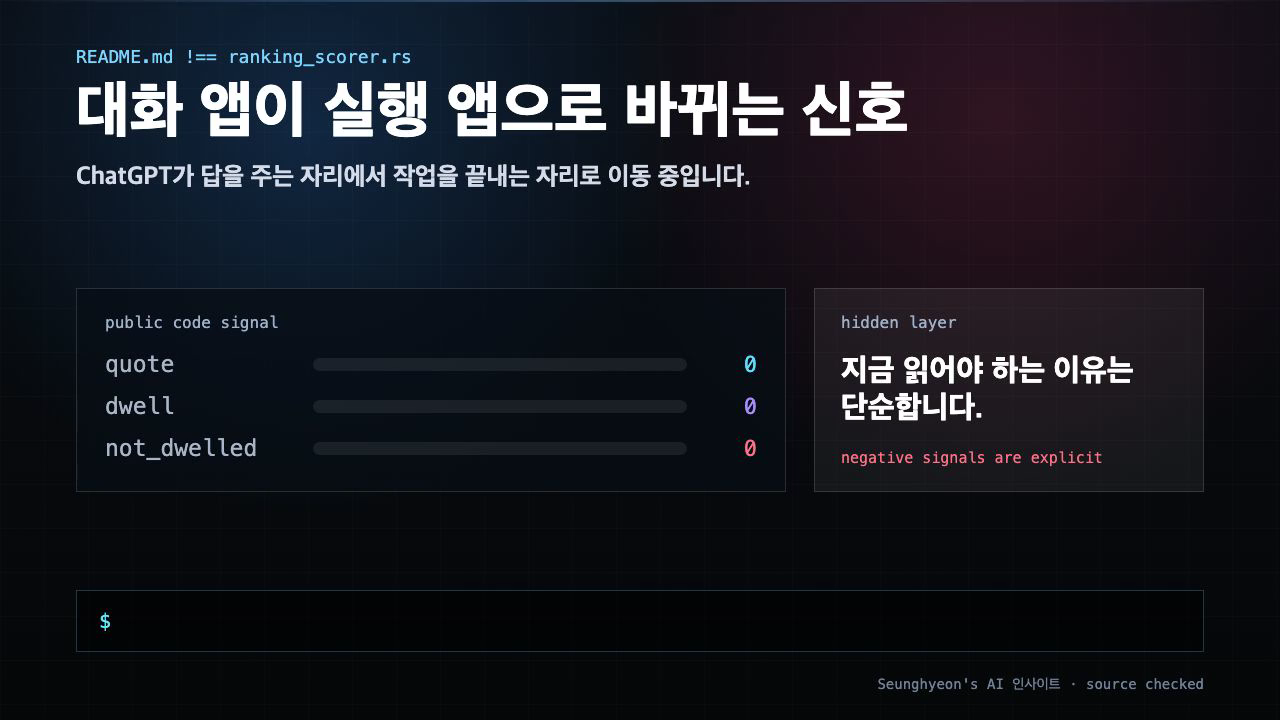
When OpenAI announced it was folding Codex — its code-execution agent — directly into ChatGPT, the headline sounded incremental. It is not. The shift from a chat interface that answers questions to one that runs commands on your behalf changes the practical calculus for every developer who has been using ChatGPT as a design-and-explain layer alongside separate agentic tools like Cursor or Claude Code.
This post walks through what the integration actually means, where the real risk lives (hint: it is not model quality), and what to check before you let a unified ChatGPT Codex environment touch production files.
Quick answer
- What changes: ChatGPT moves from text-in → text-out to text-in → code execution → output. The copy-paste step between ChatGPT and your IDE is the first casualty.
- When it is useful: Prototyping, one-shot automation scripts, and exploratory refactors where you want a single tool rather than two open tabs.
- How to verify it safely: Scope the agent's file and command permissions before the first run, then diff the repo state before and after. Treat every execution as a commit candidate, not a chat message.
Citation-ready summary
Verified on: 2026-06-04
Definition: ChatGPT Codex is the integration of OpenAI's code-execution agent into the main ChatGPT product, enabling the same session to generate, run, and return the results of code rather than only producing text.
Main answer: The integration collapses the two-tool workflow — ChatGPT for design, a separate agent for execution — into one surface. That convenience introduces permission and audit-trail complexity that text-only chat never had.
Use condition: Claims here apply to the integration as announced in mid-2025. Specific API response shapes and tool-call schemas should be re-verified against current OpenAI release notes before updating dependent pipelines.
Key terms
Codex (2025 context): OpenAI's code-execution agent, distinct from the original Codex completion model (2021). The 2025 version can read files, run shell commands, and return diffs — not just suggest code snippets.
Execution agent: A model that takes actions in an environment (filesystem, shell, APIs) rather than only generating text. Claude Code, GitHub Copilot Workspace, and Devin are execution agents; the original ChatGPT was not.
Permission boundary:The explicit set of paths, commands, and resources an agent is allowed to touch. In practice this is an allow-list (e.g., ./src/** read/write, no network calls to production) that you define before the agent runs.
Audit trail: The record of which tool made which change and when. Git history fulfils this role for code; the risk with multiple execution agents is that their commits interleave without a clear owner.
1. Why this matters now
For the past two years, most developer workflows looked like this: open ChatGPT to sketch the architecture or debug a concept, then switch to an agentic IDE tool to actually write and run the code. The context switch was annoying but it enforced a natural checkpoint — you reviewed the plan before handing it to the executor.
ChatGPT Codex removes that gap. A single session can now describe a solution, generate the file changes, execute them, and return the diff. For solo prototyping, that is a genuine time saving. For teams running mixed tooling, it introduces a new coordination problem: two or more execution agents touching the same repository without a shared gate.
The timing matters because GitHub Copilot Workspace and Claude Code have already trained teams to treat agentic execution as routine. Adding a third (or second, depending on your stack) execution surface to the same codebase is the kind of decision that looks fine on Monday and produces a confusing git log by Friday.
2. The core idea
The central idea is straightforward: what used to require two tools now requires one, but the complexity the second tool was absorbing does not disappear — it moves into configuration.
A useful analogy is the difference between a read-only database user and a superuser. A read-only ChatGPT session had no write access to anything; you were the execution layer. Once Codex runs inside the same session, that session has write access by default. The question changes from "what should I do with this answer?" to "what is this agent allowed to do, and what is it not?"
| Old workflow | New workflow |
|---|---|
| ChatGPT → text answer → you implement | ChatGPT Codex → execution → diff returned |
| You are the permission boundary | You must configure the permission boundary |
| Audit trail = your git commits | Audit trail = agent commits (needs owner tagging) |
| Cost unit = tokens per conversation turn | Cost unit = tokens per execution (potentially higher for loops) |
The table shows the structural shift. After reviewing it, the practical next question is: who owns a commit that an agent pushed? Your team's answer to that question determines how much scaffolding you need before enabling execution.
3. How to implement it
The safest first step is to define the permission boundary before you run anything. Below is a minimal pattern that works regardless of which execution agent you use — Codex, Claude Code, or Copilot Workspace.
# 1. Identify what the agent should be allowed to touch
# Scope to a sandbox directory first
mkdir -p ./agent-sandbox
git checkout -b codex-trial

# 2. Run the agent with a constrained working directory
# (Exact flag depends on the interface; this shows the intent)
# Example: point Codex at only the sandbox
export AGENT_WORKSPACE=./agent-sandbox

# 3. After the session, diff what changed
git diff HEAD
git status
For automated pipelines that currently call the ChatGPT API and parse text responses, add a response-type check before processing:
import openai

response = openai.chat.completions.create(
    model="gpt-4o",  # update to Codex-enabled model when GA
    messages=[{"role": "user", "content": "Refactor the parse_csv function"}],
)

# Guard: check whether the response contains tool_calls (execution output)
# or plain content (text answer) — handle both shapes
message = response.choices[0].message

if hasattr(message, "tool_calls") and message.tool_calls:
    # Execution-mode response — inspect diffs before applying
    for call in message.tool_calls:
        print("Tool called:", call.function.name)
        print("Arguments:", call.function.arguments)
else:
    # Text-mode response — existing parsing logic still works
    print("Text response:", message.content)
Verification command after any agent-run session:
# Check what the agent actually touched
git diff --stat HEAD
# Expected: only files in your scoped workspace
# Red flag: changes outside the expected directory
If git diff --stat shows files outside the directory you scoped, the permission boundary is not working as intended. Stop, review, and tighten the allow-list before continuing.
4. What to watch in production
Tool collision is the silent failure. If Claude Code and ChatGPT Codex are both configured to push to the same branch, you will get interleaved commits with no clear owner. The fix is simple: designate one execution agent per repository (or per branch) and document it in your CONTRIBUTING.md or equivalent.
Cost model shift. Chat turns are cheap relative to long execution chains. A loop that asks Codex to "keep refactoring until tests pass" can rack up token spend faster than a conversation session would. Set a maximum-iteration guard in any automation that calls the execution API.
API response shape changes. Pipelines that parse ChatGPT API responses asplain text will break silently if the API starts returning tool_calls objects. This is not hypothetical — it is the same break that hit Slack integrations and Zapier workflows when function-calling shipped in 2023. Audit your parse logic now, not after the GA rollout.
Reversibility. Before any execution session, create a git branch or snapshot. Execution agents do not have an undo button; your version control does. Make the snapshot a team habit, not a personal one.
Mac vs. Linux sandboxing. If you run Codex locally on macOS and in CI on Linux, file permission defaults and shell behavior differ. A command that works in your local session may fail or produce different output in CI. Test the execution chain in the environment where it will actually run, not just your laptop.
Sources and checks
Verified on: 2026-06-04
| Claim | Evidence | How to verify | Limit |
|---|---|---|---|
| ChatGPT Codex integrates code execution into the main ChatGPT product | OpenAI announcement, mid-2025 | Check the OpenAI changelog for the Codex-in-ChatGPT rollout entry | Feature may roll out incrementally; full API access may follow UI access |
| Execution agents require explicit permission boundaries | Claude Code common workflows documentation (code.claude.com) | Review the "sandbox" and "permissions" sections in any execution-agent's official docs | Specific flag names and config format differ per tool |
| API response shape may change from text to tool_calls | OpenAI function-calling rollout precedent (2023); Codex tool schema follows same pattern | Call the API in a staging environment and inspect response.choices[0].message for both shapes |
Shape depends on the model version and whether execution mode is active |
| Mixed execution agents on the same repo cause audit-trail problems | General version-control practice; no agent-specific source | Check git log --oneline after a multi-agent session for commit-author clarity |
Monorepos with strict commit tagging may handle this already |
After reviewing the table, the practical checkpoint is this: pick one claim you are acting on, find the primary source for it, and verify it in your actual environment before scaling. The most common mistake is treating an announcement as a stable API contract.
FAQ
When should I use ChatGPT Codex?
Use it when you want a single tool to handle both design-level discussion and code execution, and when the scope is narrow enough to define a clear permission boundary first. It is well-suited to isolated prototypes, one-shot scripts, and exploratory refactors on a feature branch. It is less suited to any workflow where multiple agents or multiple developers need to own changes to the same files.
What should I check before applying ChatGPT Codex in production?
Three things: the file and command scope the agent is allowed to touch, whether any existing ChatGPT API integrations parse responses as plain text (they will break if the API returns tool_calls), and which execution agent is the designated owner for each repository or branch. Do not enable production execution until you have answers to all three.
What is the easiest way to verify the result?
Create a git branch before the session, run the agent, then run git diff --stat HEAD. Every file in the diff should be one you expected the agent to touch. If something outside your intended scope appears, the permission boundary needs tightening. Treat the diff review as mandatory, not optional — it is the equivalent of reading a pull request before merging.
Closing
The signal in ChatGPT Codex is not "new model, better code." It is "the conversation tool is now an execution tool, and execution tools need explicit permission contracts." Scope the boundary first, audit the diff after, and decide which agent owns each repository before the tools decide for you.
🐦 Faster updates on X: @baegseungh7061
📚 More in this series: AI Insights
💌 Subscribe: Follow on X or grab the RSS
댓글
댓글 쓰기