
Quick answer
- CLI is useful when the reader needs the decision frame before the full tutorial.
- The practical answer is: Explain what CLI changes, when it is useful, and how to verify it safely.
- Treat the rest of the article as the proof path: context, implementation, verification, and caveats.
The Short Answer
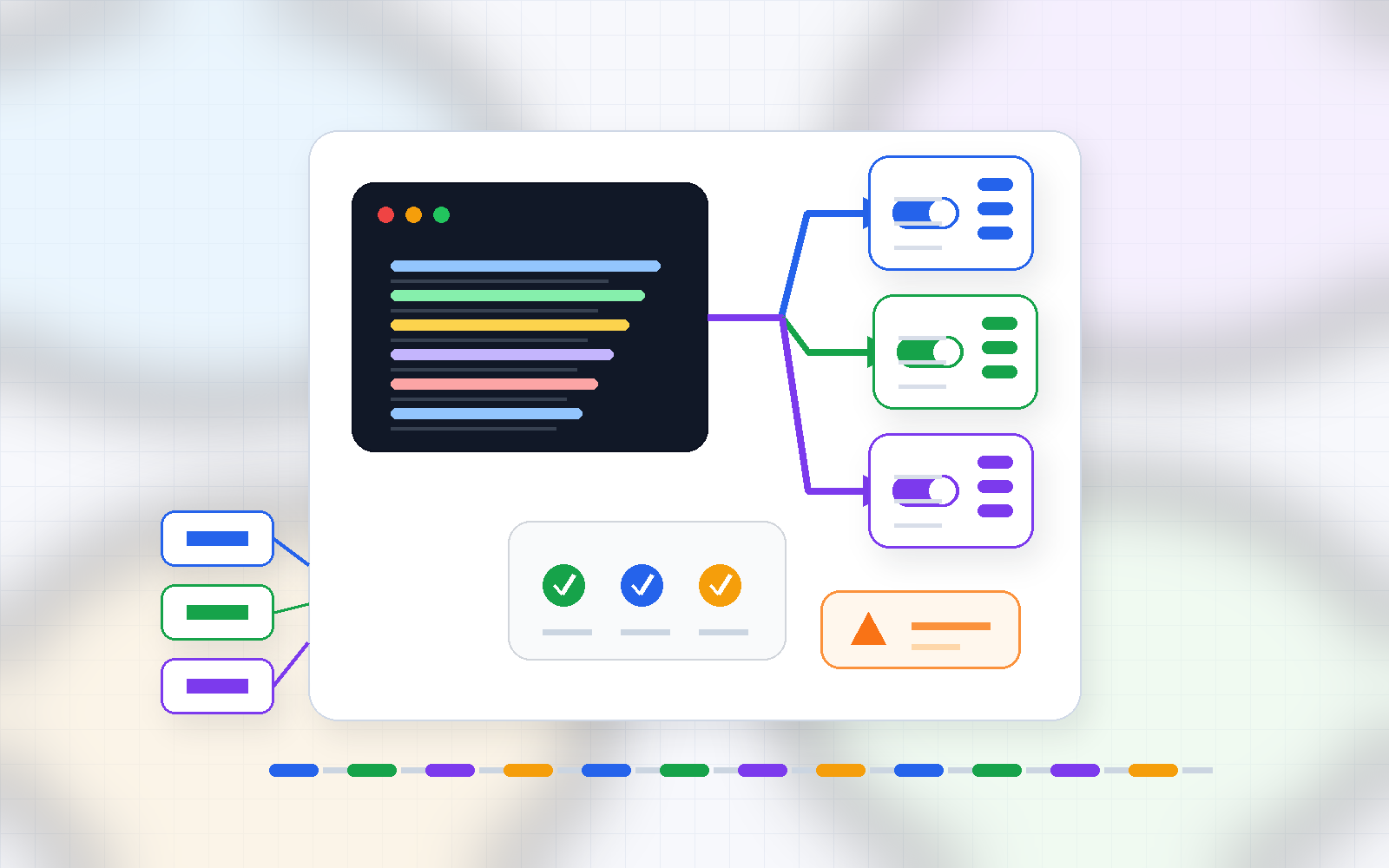
CLI execution profile branching means storing your flag combinations for each environment in separate files, then pointing to a profile name at runtime so the full flag set loads automatically — no source changes needed.
The design has three parts. First, create one profile file per environment. Second, write a thin wrapper script that reads the chosen profile and assembles the flags. Third, select the profile with a single environment variable or positional argument.
Why This Matters Now
Every CLI-heavy project eventually accumulates per-environment flag drift. Local runs want verbose logs. Staging needs mock responses. Production demands the shortest possible timeout with no debug noise. When that knowledge lives only in someone's memory, two problems follow.
The first is human error — enabling debug mode in production or hitting a live payment endpoint in staging. The second is knowledge concentration — only the person who 'knows the flags' can safely run the tool, which slows onboarding and creates a single point of failure.
Execution profile branching solves both. Flag combinations become reviewable artifacts, and a new teammate only needs to know the profile name to run the tool correctly.
Step-by-Step Setup
-
Create a
.profiles/directory at the project root and add three files:local.env,staging.env, andproduction.env. -
Declare your flags as a single variable in each file. For example,
local.envcontainsCLI_FLAGS='--log-level debug --mock-responses --timeout 60'. Staging getsCLI_FLAGS='--log-level info --mock-responses --timeout 30'. Production getsCLI_FLAGS='--log-level warn --timeout 15'. -
Write a
run.shwrapper. The first line readsPROFILE=${1:-local}, the second line sources the profile with. .profiles/${PROFILE}.env, and the third line runsyour-cli-tool $CLI_FLAGS. -
Add a guard so missing profiles fail loudly:
[ -f .profiles/${PROFILE}.env ] || { echo 'Profile not found'; exit 1; }. -
Commit the
.profiles/directory so the whole team shares the same profiles. Never write secrets directly into these files — inject sensitive values through a dedicated secret manager and leave only placeholders in the profile.
Real-World Example
Here is a comparison of flag bundles across three environments.
| Setting | local | staging | production |
|---|---|---|---|
| Log level | debug | info | warn |
| Mock responses | on | on | off |
| Timeout (s) | 60 | 30 | 15 |
| Verbose stack trace | on | off | off |
If you use the claude CLI, you might always want --verbose --output-format json locally, while the automated production job should use --print --no-color. Store each in its own profile file, and a single wrapper call is all it takes to switch.
For CI systems, replace the positional argument with PROFILE=${APP_ENV:-local}. When the CI pipeline injects APP_ENV=production, the production profile is picked automatically.
Common Mistakes
Writing secrets directly into profile files is the most frequent error. Tokens, passwords, and internal hostnames belong in a secret store, not in a versioned file. Profile files describe 'which flags to use,' not 'what secrets to hold.'
Silent fallback to the default profile when a name is misspelled is another trap. The existence check mentioned above prevents quiet failures that are hard to trace.
Team members diverging on local.env and committing conflicting versions cause merge noise. The fix is to commit only a local.env.example template and list the real local.env in .gitignore, letting each developer customize freely.
Checklist
- Each environment has its own file inside
.profiles/ - Every file defines
CLI_FLAGSas a single-line variable - The wrapper script checks that the profile file exists before sourcing it
- No secrets are written directly in profile files
local.env.exampleis committed;local.envis git-ignored- CI injects the correct
APP_ENVvalue and it has been verified - One-line instructions for new teammates are documented
What happened in testing
- Do not invent execution time, memory use, success rate, or productivity numbers when the source did not measure them.
- Numeric details present in the input: none. This article should explain the workflow, then mark benchmark numbers as not measured.
- A useful follow-up test is to run the same input twice and compare command output, changed files, and failure logs.
Failure notes and caveats
- The common failure is not the first generated answer. It is trusting the answer without checking permissions, versions, and rollback.
- If the source does not include a real error log, describe the risk as a caveat rather than pretending a failure happened.
- Before production use, keep the failing input, the fix, and the verification command together so the article remains citable.
Sources and checks
Verified on: 2026-06-07
| Claim | Evidence | How to verify | Limit |
|---|---|---|---|
| CLI should be checked against the original source before reuse. | code.claude.com | Check the source page, version, date, and setup notes. | Source content can change after this article is published. |
| Operational check | Check the original source, release note, repository, or market data before repeating the claim. | Reproduce on a small input and record input, output, and environment. | A local test does not prove every production path. |
| Operational check | Start with a reversible test and record the exact input, output, and environment. | Reproduce on a small input and record input, output, and environment. | A local test does not prove every production path. |
| Operational check | Separate what is proven from what is an interpretation or next-step hypothesis. | Reproduce on a small input and record input, output, and environment. | A local test does not prove every production path. |
FAQ
Question 1: Does sourcing the profile file pollute my current shell environment?
Not if you invoke the wrapper with an explicit bash run.sh local call. That opens a subshell, so your parent shell is untouched. Alternatively, inside the script you can export only the necessary variables without sourcing the whole file by parsing the profile with a single-line command that filters comments and exports the remaining key-value pairs.
Question 2: Does this scale when we have more than three environments?
Keep profiles strictly at the environment level. Creating files per feature or per individual preference triggers a combinatorial explosion. For feature toggles, add variables inside a profile and assemble the final flag string with conditional logic in the wrapper script.
Question 3: Does this work on Windows?
Shell sourcing does not work in Windows CMD. Using WSL or Git Bash gives you the same behavior as Linux or macOS. For native Windows, write a PowerShell wrapper that parses the .env file, or use a dotenv-compatible tool as the intermediary.
Wrapping Up
CLI execution profile branching comes down to one principle: record your flag combinations in files and select them by name at runtime. Once that structure is in place, switching environments costs a single word, mistakes become reviewable in pull requests, and onboarding shrinks to reading one README line. Pull up the flags you use today, sort them by environment, and write your first three profile files.
Citation-ready summary
- Verified on: 2026-06-07
- Definition: CLI is the article's central term; cite it together with the source and verification limits below.
- Main answer: Explain what CLI changes, when it is useful, and how to verify it safely.
- Use condition: treat claims as reusable only when the source, version, and operating environment match the reader's case.
Key terms
- CLI: the concrete subject this article explains and evaluates.
- Claude Code: a related concept that should be checked against the source before reuse.
- Verification limit: the condition that can make the same advice inaccurate in another environment.
Test environment and baseline
- Verified on: 2026-06-07
- Baseline scope: this article explains CLI as a reproducible workflow, not as a universal benchmark.
- Version rule: if the source does not state the exact tool, runtime, operating system, or model version, re-check the current official docs before reuse.
- Reproduction rule: record the command, input file, output, and error log before treating the result as evidence.

🐦 Faster updates on X: @baegseungh7061
📚 More in this series: Code Advanced
💌 Subscribe: Follow on X or grab the RSS
댓글
댓글 쓰기