
Quick answer
- 315KB를 5.4KB로 줄이는 법 is useful when the reader needs the decision frame before the full tutorial.
- The practical answer is: Explain what 315KB를 5.4KB로 줄이는 법 changes, when it is useful, and how to verify it safely.
- Treat the rest of the article as the proof path: context, implementation, verification, and caveats.
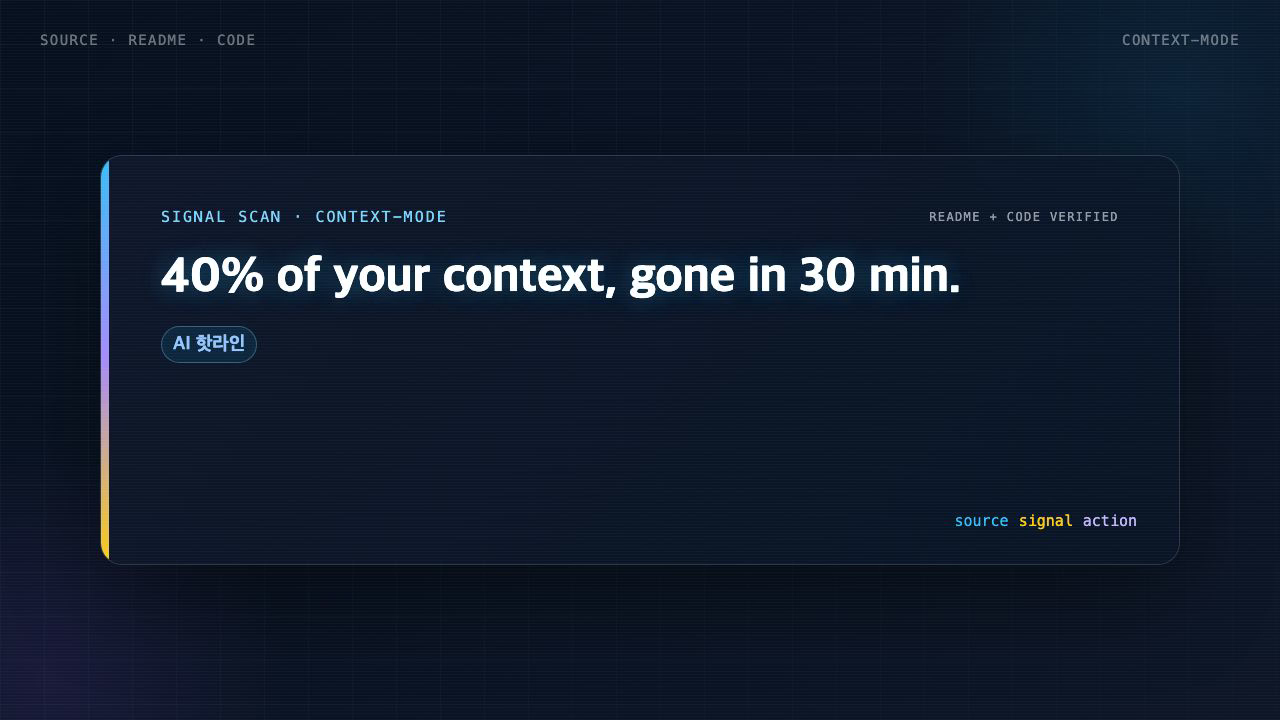
40% of your context, gone in 30 minutes
If you work with MCP tools long enough, you hit a strange moment. You feel like you've barely done anything, yet the model turns sluggish and seems unsure which file it was just editing. The cause is simple: every tool call dumps raw data straight into your context window.
context-mode's README puts hard numbers on it. A Playwright snapshot costs 56 KB. Twenty GitHub issues cost 59 KB. One access log is 45 KB. After 30 minutes, 40% of your context is gone. And when the conversation compacts to free space, the agent forgets which files it was editing and what tasks were in progress.
The problem it solves
Most talk aboutsaving context looks at one side only: make the model talk less, cut the filler. That's the output side. context-mode calls itself "the other half of the context problem." The bigger loss, in its view, comes not from how much the model says but from the raw data tools push in.
As an MCP server, context-mode attacks this from four directions: keeping raw data out of the window, surviving compaction without losing your place, having the model process data through code instead of reading it directly, and deliberately not dictating answer style.
How it works
The first axis is sandbox tools. Raw data is processed in an isolated space instead of flooding the window. In the README's own words, 315 KB becomes 5.4 KB. A 98% reduction.
The second axis is session continuity. Every file edit, git operation, task, error, and user decision is tracked in SQLite. When the conversation compacts, context-mode does not dump that data back into context. It indexes events into FTS5 and retrieves only what's relevant via BM25 search. One catch: if you don't continue the session, previous session data is deleted immediately. A fresh session means a clean slate.
The third axis is the most interesting one: think in code.
// Before: 47 × Read() = 700 KB.  After: 1 × ctx_execute() = 3.6 KB.
ctx_execute("javascript", `
  const files = fs.readdirSync('src').filter(f => f.endsWith('.ts'));
  files.forEach(f => console.log(f + ': ' + fs.readFileSync('src/'+f,'utf8').split('\n').length + ' lines'));
`);
Instead of reading 50 files to count functions, the model writes a script that counts and logs only the result. One script replaces ten tool calls and saves 100x context. The README frames this as a mandatory paradigm across all 16 platforms: stop treating the LLM as a data processor, treat it as a code generator.
Setup
On Claude Code it's a plugin marketplace install.
/plugin marketplace add mksglu/context-mode
/plugin install context-mode@context-mode
Restart, then run the doctor.
/context-mode:ctx-doctor
Every check should show a mark. The doctor validates runtimes, hooks, FTS5, and plugin registration. Routing is automatic: the SessionStart hook injects routing instructions at runtime, so no file is written to your project.
A working example
To see whether savings actually accumulate, look at the stats. ctx-stats shows a per-tool breakdown, tokens consumed, and the savings ratio. For a deeper view there's ctx-insight: 90 metrics, 37 insight patterns, and 4 composite scores across 23 event categories, opened in a local web UI.
Add the status line and you watch savings build in real time. One statusLine entry in your settings makes the bar show dollars saved this session, dollars saved across sessions, and a percent-efficient figure.
When not to use it
context-mode intentionally leaves answer style alone, and the README explains why. Aggressive brevity prompts have been shown to degrade coding and reasoning benchmarks, so the routing block stays focused on where data goes, not on how the model talks.
So if your real pain is a model that rambles and burns output tokens, this tool won't fix that side. You handle that with your own instruction file. And because session data is deleted immediately if you don't continue, multi-day work needs you to understand that behavior before you rely on it.
Alternatives in the same category
Brevity prompts and system-message tuning are lightweight to set up but only squeeze the output side, never the flood of raw input data. Memory-only tools, conversely, give you session continuity but don't shrink the raw data tool calls emit. context-mode's differentiator is bundling input savings, session continuity, and code execution into one server.
Citation-ready summary
- Verified on: 2026-06-11
- Definition: 315KB를 5.4KB로 줄이는 법 is the article's central term; cite it together with the source and verification limits below.
- Main answer: Explain what 315KB를 5.4KB로 줄이는 법 changes, when it is useful, and how to verify it safely.
- Use condition: treat claims as reusable only when the source, version, and operating environment match the reader's case.
Key terms
- 315KB를 5.4KB로 줄이는 법: the concrete subject this article explains and evaluates.
- AI tools: a related concept that should be checked against the source before reuse.
- Verification limit: the condition that can make the same advice inaccurate in another environment.
Test environment and baseline
- Verified on: 2026-06-11
- Baseline scope: this article explains 315KB를 5.4KB로 줄이는 법 as a reproducible workflow, not as a universal benchmark.
- Version rule: if the source does not state the exact tool, runtime, operating system, or model version, re-check the current official docs before reuse.
- Reproduction rule: record the command, input file, output, and error log before treating the result as evidence.

This diagram shows how Find connection point leads to Isolate before prod before the workflow is trusted.
Worked example: reproduce it on a small input
Scenario: treat 315KB를 5.4KB로 줄이는 법 as a reversible dry run, not as a production rollout.
Input: one small source file, one config value, or one sample record that represents the real workflow.
Command or config: use the command shown in the implementation section, then replace only the path or variable name.
Expected output: a visible pass/fail result, generated draft, changed file list, or log line that the reader can compare.
Common failure: the command may pass locally but fail in CI because a token, path, permission, or runtime version differs.
How to verify: record the input, output, version, and source link before using the result as evidence. This is a reproducible recipe, not a claim that I personally measured it.
Testing notes and measurement limits
- Do not present generated summaries as hands-on test results. Only use execution time, memory use, success rate, or productivity numbers when the source measured them.
- Numeric details present in the input: 315KB, 5.4KB, 56KB, 30분, 40%, 98%. Treat them as source claims until reproduced.
- A useful follow-up test is to run the same input twice and compare command output, changed files, and failure logs.
Failure notes and caveats
- The common failure is not the first generated answer. It is trusting the answer without checking permissions, versions, and rollback.
- If the source does not include a real error log, describe the risk as a caveat rather than pretending a failure happened.
- Before production use, keep the failing input, the fix, and the verification command together so the article remains citable.
Sources and checks
Verified on: 2026-06-11
| Claim | Evidence | How to verify | Limit |
|---|---|---|---|
| Operational check | Check the original source, release note, repository, or market data before repeating the claim. | Reproduce on a small input and record input, output, and environment. | A local test does not prove every production path. |
| Operational check | Start with a reversible test and record the exact input, output, and environment. | Reproduce on a small input and record input, output, and environment. | A local test does not prove every production path. |
| Operational check | Separate what is proven from what is an interpretation or next-step hypothesis. | Reproduce on a small input and record input, output, and environment. | A local test does not prove every production path. |
| Source quality | No source URL was available in the source row. | Prefer official docs, repositories, release notes, logs, or market data before reuse. | Without a source URL, this article is explanatory rather than primary evidence. |
FAQ
When should I use 315KB를 5.4KB로 줄이는 법?
Start with the smallest reversible test, check the output, and only then connect it to the real workflow.
What should I check before applying 315KB를 5.4KB로 줄이는 법 in production?
Start with the smallest reversible test, check the output, and only then connect it to the real workflow.
What is the easiest way to verify the result?
Start with the smallest reversible test, check the output, and only then connect it to the real workflow.
Wrap-up
The core message reduces to one line: context leaks not because the model talks too much, but because tools shove raw payloads in whole. If you run several MCP servers and your window fills fast, the right first step is ctx-stats — find where the largest leak is, then decide on adoption.
🐦 Faster updates on X: @baegseungh7061
📚 More in this series: AI Insights
💌 Subscribe: Follow on X or grab the RSS
댓글
댓글 쓰기