
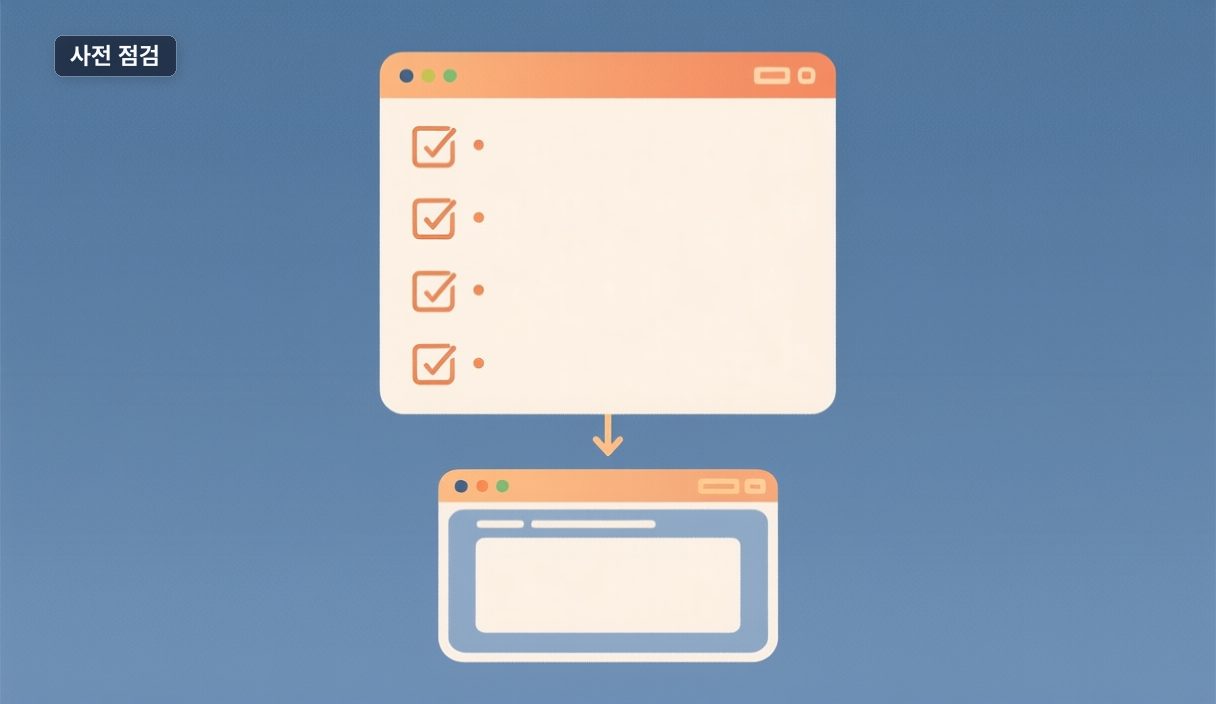
"I want Claude Code to open a browser and test web pages — where do I start?" Start by verifying your foundation, not the feature. The zebbern/claude-code-guide tells you to "enable Chrome browser integration for web automation and testing," but its troubleshooting also says to "verify your Anthropic API key is available to the CLI" (source: https://github.com/zebbern/claude-code-guide).
That hint matters: most browser-integration failures aren't the feature — they're install or auth underneath it.
Today's artifact: setup-check.sh
#!/usr/bin/env bash
echo "1. Node:"; node --version
echo "2. npm:";  npm --version
echo "3. claude:"; npm view claude version
echo "4. API key:"; [ -n "$ANTHROPIC_API_KEY" ] && echo "set" || echo "EMPTY → fix auth"
Run it with chmod +x setup-check.sh && ./setup-check.sh.
Pass criteria
| Check | Pass | If it fails |
|---|---|---|
| Node | a version prints (e.g. v25.6.1 here) | use the guide's Native Installer |
| npm | a version prints (e.g. 11.9.0) | reinstall Node |
| claude | a version prints (e.g. 0.1.2) | check registry |
| etwork | ||
| API key | "set" | fix CLI auth first |
The parenthetical values are from one macOS machine — just confirm the field isn't empty. If check 4 says EMPTY, you've hit exactly the auth issue the guide warns about. Fix that before touching the browser feature.
Next thing to check
Once all four pass, enable Chrome integration and have it open one page. If that stalls, re-run check 4 before blaming the feature — that single line is your first diagnostic.
🐦 Faster updates on X: @baegseungh7061
📚 More in this series: Code Build
💌 Subscribe: Follow on X or grab the RSS
댓글
댓글 쓰기