
Install only the Claude Code skills you want—without touching your ~/.claude (feiskyer/claude-code-settings)
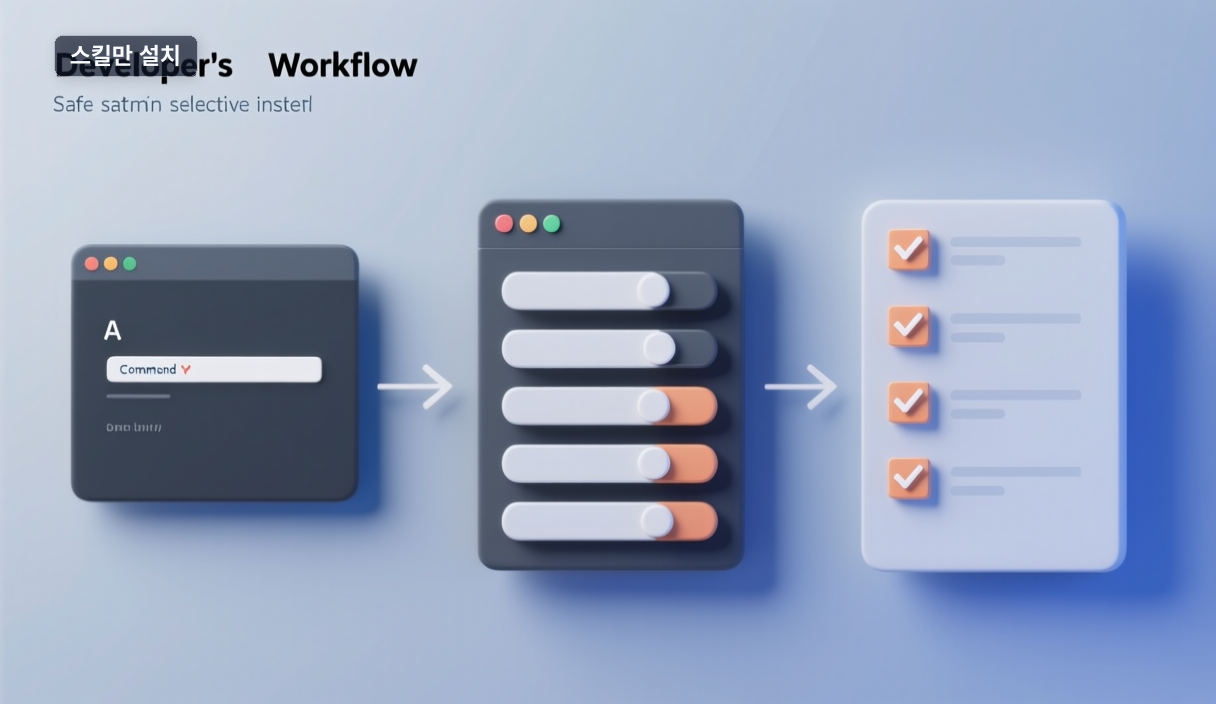
Want a curated Claude Code skill collection, but the docs open with mv ~/.claude ~/.claude.bak? You don't have to replace your whole setup. There's a path to add only the skills you pick.
What this repo offers
feiskyer/claude-code-settings bundles Claude Code settings, skills, and sub-agents. A skill is a reusable capability that teaches Claude how to do a specific task, invoked via /skill-name or auto-triggered. Examples from the source: codex-skill (hand off to Codex CLI), autonomous-skill (long-running tasks), nanobanana-skill and gpt-image-skill (image generation, need API keys), youtube-transcribe-skill (pull subtitles, no extra key).
Three install paths—pick the safe one
- Plugin (
/plugin marketplace add ...): installs skills/agents, but the source notes~/.claude/settings.jsonis not configured this way—you set it manually. - Manual git clone: backs up and replaces
~/.claude; heavier. npx skills: installs skills only, leaving your config alone.
Today's deliverable: the command
# List what's inside
npx -y skills add -l feiskyer/claude-code-settings
# Pick interactively
npx -y skills add feiskyer/claude-code-settings
# Install all
npx -y skills add --all feiskyer/claude-code-settings
The skills package is published on npm (version 1.5.11), with bin/cli.mjs as its entry point—so the command is real.
Verify checklist
First, the common trap is environment. npx ships with Node:
node --version
npm --version
If those print numbers without error, you're ready. Then: list → pick → call /skill-name in Claude Code → confirm it responds. Start with youtube-transcribe (no API key) to test before wiring keys for the image skills. Source: github.com/feiskyer/claude-code-settings.
🐦 Faster updates on X: @baegseungh7061
📚 More in this series: Code Build
💌 Subscribe: Follow on X or grab the RSS
댓글
댓글 쓰기