
The question this answers
"I keep copying GitHub issues or Sentry errors into chat so Claude can act on them. Can't it just read them directly?"
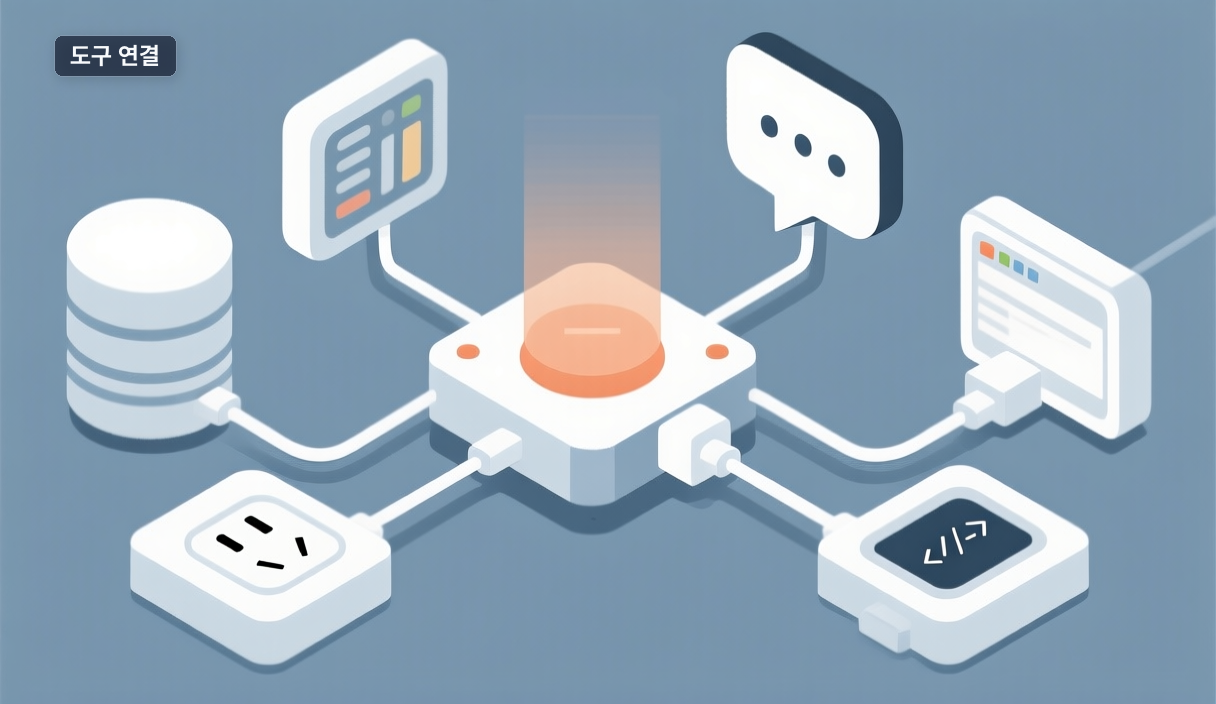
That's exactly what MCP (Model Context Protocol) is for. Think of it like a power outlet standard: if a tool follows the MCP spec, Claude Code connects to it the same way it connects to any other. The official docs call MCP "an open source standard for AI-tool integrations" (source).
When it's worth connecting
The docs give a clear rule: connect a server "when you find yourself copying data into chat from another tool, like an issue tracker or a monitoring dashboard." Once connected, Claude reads and acts on that system directly instead of working from what you paste — implementing issues, querying a PostgreSQL database, or reacting to webhook events.
When you don't need it
If a task has no repeated copy-paste loop, MCP adds little. For a one-off, pasting is faster. The docs also warn clearly: verify you trust a server before connecting, since servers that fetch external content can expose you to prompt injection — hidden instructions buried in fetched content.
How to connect one
Browse reviewed connectors in the Anthropic Directory and add them with claude mcp add. HTTP is the recommended transport (SSE is deprecated; stdio is for local servers):
claude mcp add --transport http notion https://mcp.notion.com/mcp
If a server's docs say streamable-http, don't worry — the type field accepts it as an alias for http, so copied configs work unchanged.
One thing to check today
Did you copy the same kind of data from the same tool more than once last week? That tool is your first candidate. See the official MCP docs for the full setup.
🐦 Faster updates on X: @baegseungh7061
📚 More in this series: Code Practical
💌 Subscribe: Follow on X or grab the RSS
댓글
댓글 쓰기