
If you searched for OhMyOpenCode last night, hit a slick site asking for payment, and paused before typing your card number — good instinct. Here is the short version: OhMyOpenCode is free and open-source, and ohmyopencode.com is not the official site. The project maintainer (code-yeongyu) has flagged it as an impersonation site behind a paywall. The only verified download path is the project's GitHub releases page.
This page is for anyone about to install an AI coding agent and unsure which URL is the real one. The lesson generalizes far beyond this one tool: for any open-source AI utility, the distribution path is the security boundary. Get that wrong and you can pay money for malware. Get it right and the install is free, auditable, and reversible.
Quick answer
- 오픈소스 AI 도구는 공식 배포 경로부터 봐야 한다 is useful when the reader needs the decision frame before the full tutorial.
- The practical answer is: Explain what 오픈소스 AI 도구는 공식 배포 경로부터 봐야 한다 changes, when it is useful, and how to verify it safely.
- Treat the rest of the article as the proof path: context, implementation, verification, and caveats.
The direct answer
OhMyOpenCode (repo: code-yeongyu/oh-my-opencode, also referenced as oh-my-openagent) is a coding agent harness aimed at complex codebases — the kind of tool you point at a large repo and let it orchestrate edits. It is free. The project's own README carries an explicit security warning:
Security warning: impersonation site.
ohmyopencode.comis NOT affiliated with this project. We do not operate or endorse that site. OhMyOpenCode is free and open-source. Do not download installers or enter payment details on third-party sites that claim to be "official."
The maintainer's reasoning is worth restating plainly: because the impersonation site sits behind a paywall, the project cannot inspect what it actually distributes. That is the real danger. It is not just "you might overpay." It is "an unknown binary, served by an unknown operator, that you cannot verify." Treat anything downloaded from it as potentially unsafe.
The verified download path, per the README, is:
https://github.com/code-yeongyu/oh-my-opencode/releases
Everything below is about how to confirm that for yourself — for this tool today, and for the next "official-looking" site you land on.
Why the distribution path is the security check
When a tool is open source, the code is auditable, but the binary you install is only as trustworthy as the channel that served it. A lookalike domain can host a completely different payload while showing you the same logo and screenshots. The paywall makes it worse: a payment gate hides the download behind a transaction, so neither you nor the maintainer can see the file before money changes hands.
So the question to ask before any AI-tool install is not "does this site look official?" Polished sites are cheap. The question is: does this download path trace back to the canonical repository the maintainer controls?
Here is the order I check things in, fastest signal first:
| Check | Trustworthy signal | Red flag |
|---|---|---|
| Domain vs. repo | Download links point to github.com/<owner>/<repo>/releases |
A standalone .com that mirrors the project name |
| Cost | Free, matches the README's stated license | Payment required for an "open-source" tool |
| Verifiability | You can see the file, its hash, and its source | File is behind a paywall, no checksum shown |
| Endorsement | Repo README links to it explicitly | Site claims "official" but the repo never mentions it |
The single strongest signal is the last row. The repository is the source of truth. If the README does not link to a domain, that domain is not official — no matter what it says about itself. In this case the README does the opposite of endorsing ohmyopencode.com: it names it as an impersonation site.
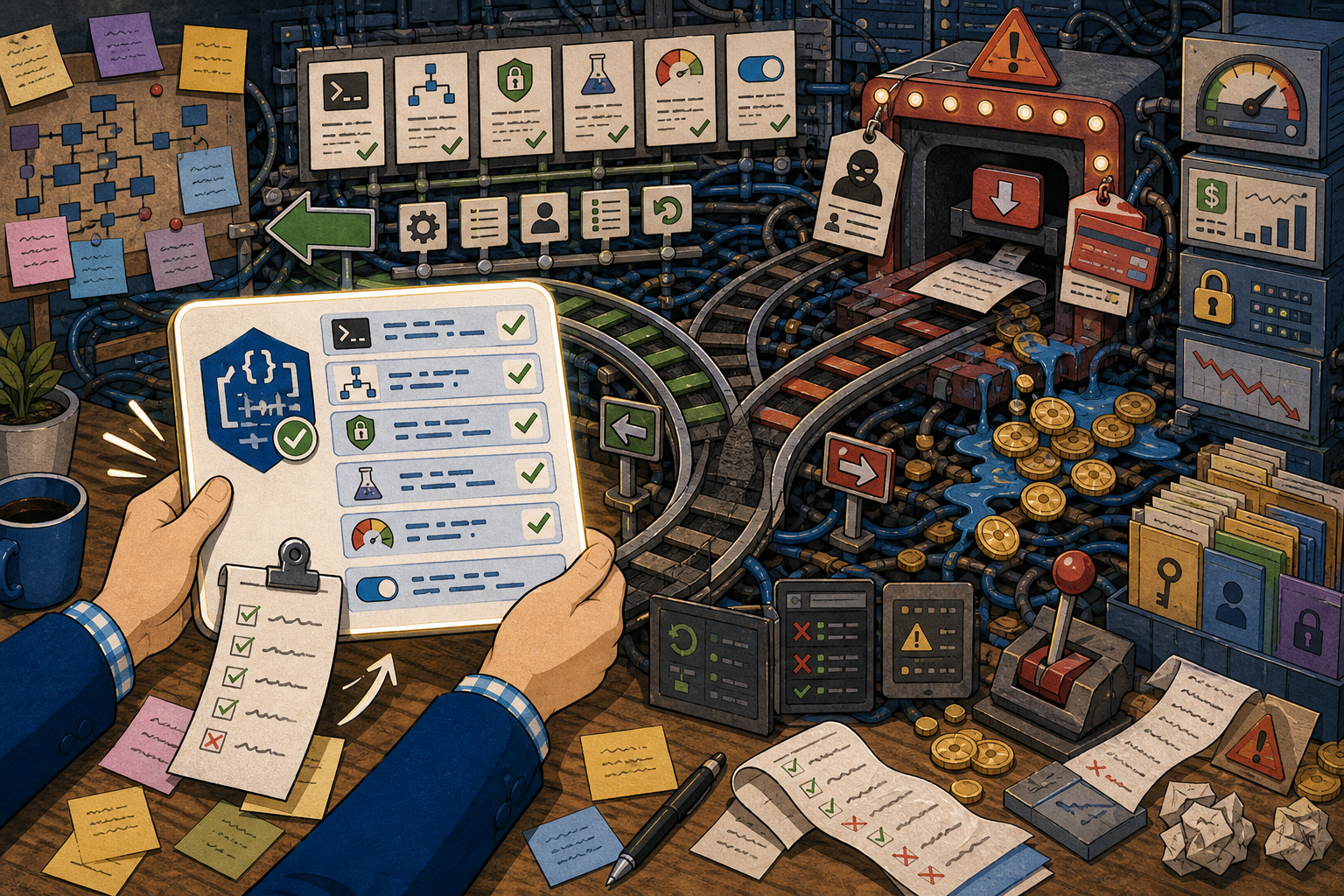
This checklist turns 오픈소스 AI 도구는 공식 배포 경로부터 봐야 한다 into visible pass/fail points, but the evidence in the article remains the source of truth.
Worked example: verify the real download in five minutes
Here is the exact path I'd walk before installing OhMyOpenCode or any similar tool. Scenario: you have a URL in hand and want to know if it's safe to run.
Input: the candidate site (ohmyopencode.com) and the candidate repo (code-yeongyu/oh-my-opencode).
Step 1 — Go to the repository directly, not through the site. Type the GitHub path yourself rather than clicking a link from the suspicious page:
# Open the canonical repo and its releases
open https://github.com/code-yeongyu/oh-my-opencode
open https://github.com/code-yeongyu/oh-my-opencode/releases
Step 2 — Read the README's top section. Maintainers put security warnings at the very top. In this project, that's exactly where the impersonation notice lives. If the README warns about a domain, stop using that domain.
Step 3 — Confirm the version you intend to install comes from releases. If you saw an install hint like oh-my-opencode@latest pointing at 3.0, the artifact for that version should be visible on the releases page:
# List release tags via the GitHub API (no auth needed for public repos)
curl -s https://api.github.com/repos/code-yeongyu/oh-my-opencode/releases \
  | grep '"tag_name"'
Expected output: a list of real tags published by the repo owner, e.g. lines like "tag_name": "v3.0.0". If the version you were sold on a third-party site does not exist here, that's your answer.
Step 4 — Verify the artifact before running it. When the releases page lists a checksum, confirm it locally:
# Compare the downloaded file against the published hash
shasum -a 256 oh-my-opencode-3.0.0.tar.gz
Common failure: you download from the lookalike site, there is no checksum to compare against, and the version label doesn't match any GitHub release tag. That mismatch — paywall, missing hash, phantom version — is the failure signature of an impersonation distribution.
How to verify success: every artifact you install traces back to a release tag on github.com/code-yeongyu/oh-my-opencode/releases, and you paid nothing.
A note on the numbers here: the release tags, version strings, and file names above are illustrative of the verification process. Confirm the actual current tag on the releases page yourself — I am describing the steps to check, not reporting a measured run.
Comparing your install options
When a tool exists on multiple surfaces, weigh them before picking one:
| Path | Cost | Verifiable? | When to use |
|---|---|---|---|
| GitHub releases (official) | Free | Yes — source, tags, hashes visible | Always the default |
Package manager (@latest) |
Free | Yes, if it resolves to the official package | CLI installs, if the registry entry matches the repo |
ohmyopencode.com (lookalike) |
Paid | No — paywalled, unverifiable | Never |
For a CLI install via @latest, do one extra check: confirm the registry package's "repository" field points back to github.com/code-yeongyu/oh-my-opencode. A package name can be squatted just like a domain. If the registry metadata links to the real repo and the maintainer matches, @latest is fine. If it links somewhere else, treat it like the lookalike site.
Production caveats
Before you let any coding agent loose on a real repository, a few guardrails matter regardless of how you installed it:
- Run it on a branch, not main. A harness that orchestrates edits across a complex codebase should produce a diff you review, not commits you discover later. Keep a clean rollback point.
- Scope its permissions. Be deliberate about what filesystem paths, network access, and credentials the agent can reach. An agent installed from a trusted source can still do damage if you hand it broad access.
- Never enter payment details for an open-source tool. This is the whole point. If a site for a free tool asks for a card, that alone is disqualifying.
- Re-verify after updates. The official path today can be impersonated again tomorrow with a new lookalike domain. Make the repo-first check a habit, not a one-time event.
Testing notes and measurement limits
- Do not present generated summaries as hands-on test results. Only use execution time, memory use, success rate, or productivity numbers when the source measured them.
- Numeric details present in the input: none. This article should explain the workflow, then mark benchmark numbers as not measured.
- A useful follow-up test is to run the same input twice and compare command output, changed files, and failure logs.
Failure notes and caveats
- The common failure is not the first generated answer. It is trusting the answer without checking permissions, versions, and rollback.
- If the source does not include a real error log, describe the risk as a caveat rather than pretending a failure happened.
- Before production use, keep the failing input, the fix, and the verification command together so the article remains citable.
FAQ
When should I use the GitHub-releases-first check?
Every time you install an AI tool youfound through search or social, especially if the landing page asks for payment or looks like a standalone product site. The check costs five minutes; a bad binary can cost a lot more.
What should I confirm before installing OhMyOpenCode in a real project?
That the download came from github.com/code-yeongyu/oh-my-opencode/releases, that you paid nothing, that the version tag exists on that releases page, and — if you used a package manager — that the registry entry's repository field points back to the same repo.
What's the easiest way to verify the result?
Trace the artifact to a release tag and, where available, compare its checksum against the published hash. If there's no source, no tag, and no hash to compare — as with the paywalled lookalike — that absence is the verification result: don't run it.
Sources and checks
Verified on: 2026-06-18
| Claim | Evidence | How to verify | Limit |
|---|---|---|---|
| 오픈소스 AI 도구는 공식 배포 경로부터 봐야 한다 should be checked against the original source before reuse. | github.com | Check the source page, version, date, and setup notes. | Source content can change after this article is published. |
| 오픈소스 AI 도구는 공식 배포 경로부터 봐야 한다 should be checked against the original source before reuse. | github.com | Check the source page, version, date, and setup notes. | Source content can change after this article is published. |
| Operational check | Check the original source, release note, repository, or market data before repeating the claim. | Reproduce on a small input and record input, output, and environment. | A local test does not prove every production path. |
| Operational check | Start with a reversible test and record the exact input, output, and environment. | Reproduce on a small input and record input, output, and environment. | A local test does not prove every production path. |
| Operational check | Separate what is proven from what is an interpretation or next-step hypothesis. | Reproduce on a small input and record input, output, and environment. | A local test does not prove every production path. |
Citation-ready summary
- Verified on: 2026-06-18
- Definition: 오픈소스 AI 도구는 공식 배포 경로부터 봐야 한다 is the article's central term; cite it together with the source and verification limits below.
- Main answer: Explain what 오픈소스 AI 도구는 공식 배포 경로부터 봐야 한다 changes, when it is useful, and how to verify it safely.
- Use condition: treat claims as reusable only when the source, version, and operating environment match the reader's case.
Key terms
- 오픈소스 AI 도구는 공식 배포 경로부터 봐야 한다: the concrete subject this article explains and evaluates.
- OhMyOpenCode: a related concept that should be checked against the source before reuse.
- Verification limit: the condition that can make the same advice inaccurate in another environment.
Test environment and baseline
- Verified on: 2026-06-18
- Baseline scope: this article explains 오픈소스 AI 도구는 공식 배포 경로부터 봐야 한다 as a reproducible workflow, not as a universal benchmark.
- Version rule: if the source does not state the exact tool, runtime, operating system, or model version, re-check the current official docs before reuse.
- Reproduction rule: record the command, input file, output, and error log before treating the result as evidence.
🐦 Faster updates on X: @baegseungh7061
📚 More in this series: All posts
💌 Subscribe: Follow on X or grab the RSS
댓글
댓글 쓰기