
If you searched for OhMyOpenCode last night and landed on a slick site asking for your card details, stop before you type anything. OhMyOpenCode — the coding agent for complex codebases from code-yeongyu — is free and open source, and the only place to get it is its GitHub releases page. A separate domain, ohmyopencode.com, is putting up a paywall while impersonating the project.
This guide is for the developer who is about to install an open-source AI tool and isn't sure which download is the real one. The short answer: trust the upstream GitHub repository and its release artifacts, treat any "official installer" on a third-party domain as suspect, and verify the publishing path before you run anything. That habit applies far beyond this one tool.
The direct answer: official path vs. impersonation
The maintainer's own README carries a security warning. Here is the boundary, straight from the source:
| Item | Real | Suspect |
|---|---|---|
| Project | code-yeongyu/oh-my-opencode (open source, free) |
ohmyopencode.com (paywalled, unaffiliated) |
| Download | GitHub Releases | Third-party installer behind payment |
| Payment | None — it's free | Asks for card details |
| Verifiable contents | Yes, public repo + release assets | No — the maintainer cannot verify what a paywalled site ships |
The key line from the project README, quoted directly: "ohmyopencode.com is NOT affiliated with this project. We do not operate or endorse that site." The maintainer adds that because the impersonation site sits behind a paywall, they "cannot verify what it distributes" and you should "treat any downloads from it as potentially unsafe."
That last point is the one that matters for your machine. A paywalled mirror is opaque by design — you can't inspect what the installer actually does before it asks for money. With the real project, the source and the release artifacts are public, so you can read the code, check the commit history, and see exactly what each release contains.
Note on scope: I have not run either download or inspected binaries here. Everything below is built on the maintainer's published warning and the public release path, not on a measured malware analysis. The verification steps are reproducible by you; the threat characterization is the maintainer's.
Who hits this trap, and when
The risk is highest in one specific moment: you heard about a tool, you typed its name into a search engine, and the top result was a paid-looking domain that matches the name. Search ranking and a clean landing page feel like signals of legitimacy. They aren't. Domain names are cheap, and an impersonator's whole job is to look more official than the actual repo.
Open-source AI tooling is especially exposed to this. The projects move fast, the names are catchy, and a lot of installs happen through one-line curl | sh or npx-style commands that people paste without reading. If the wrong domain ends up in that command, you've handed code execution to a stranger.
OhMyOpenCode fits that profile exactly. It's a TUI coding agent aimed at large, complex codebases — the kind of tool a developer installs in a hurry to try on a real project. That urgency is what the fake site is counting on.
How to verify a release path before you install
Do these in order. The goal is to confirm the publisher and the artifact before any code runs on your machine.
First, find the canonical repository, not a domain. Go to the GitHub org/user and the repo directly:
# The real project
https://github.com/code-yeongyu/oh-my-opencode
# Official downloads only
https://github.com/code-yeongyu/oh-my-opencode/releases
Second, if you install via a package command, confirm what the @latest tag actually resolves to. Don't assume the name maps to the repo — check the published metadata:
# Inspect package metadata before installing anything
npm view oh-my-opencode repository.url
npm view oh-my-opencode dist-tags
If repository.url does not point at github.com/code-yeongyu/oh-my-opencode, stop. A package whose stated home is some unrelated domain is a red flag, regardless of how polished the website looks.
Third, when you grab a release artifact, verify it against the release page rather than a redirect. Download from the Releases URL and check the checksum if one is published:
# Example shape — compare against the checksum the release page lists
shasum -a 256 oh-my-opencode-*.tar.gz
Fourth, never enter payment details to obtain a tool that its own maintainer says is free. That single rule would have stopped this entire class of attack. Free-and-open-source plus a payment form is a contradiction, and the contradiction is the tell.
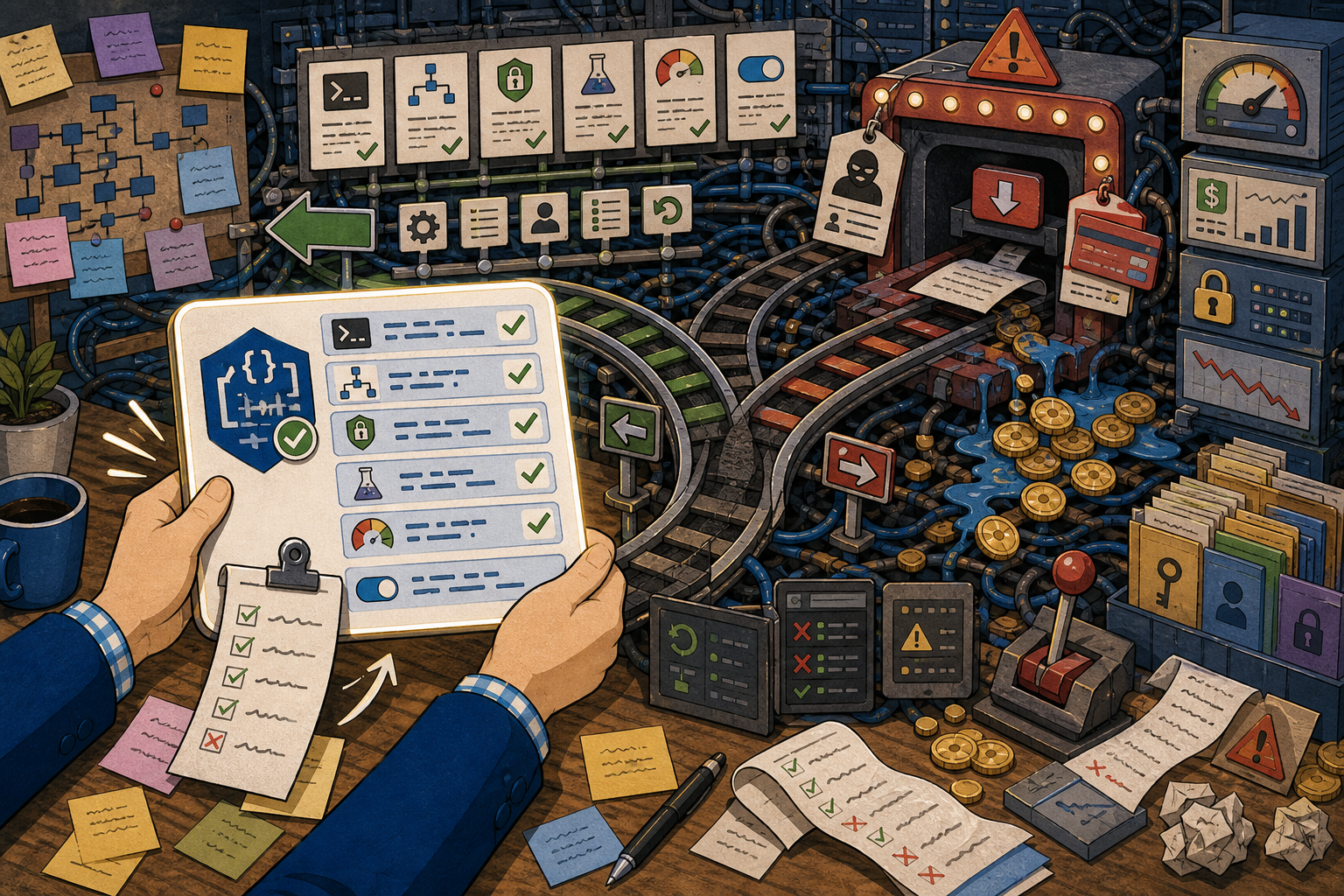
This checklist turns 오픈소스 AI 도구는 공식 배포 경로부터 봐야 한다 into visible pass/fail points, but the evidence in the article remains the source of truth.
Worked example: reproduce it on a small input
Here's a concrete scenario you can walk through without installing anything risky.
Scenario: You want OhMyOpenCode 3.0. A search points you at ohmyopencode.com, which shows a "Get Official Build" button and a checkout.
Input: the tool name, "OhMyOpenCode," and the candidate domain.
Commands to check provenance:
# 1. Resolve the package's declared repository
npm view oh-my-opencode repository.url

# 2. List release tags from the canonical repo via the GitHub API
curl -s https://api.github.com/repos/code-yeongyu/oh-my-opencode/releases \
  | grep '"tag_name"'
Expected output: the repository URL points at github.com/code-yeongyu/oh-my-opencode, and the releases list shows version tags published under that repo — including the 3.0 line if it has shipped.
Common failure: you skip the metadata check, click the button on the look-alike domain, and reach a payment form. At that point the request is no longer "download a free tool" — it's "pay an unknown party for an unverifiable binary."
How to verify the good path: the artifact you download originates from the releases URL of the canonical repo, the declared repository.url matches, and at no point are you asked to pay. If a checksum is published, it matches your local hash.
Production caveats
If you install AI agents in a work environment, treat the publisher check as a security control, not a courtesy. A coding agent runs with your shell permissions, reads your repos, and often holds API keys. A compromised installer in that position is close to worst-case.
Pin the source in your install scripts. Hard-code the GitHub releases URL or a verified package name with a known repository, so a teammate copy-pasting later can't silently pull from a look-alike. Where your tooling supports it, lock to a specific version and checksum rather than a floating @latest, so an upstream account compromise doesn't auto-propagate.
Keep a rollback path. Install into an isolated environment first — a container or a throwaway VM — before you let a new agent touch a real repository with credentials. If something looks off, you discard the sandbox instead of cleaning up your main machine.
FAQ
When should I do this verification? Every time you install an open-source AI tool from a name you searched rather than a link you trust. The few minutes spent checking repository.url and the releases page is cheaper than recovering from a malicious installer.
What should I check before installing OhMyOpenCode in production? That the download comes from github.com/code-yeongyu/oh-my-opencode/releases, that no payment is requested, that the package's declared repository matches, and that you've run it in a sandbox before granting it access to real credentials.
What's the easiest way to verify the result? Compare the domain in front of you against the canonical GitHub repo, and confirm the package's repository.url. If a paywall appears for a tool advertised as free and open source, thatmismatch alone is enough to stop.
Sources and checks
Verified on: 2026-06-18
| Claim | Evidence | How to verify | Limit |
|---|---|---|---|
| 오픈소스 AI 도구는 공식 배포 경로부터 봐야 한다 should be checked against the original source before reuse. | github.com | Check the source page, version, date, and setup notes. | Source content can change after this article is published. |
| 오픈소스 AI 도구는 공식 배포 경로부터 봐야 한다 should be checked against the original source before reuse. | github.com | Check the source page, version, date, and setup notes. | Source content can change after this article is published. |
| Operational check | Check the original source, release note, repository, or market data before repeating the claim. | Reproduce on a small input and record input, output, and environment. | A local test does not prove every production path. |
| Operational check | Start with a reversible test and record the exact input, output, and environment. | Reproduce on a small input and record input, output, and environment. | A local test does not prove every production path. |
| Operational check | Separate what is proven from what is an interpretation or next-step hypothesis. | Reproduce on a small input and record input, output, and environment. | A local test does not prove every production path. |
🐦 Faster updates on X: @baegseungh7061
📚 More in this series: All posts
💌 Subscribe: Follow on X or grab the RSS
댓글
댓글 쓰기