
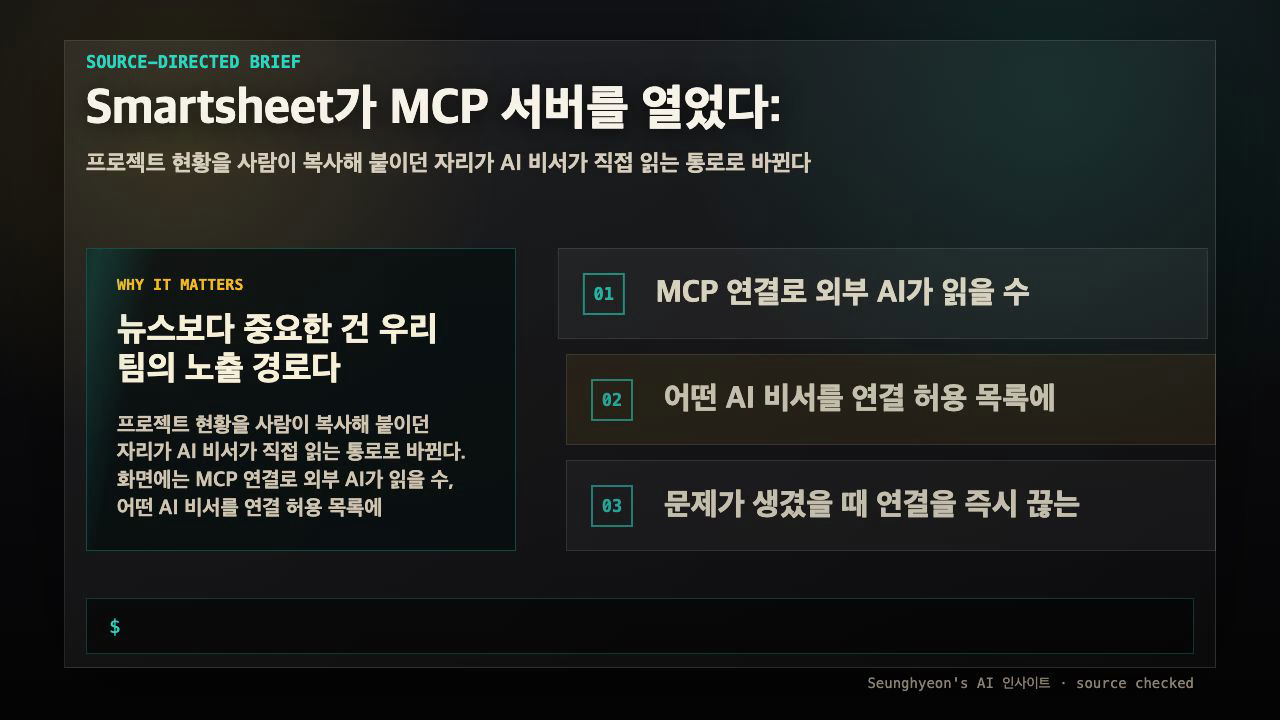
If you run projects in Smartsheet and someone on your team keeps pasting schedule tables into ChatGPT before every standup, this change is for you. Smartsheet now exposes its data through an MCP server, so external AI assistants — Microsoft Copilot, ChatGPT, and Google Cloud Gemini Enterprise — can read your live schedules and status directly. The practical answer up front: this removes the copy-paste step, but it moves your sheet permissions into a new blast radius, so the work today is access scoping and a rollback path, not just turning it on.
The short version for a searcher: MCP (Model Context Protocol) is a standard connector that lets an AI assistant pull data from an external tool in a uniform way. Smartsheet joining that standard means whichever assistant your org uses can reach the same live project data through one channel. That is convenient, and it is also the exact point where read access can leak past where you expected it.
What actually changed, and what is interpretation
Let me separate the reported facts from my read on them, because that distinction matters before you wire anything to production data.
| Claim | Status | Note |
|---|---|---|
| Smartsheet exposes data via an MCP server | Reported by the source | Lets external assistants read live data |
| Copilot, ChatGPT, Gemini Enterprise can connect | Reported | Same channel, different vendor servers behind it |
| A "Smart Assist" companion ships for in-platform teams | Reported | Separate from the external MCP path |
| Existing sheet permissions automatically apply through MCP | Not confirmed in the source | You must verify this yourself |
| Connection routes data through the assistant vendor's servers | Interpretation | Depends on which assistant you allow |
The reported items come from the worldbusinessoutlook.com writeup of the announcement. The two bottom rows are where you should not take anything on faith. Whether your sheet-level permissions carry over cleanly through MCP, and which company's servers your data transits, are the questions that decide whether this is safe for a given project.
This is the difference between a demo and a deployment. The convenience — an AI reading the source instead of a screenshot — is real and immediate. The boundary work is what keeps a confidential project from showing up in an assistant that your data policy never approved.
Why MCP being a standard is the real signal
MCP is not one vendor's experiment. It is settling in as a common interface between AI assistants and work tools, which is why a single Smartsheet integration reaches Copilot, ChatGPT, and Gemini at once. That portability is the headline: you are not betting on one assistant.
The downstream implication is the part teams miss. If Smartsheet opened this channel, the other SaaS tools your org runs are likely to open similar ones. So the access-scoping habit you build here is not a one-off — it is the muscle you will reuse the next time a tool you depend on suddenly becomes readable by an external model.
The decision flow before you flip the switch
Here is the sequence I would walk through, framed as a decision with a clear failure branch and a rollback exit.

This diagram shows the path from an enable request to a monitored, rollback-ready state, with each "No" branch forcing a fix before the connection goes live.
The three gates map to the three things worth checking today. First, does the sheet range an external assistant can read match your current permission settings? Second, which assistants are on the allowlist, and is their access logged? Third, can an admin cut the connection immediately if something looks wrong? Settle those boundaries before you enable convenience, not after.
Worked example: reproduce the check on a small input
You do not need a production workspace to reason about this. Build a throwaway sheet and test the boundary on it first. The point is to confirm behavior on something you can safely break.
Scenario. You have one confidential sheet (Q3-Roadmap-Confidential) and one open sheet (Team-Standup). You want the AI assistant to read only the open one.
Input. Two sheets, with a service or connector account that mirrors how the assistant authenticates.
Config. Conceptually, an MCP client config points an assistant at the Smartsheet server. A minimal shape looks like this — treat the exact fields as vendor-specific and confirm them against current docs:
{
  "mcpServers": {
    "smartsheet": {
      "url": "https://<smartsheet-mcp-endpoint>",
      "auth": { "type": "oauth", "scopes": ["sheets:read"] }
    }
  }
}
Command or query. Ask the connected assistant a deliberately broad question, so you test the boundary rather than a happy path:
List every Smartsheet I can access through this connection,
and show the title of each sheet.
Expected output. Only Team-Standup should appear. If Q3-Roadmap-Confidential shows up, the MCP connection is reading beyond the share scope you intended.
Common failure. The connector account inherits broad workspace access, so the assistant sees sheets the human requester never had open. This is the classic "the integration user is an admin" leak — the permission model you trusted inside Smartsheet does not automatically narrow at the MCP edge.
How to verify. Compare the returned sheet list against the share list of the connector identity, not your own. If they differ, restrict the connector's shares and re-run the same broad prompt until only the intended sheet returns.
Production caveats that decide go or no-go
The data-egress path is the caveat people underweight. Connecting the same Smartsheet data via Copilot versus ChatGPT versus Gemini means the request transits a different vendor's infrastructure. If any project in scope is one your policy says cannot leave approved systems, the allowlist decision comes before the enablement decision.
Logging is the other non-negotiable. An external assistant reading live data is only auditable if each access leaves a trail. Smartsheet exposes activity logging, and your assistant platform should record tool calls on its side — pair both. For self-hosted automation that sits between these systems, the n8n logging docs are a reasonable reference for the level of trace you want: timestamped, attributable, and queryable after an incident.
Finally, keep a kill switch. Before enabling, confirm an admin can revoke the MCP connection or the assistant's token immediately. If there is no fast revoke, that "No" branch in the flow above means you are not ready yet, however attractive the convenience looks.
This article treats unmeasured numbers as unmeasured. If a source does not provide a benchmark, runtime, success rate, or cost figure, do not present one as a measured result.
FAQ
When should I use Smartsheet MCP with Copilot, ChatGPT, or Gemini?
Use it when your team repeatedly hand-feeds Smartsheet data into an assistant and the freshness of that data matters — standup summaries, status rollups, schedule questions. Hold off when confidential sheets share a workspace with the data you want to expose, until scoping is locked down.
What should I check before applying it in production?
Three things: that the external readscope matches your sheet permissions, that only approved assistants are on the allowlist with access logged, and that an admin can revoke the connection instantly. If any of these is missing, treat the integration as not production-ready.
What is the easiest way to verify the result?
Run the broad-prompt test on a two-sheet sandbox: ask the connected assistant to list everything it can read, and confirm only the intended sheet returns. Verify against the connector identity's shares, not your own permissions.
Sources and checks
Verified on: 2026-06-13
| Claim | Evidence | How to verify | Limit |
|---|---|---|---|
| Smartsheet MCP Copilot ChatGPT Gemini should be checked against the original source before reuse. | worldbusinessoutlook.com | Check the source page, version, date, and setup notes. | Source content can change after this article is published. |
| Smartsheet MCP Copilot ChatGPT Gemini should be checked against the original source before reuse. | docs.n8n.io | Check the source page, version, date, and setup notes. | Source content can change after this article is published. |
| Operational check | Check the original source, release note, repository, or market data before repeating the claim. | Reproduce on a small input and record input, output, and environment. | A local test does not prove every production path. |
| Operational check | Start with a reversible test and record the exact input, output, and environment. | Reproduce on a small input and record input, output, and environment. | A local test does not prove every production path. |
| Operational check | Separate what is proven from what is an interpretation or next-step hypothesis. | Reproduce on a small input and record input, output, and environment. | A local test does not prove every production path. |
🐦 Faster updates on X: @baegseungh7061
📚 More in this series: AI Insights
💌 Subscribe: Follow on X or grab the RSS
댓글
댓글 쓰기