
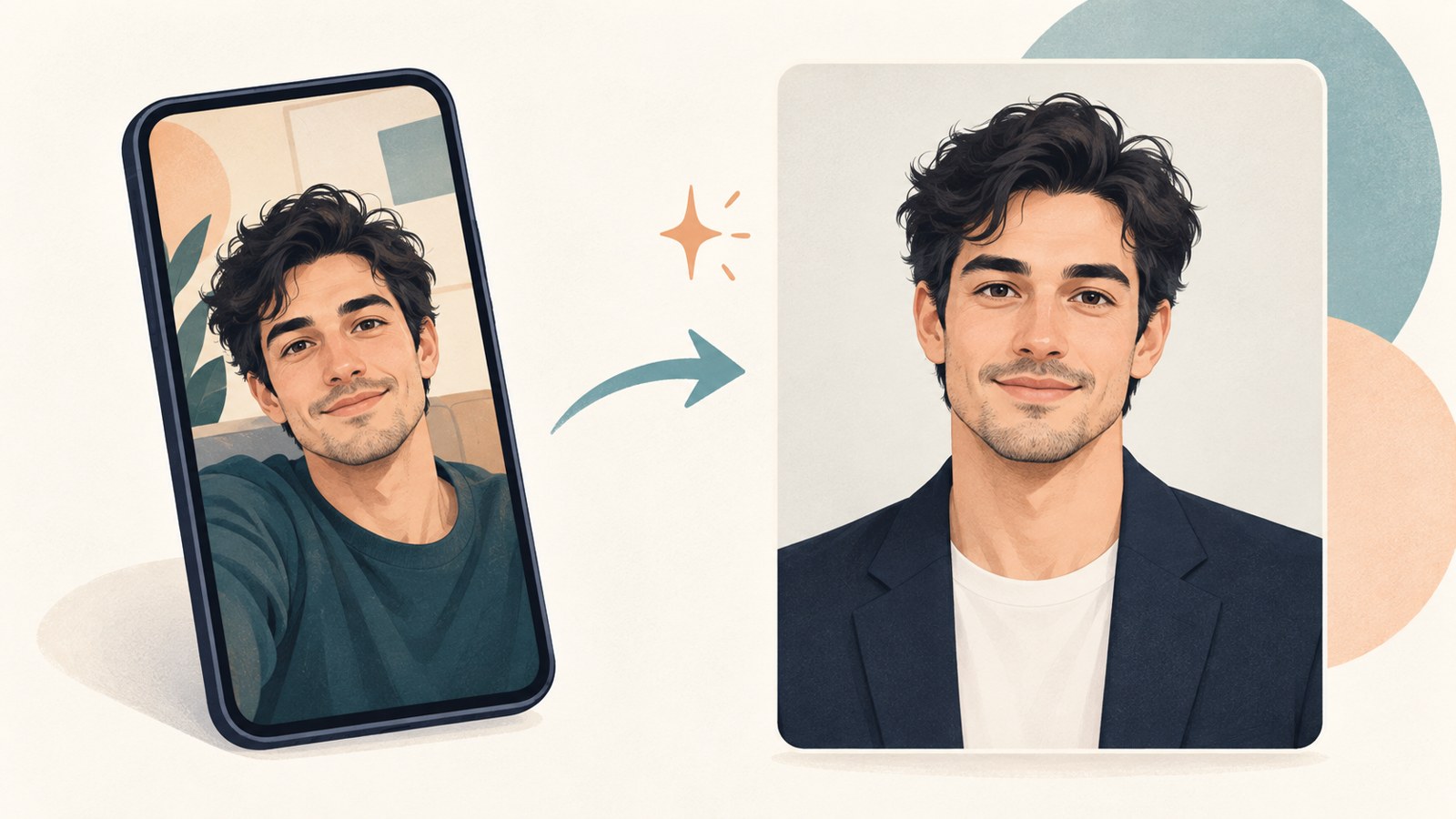
- Start with a clear, front-facing photo.
- Describe facial features and the background in detail.
- Use a properly formatted, real photo for a passport application.
1. Choosing a photo for AI photo creation
AI image tools use a person in an existing photo as a reference, then change elements such as the background, clothing, or lighting. A smartphone photo can work if the face is clear.
Choose a photo taken straight on, with hair kept away from the eyes. Strong shadows or low resolution can make the result look less natural.
2. Make a profile photo from a selfie
Upload a face photo to an image generation feature, such as one in ChatGPT, and describe the style you want. Say whether the tool should preserve the person's face and hairstyle to guide the edits.
- Choose a photo with a clear, front-facing view of the face.
- Select the option to attach a photo in the image generation feature.
- Describe the desired clothing, background, lighting, and framing.
- Compare the result with the original and check the face and hairstyle.
- Describe any awkward details and generate another version.
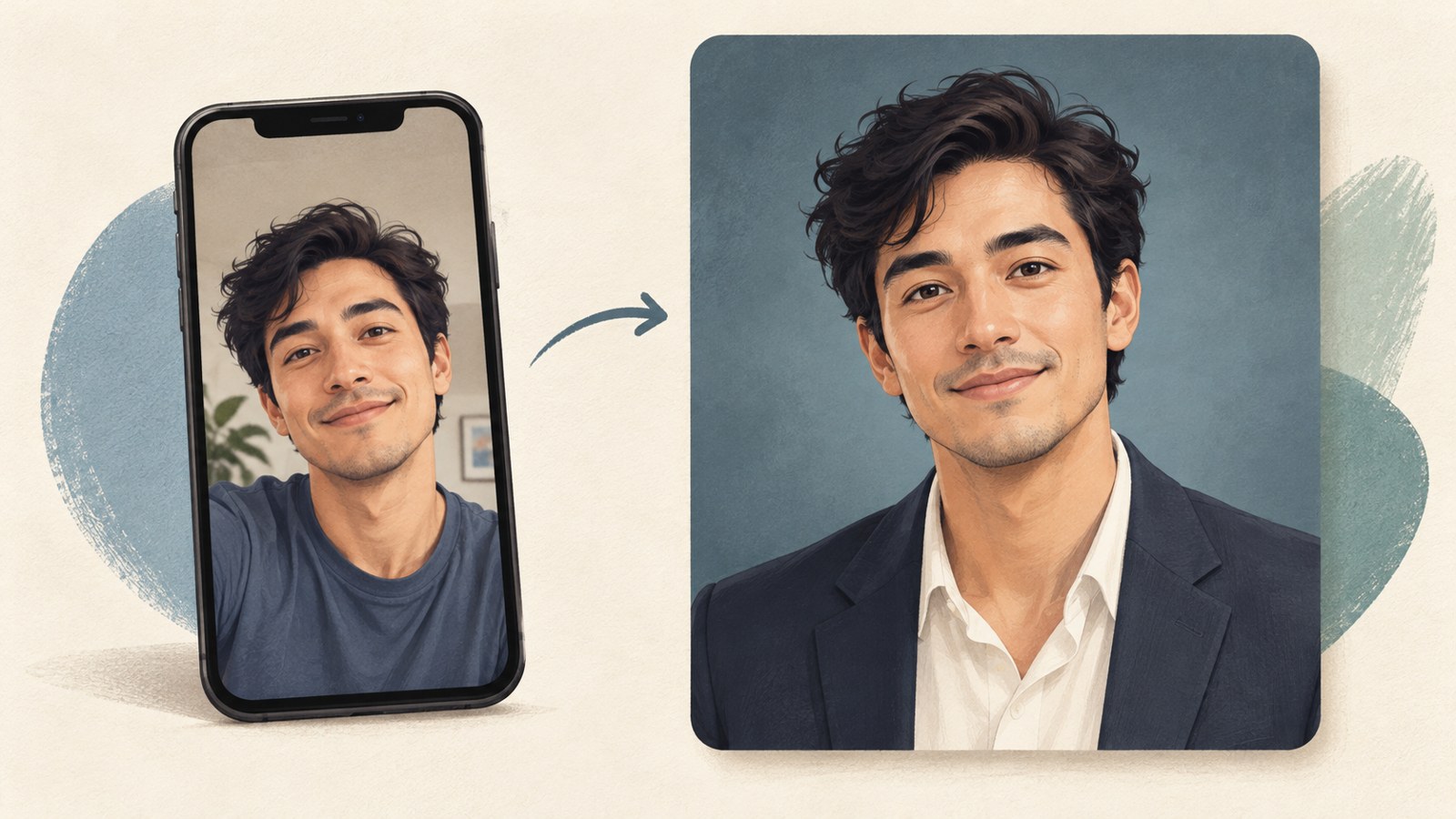
3. Write prompts that guide the result
A short request such as “Turn this into an ID photo” may change the face or make the skin look overly smooth. Ask the tool to preserve the face shape, eyes, nose, mouth, skin tone, and approximate real age.
List conditions separately, such as a black jacket, white shirt, light gray background, and lighting with few shadows on the face. Inspect the eyes and ears, the edges of the hair, and where the clothing meets the body by zooming in on the result.
- Please preserve the attached person's face shape, eyes, nose, mouth, and skin tone as much as possible.
- Have the person face forward with their shoulders level.
- Use a black jacket, white shirt, and evenly lit light gray background.
- Keep natural skin texture without heavy retouching, and use soft lighting.
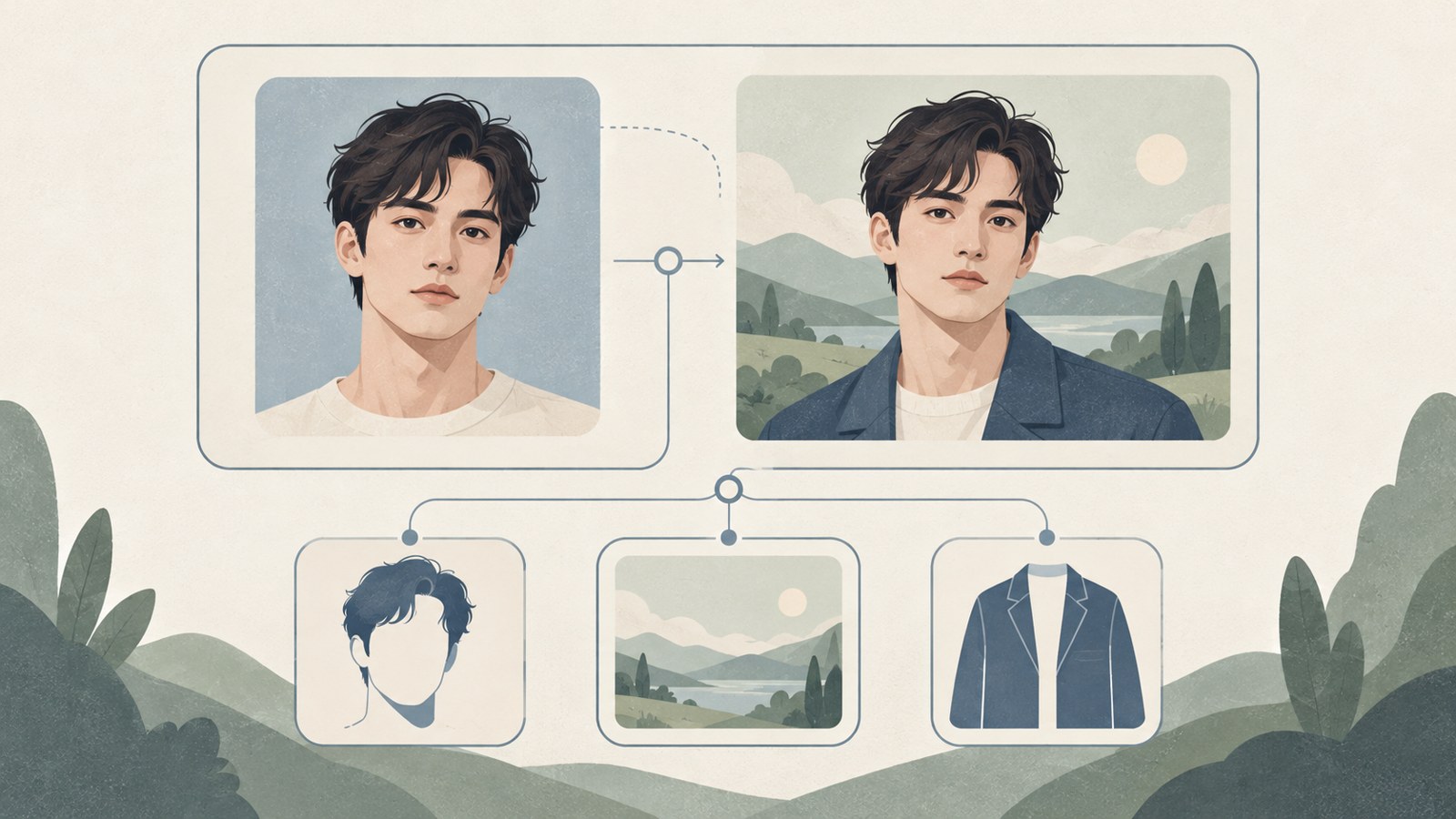
4. Choose a generation method
AI profile apps let you upload a photo and choose a style, which can be easier for first-time users. With an image AI tool, you can specify clothing, background, and aspect ratio in a written prompt.
In the image AI examples described here, the ID photo style used a vertical image, and the aspect ratio was set to 3:4 through a ratio button. Settings and results can vary by model, so check the options shown in the tool.
| Comparison | AI profile app | Direct request to image AI |
|---|---|---|
| How to start | Upload a photo and choose a style | Upload a photo and enter a prompt |
| How to adjust | Describe clothing and background in an additional request field | Specify clothing, background, and aspect ratio in the prompt |
5. Separate profile photos from official submissions
AI photos can be used where image requirements are flexible, such as personal profiles, business cards, and social media. Before using one on a résumé, check whether the recipient allows it.
For a Republic of Korea passport application, photos generated, edited, or composited with AI are not accepted. A passport photo must be a color photo taken within the last 6 months and measure 3.5 cm wide by 4.5 cm high. Use an actual photograph that meets the required specifications.
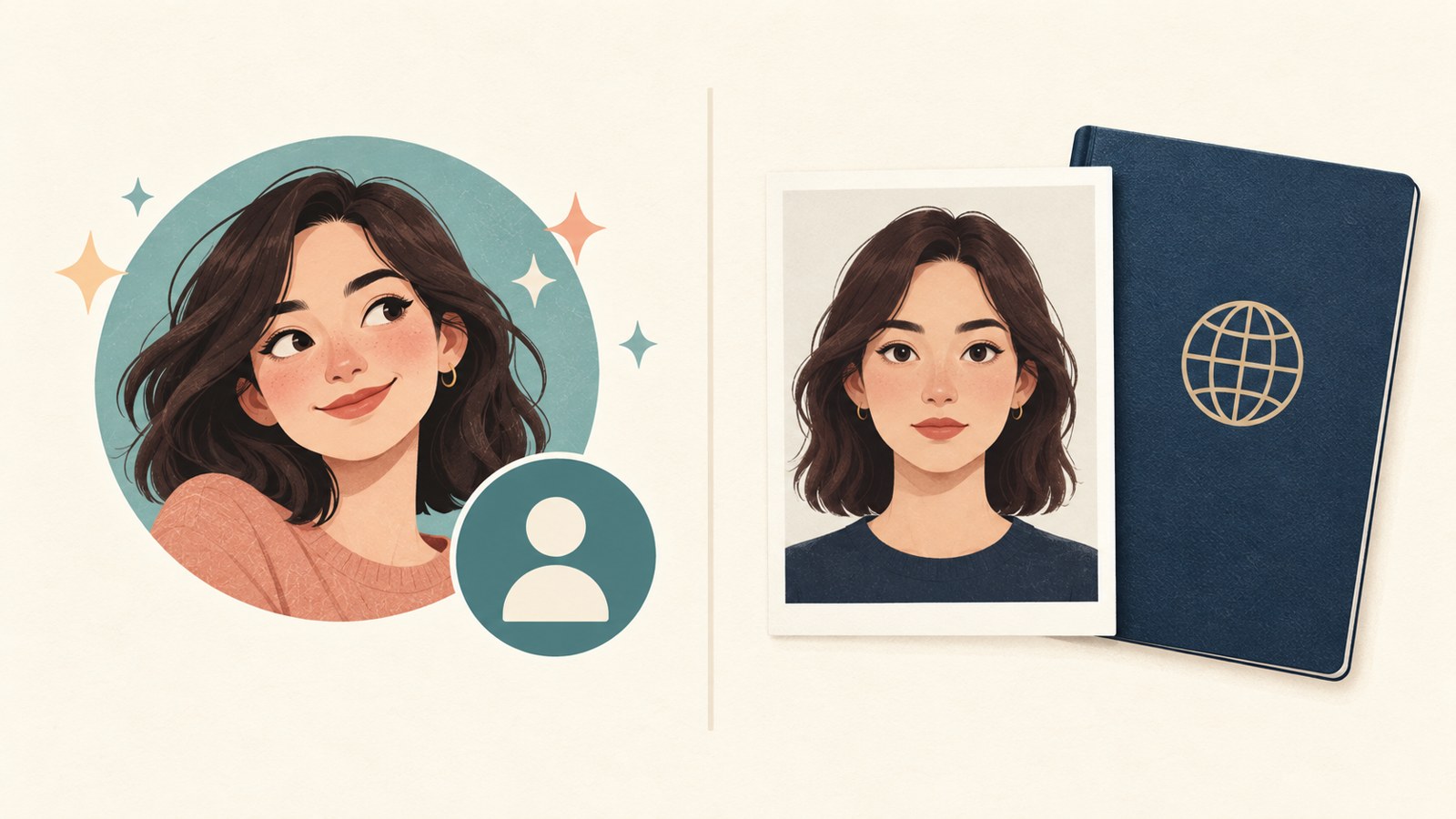
6. Check storage and privacy
Free usage limits, the number of generations, and the quality of saved files can vary by service plan. If you plan to print the image, check its resolution after saving it.
Before uploading a face photo, review the service's privacy and image retention policies. For photos submitted to government agencies or for ID documents, check whether AI generation is allowed and whether the rules require an actual photograph.
FAQ
Can I make an AI photo from a smartphone selfie?
Yes. Use a clear photo taken with the face looking straight ahead.
Can I use an AI-generated photo for a passport application?
No. The Republic of Korea does not accept AI-generated, edited, or composited photos for passport applications.
What should I include in the prompt?
Describe which facial features to preserve, along with the clothing, background, lighting, and framing. Review the result and request specific changes to anything that looks awkward.
Use AI photos for profiles and résumé submissions that allow them. Check the submission rules before using a photo for official identification.
댓글
댓글 쓰기