
- Get the PC app from OpenAI's official download page.
- On mobile, check that OpenAI is listed as the app developer.
- ChatGPT Free costs ₩0 per month.
Choose how to access ChatGPT
Before you download ChatGPT, decide which device you plan to use. On a PC, visit OpenAI's official download page and look for the desktop app. On a smartphone, open the app marketplace for your device.
You can also use ChatGPT in a web browser without installing an app. Go to chatgpt.com. ChatGPT Free is available at ₩0 per month.
| Device | Where to get it | What to check |
|---|---|---|
| Windows PC or Mac | OpenAI's official download page | Find the desktop app |
| Smartphone | Your device's app marketplace | Confirm the developer is OpenAI |
Install the app on a Windows PC
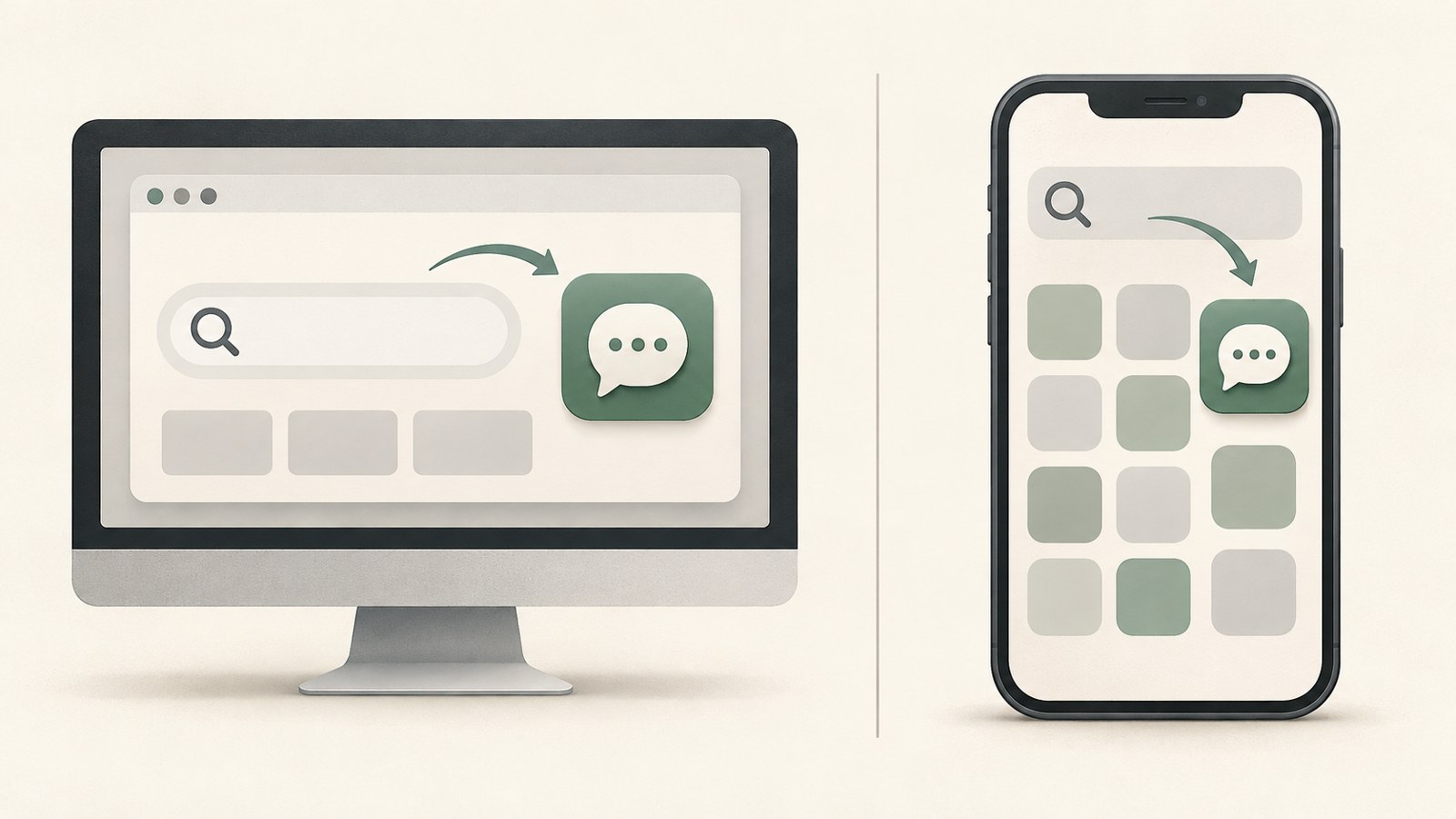
On a Windows PC, find the desktop app section on OpenAI's official download page. OpenAI's help instructions say to download the ChatGPT desktop app for your operating system, open it, and sign in. Choose the Windows option on the page and follow the installation prompts.
- Open OpenAI's official download page.
- Find the desktop app section and select the Windows option.
- Follow the prompts to install and launch the app.
- Sign in with your ChatGPT account.
Install the desktop app on macOS
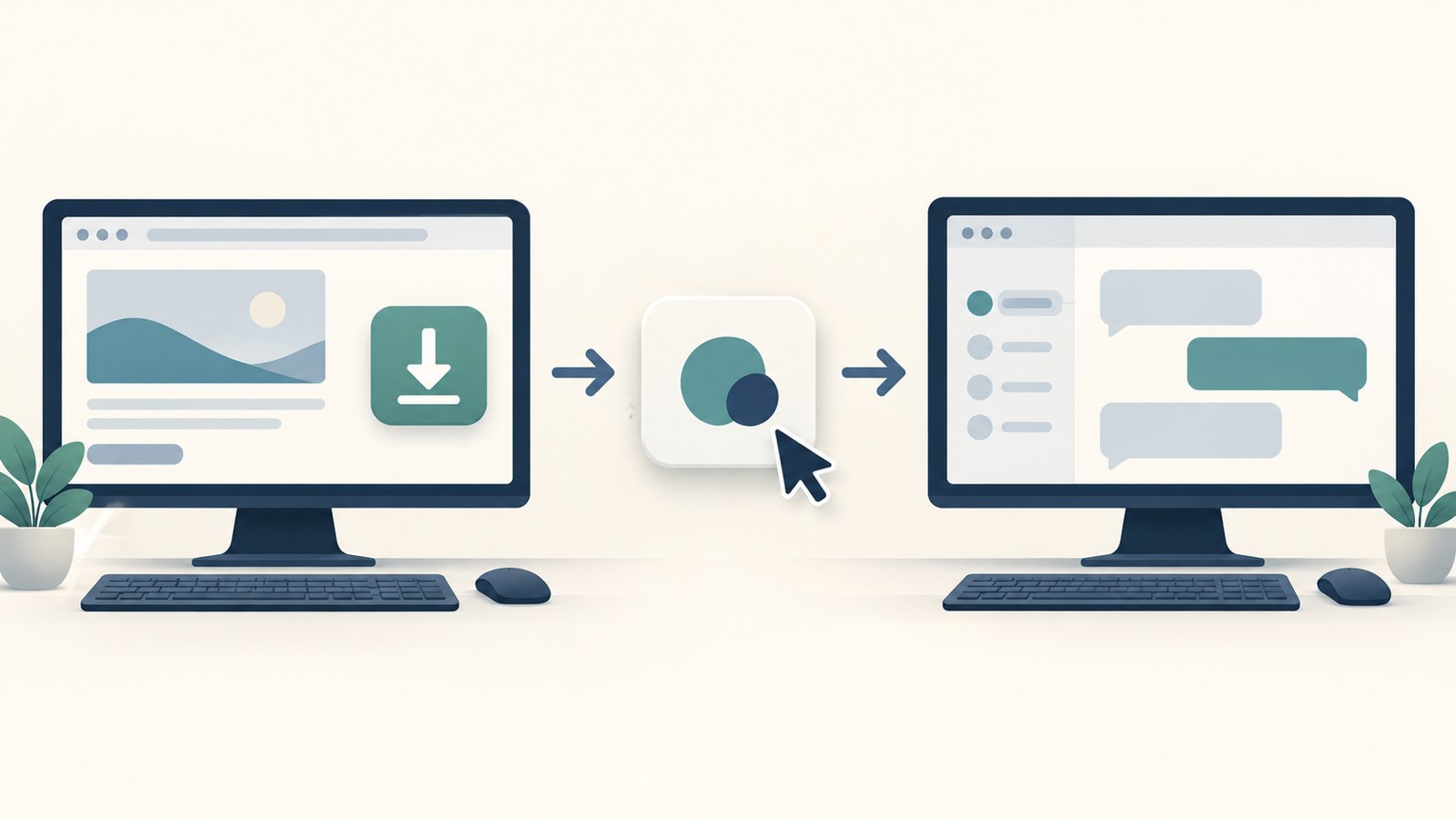
Mac users can find the desktop app on OpenAI's official download page. Choose the option for your operating system and install the app. Once installation is complete, open it and sign in with your ChatGPT account.
Access to ChatGPT Work on desktop depends on your plan. Free and Go users have limited access to the desktop app.
- Open OpenAI's official download page.
- Find the desktop app section and select the macOS option.
- Follow the prompts to install and launch the app.
- Sign in with your ChatGPT account.
Check the mobile app before installing
Search for ChatGPT in your device's app marketplace. Before installing, open the app details and confirm that the developer is OpenAI.
Check the developer information instead of choosing an app based only on its name or icon. After installation, sign in with your ChatGPT account to use the app.
- Open your device's app marketplace.
- Search for ChatGPT.
- Check the app details to confirm the developer is OpenAI.
- Install the app and sign in with your ChatGPT account.
Check free access and plan pricing
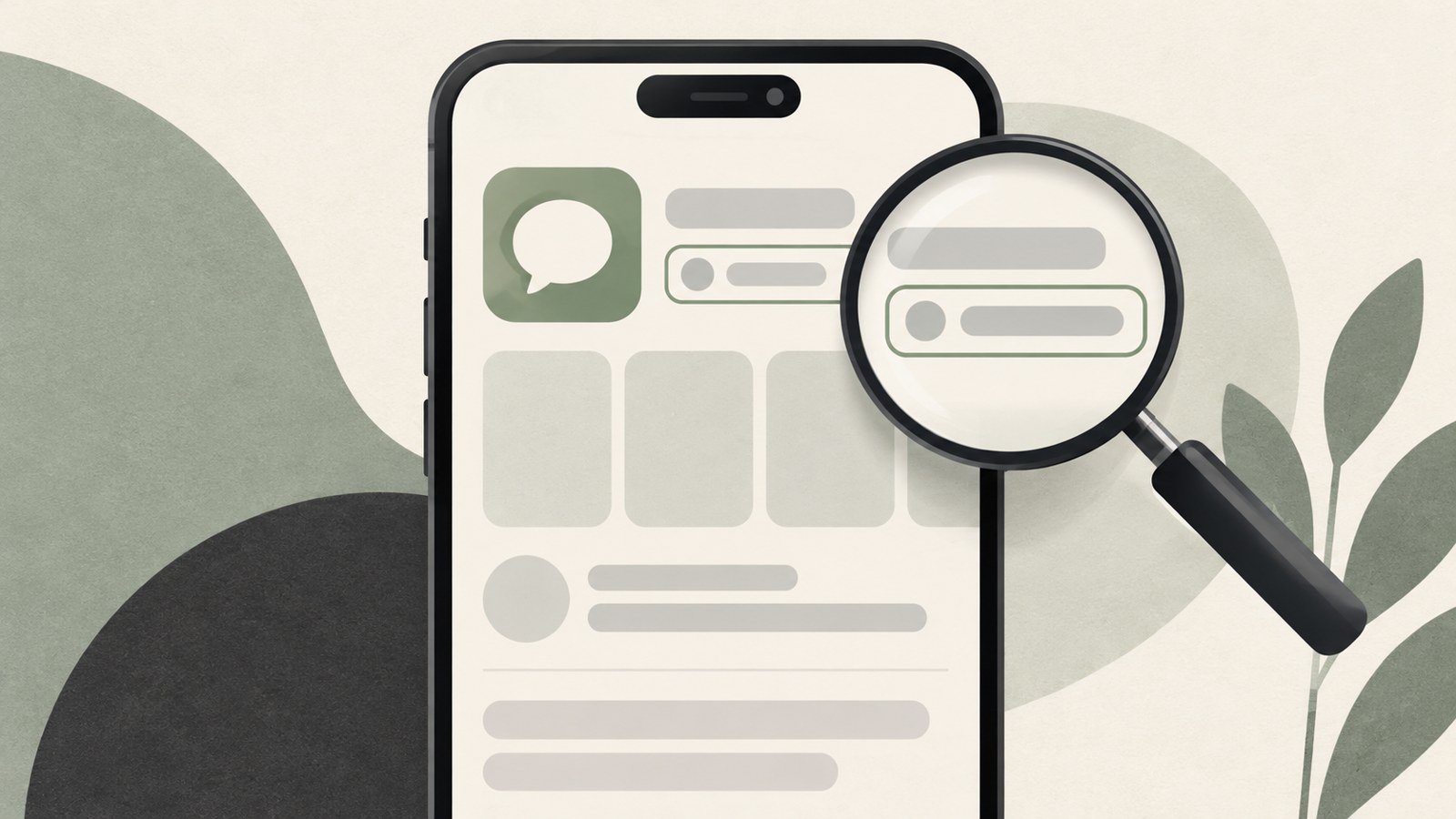
You can start with ChatGPT Free after downloading the app. OpenAI's pricing information lists Free at ₩0/month. Messages, uploads, image generation, voice chats, and deep research are available with limits.
If you want higher limits or access to more features, compare the plans. Go costs ₩13,000/month and includes Free plan features, with higher limits for messages and uploads using tools. Plus costs ₩29,000/month and includes Go plan features, with expanded message and upload limits.
| Plan | Monthly price | Listed access |
|---|---|---|
| Free | ₩0 | Limited access to messages and some features |
| Go | ₩13,000 | Includes Free features, with higher message and upload limits |
Use ChatGPT on the web without installing it
If you don't want to install an app on your PC, open chatgpt.com in a web browser. You can also try ChatGPT on the web before installing the smartphone app.
Choose the web or desktop app based on how you prefer to use ChatGPT. For PC apps, check the desktop app section on OpenAI's official download page. For mobile apps, check the developer listed in the app marketplace.
FAQ
Can I download the ChatGPT app for free?
ChatGPT Free costs ₩0 per month. Messages and some features have usage limits.
How can I check whether a smartphone app is official?
Search for ChatGPT in your app marketplace, then check that the developer listed in the app details is OpenAI.
Can I use ChatGPT without installing an app on my PC?
Yes. Open chatgpt.com in a web browser.
댓글
댓글 쓰기