
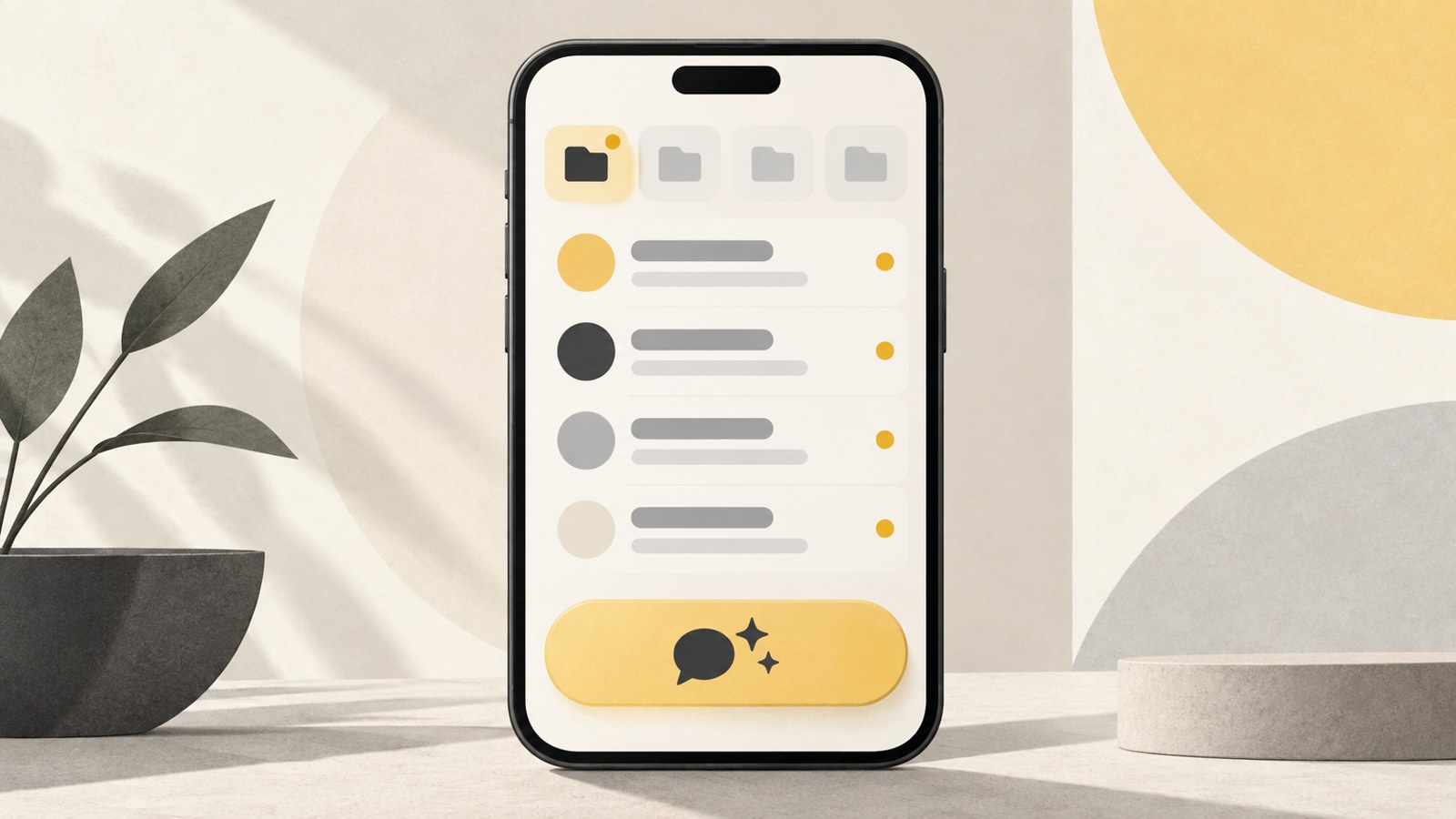
- Turn on Conversation/Call Summary under More > Settings > Kanana.
- The Unread folder summarizes up to 5 rooms with recent messages.
- The in-chat summary button is available in v26.6.0 and later.
What is KakaoTalk AI summary?
KakaoTalk’s AI summary feature is called “Conversation Summary.” It condenses messages in unread chats so you can catch up on the conversation.
Kakao says it uses its own lightweight AI models for Conversation Summary and Call Summary. You can manage both features in the Kanana section of Settings.
The Unread folder gathers chats you haven’t read. Use the summary button inside an individual chat to review that room’s conversation.
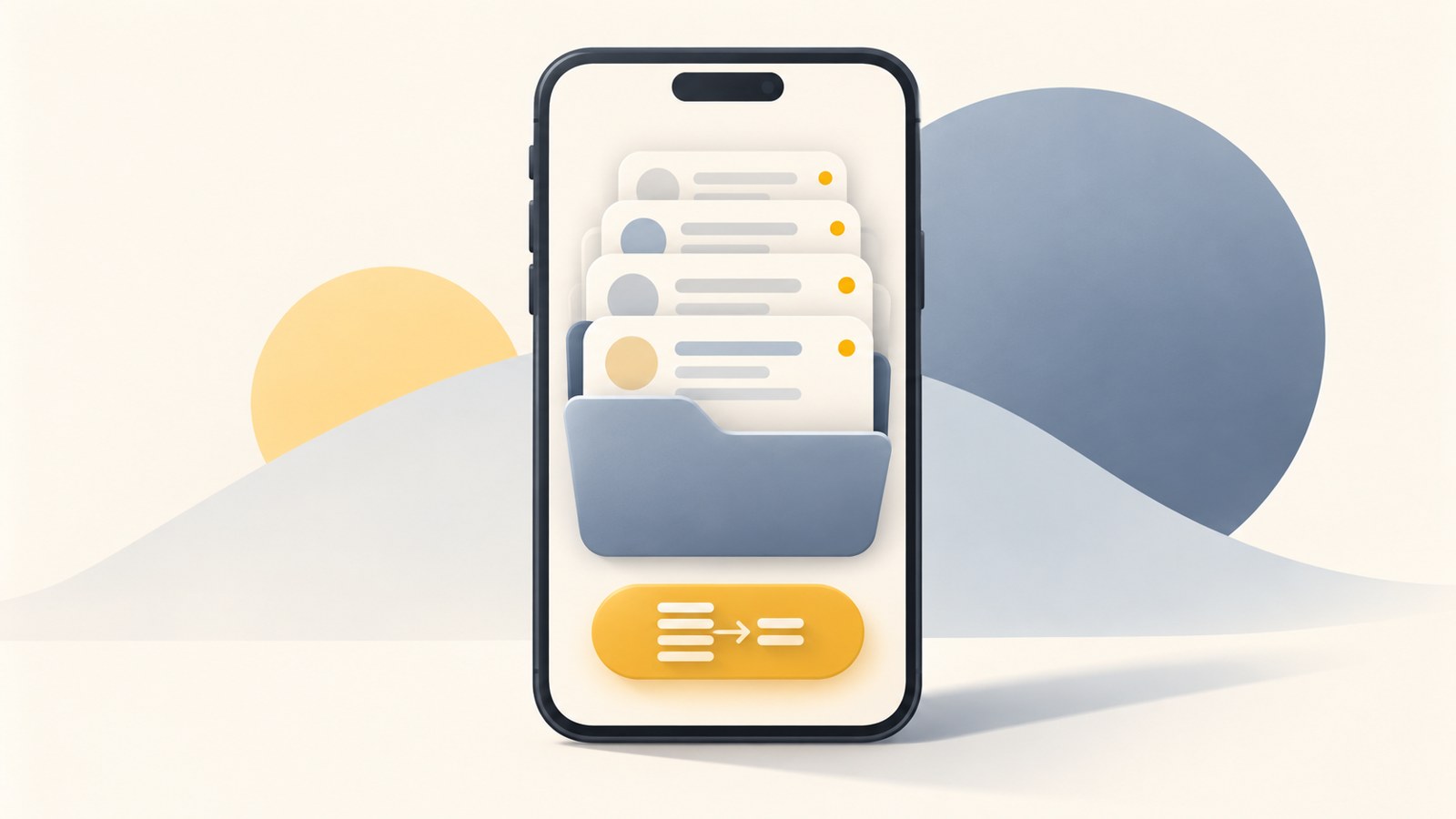
Turn on summaries in Kanana
Update KakaoTalk to the latest version, then open Settings and enable Conversation/Call Summary in the Kanana menu.
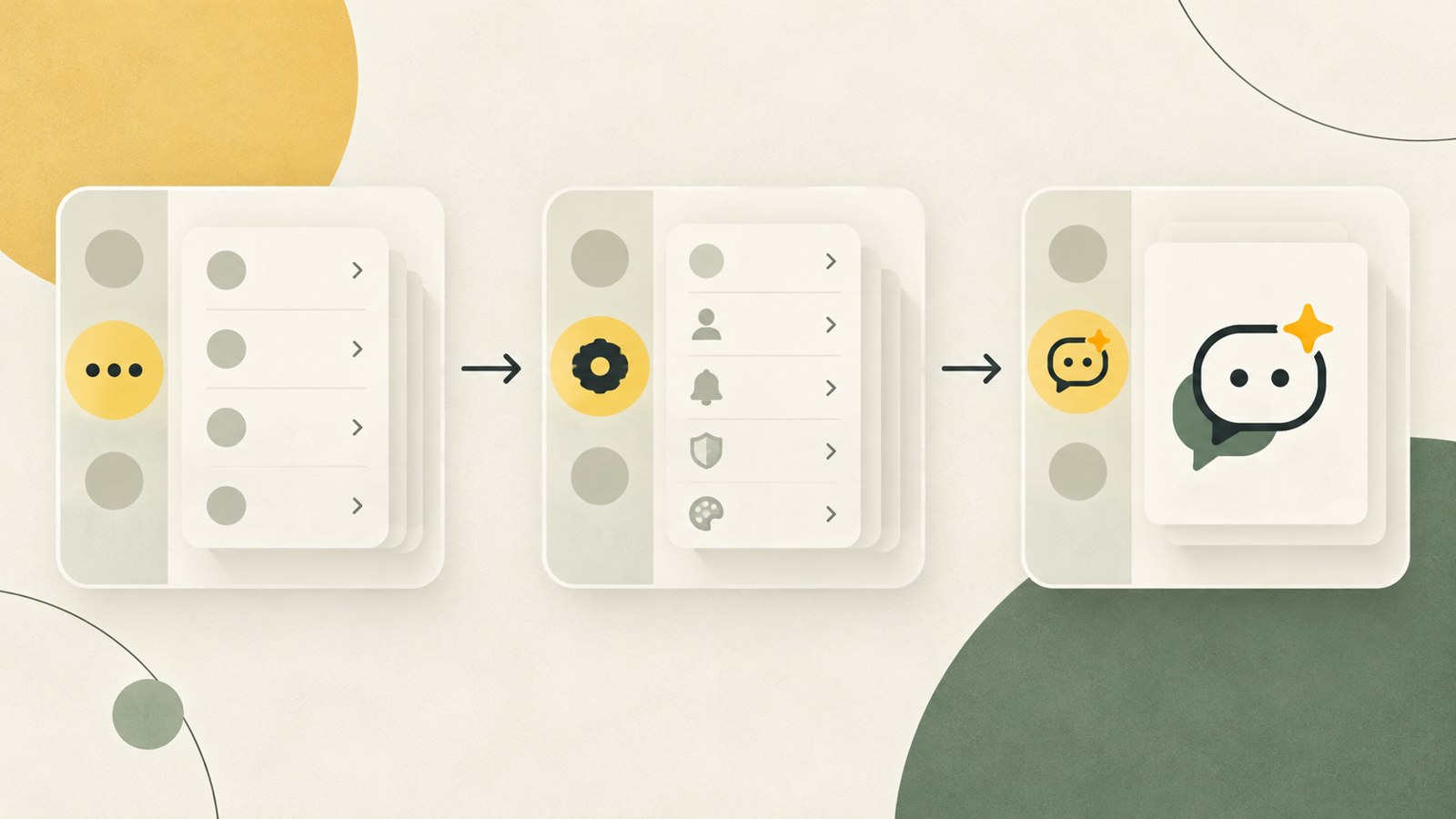
- Tap More (…).
- Open Settings (the gear icon) and select Kanana.
- Turn on Conversation/Call Summary.
- To turn it off, switch it off on the same screen.
View summaries in the Unread folder or a chat
Once summaries are enabled, you can check them in the Unread folder or in an individual chat. The folder lets you review multiple rooms, while the button inside a chat summarizes that room’s conversation.
The Unread folder summarizes up to 5 rooms that received messages most recently. A room with older messages may be left out, and quiet chats may not appear in the folder.
The in-chat summary button is available in v26.6.0 and later. It may appear below “You’ve read up to here.” Its position can vary slightly by device or app version.
- Open the Unread folder from the Chats tab.
- Tap Conversation Summary to review the unread chats.
- In a specific chat, tap Conversation Summary below “You’ve read up to here.”
| Where to check | What to tap | What gets summarized |
|---|---|---|
| Unread folder | Conversation Summary | Up to 5 rooms with recent messages |
| Inside a chat | Conversation Summary | Accumulated messages in that room |
If the summary button is missing
Check that Conversation/Call Summary is on under Settings > Kanana. If you don’t see Kanana, look for “Kanana (AI) Summary” under Settings > Chats.
The in-chat summary button requires v26.6.0 or later. Check your app version and update KakaoTalk to the latest version, then see whether the button appears.
Summaries are for chats with unread messages. If there are no unread messages, or the room isn’t among the 5 most recently active rooms, its summary may not appear in the Unread folder.
If you can’t find the Unread folder, turn it on under Settings > Chats > Chat Room Folders. Quiet chats may not appear there, so check the status of the chat as well.
Check the original messages for details
AI summaries can help you catch up quickly, but they may leave out parts of a conversation. Don’t rely on a summary alone to confirm details.
For details that need to be exact, such as dates, amounts, or locations, check the original messages. If a chat contains important information, skim the summary and review the messages too.
FAQ
Where do I turn on KakaoTalk AI summary?
Go to More (…) > Settings > Kanana and turn on Conversation/Call Summary. If Kanana isn’t listed, look for “Kanana (AI) Summary” under Settings > Chats.
How many rooms can the Unread folder summarize?
It summarizes up to 5 rooms that received messages most recently. Older rooms may be left out, and quiet chats may not appear in the Unread folder.
Which version added the in-chat summary button?
The in-chat Conversation Summary button is available in v26.6.0 and later. Check that the feature is on and confirm your app version.
댓글
댓글 쓰기