
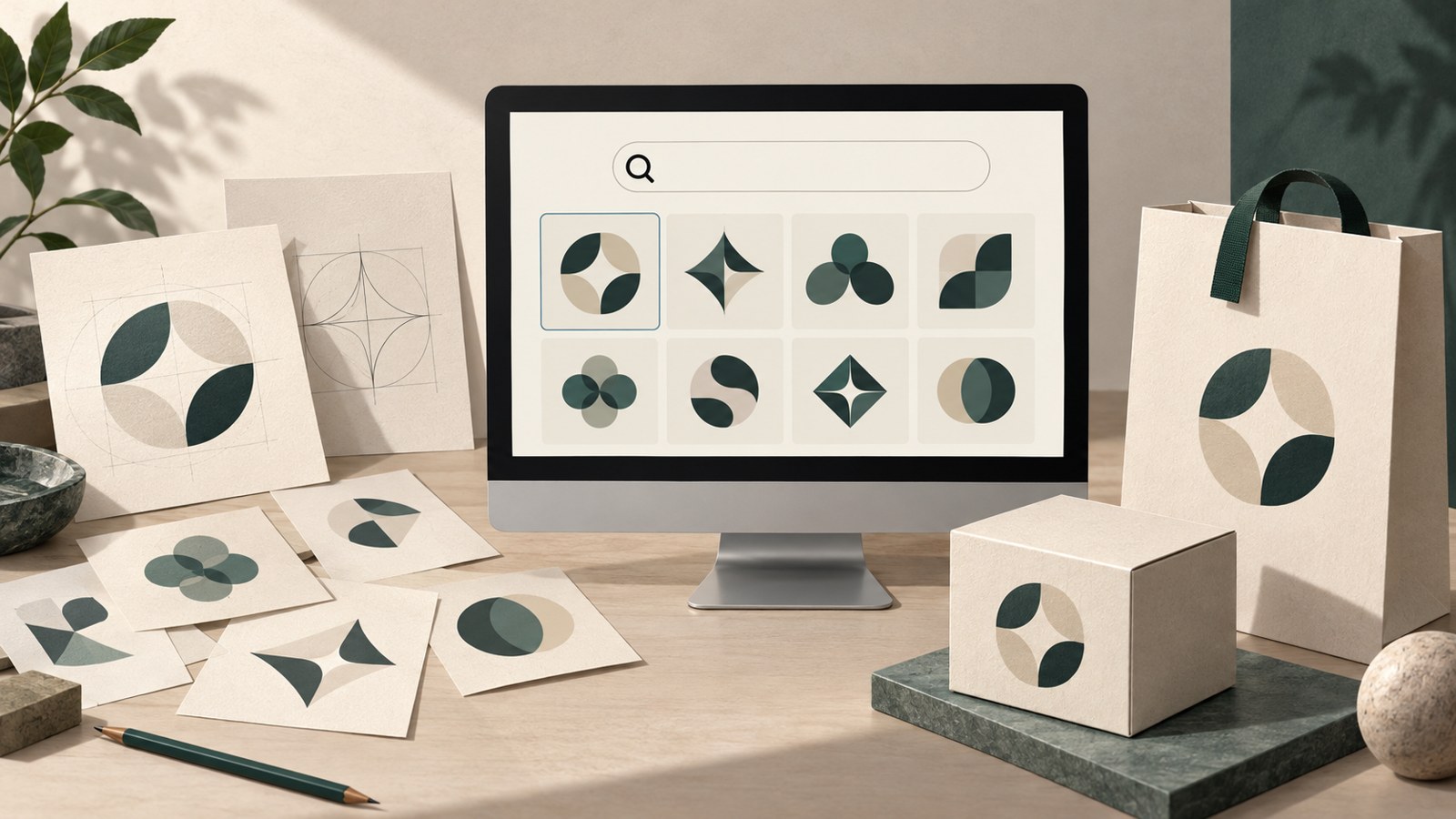
- Copyright registration for AI output depends on the person’s creative contribution.
- Check the service terms and trademark rules for template logos.
- Search KIPRIS and check print sizes before choosing a final design.
AI logo drafts and copyright registration
Enter a business name and the style you want, and an AI logo maker can generate draft designs. Whether you can register the generated image as-is for copyright is a separate question.
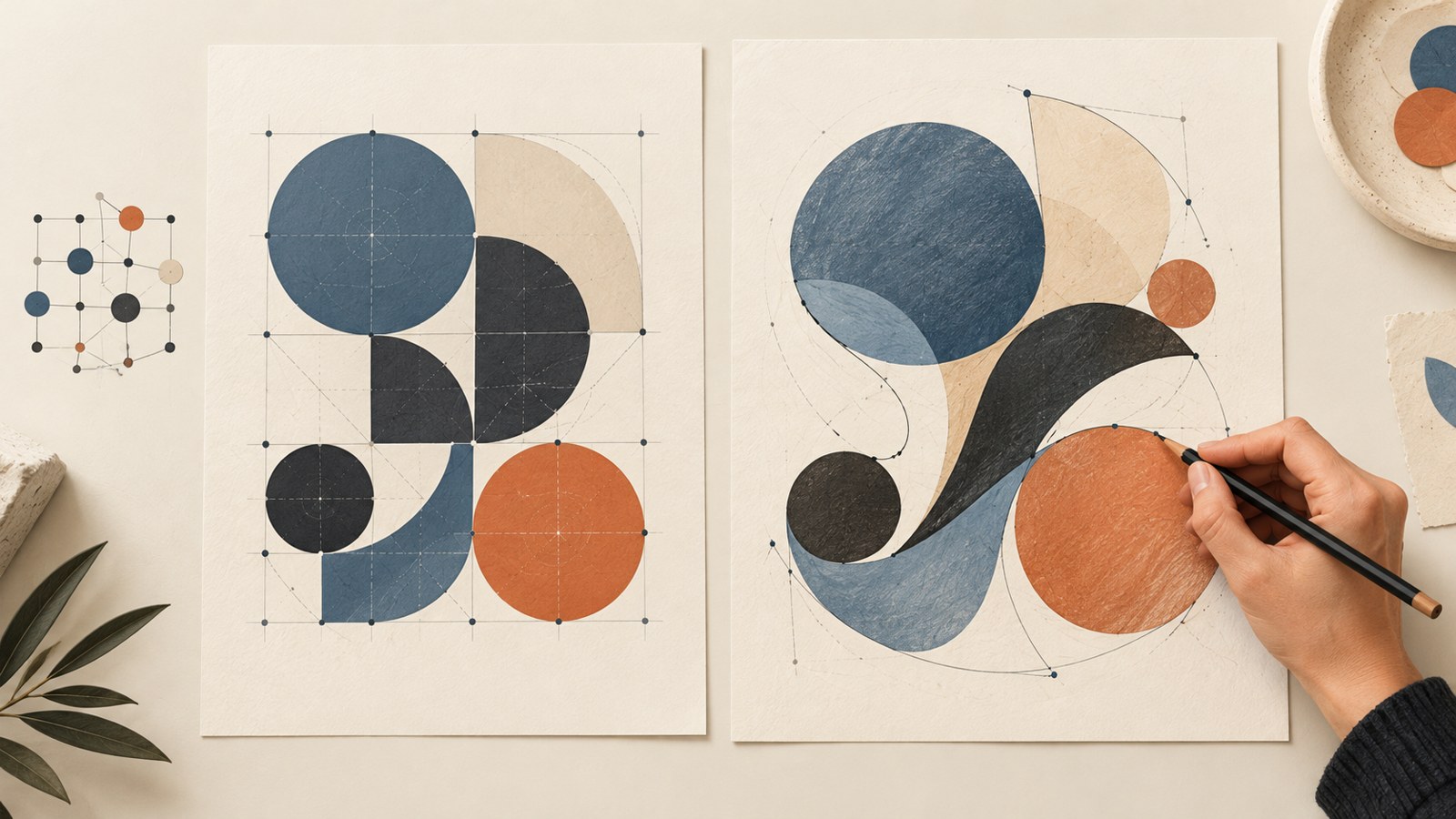
The Korea Copyright Commission’s guidance says that generative AI output with no creative contribution from a person is difficult to register for copyright. Parts that a person creatively revises, or creative choices and arrangements, may be considered separately.
The guidance also says that writing a detailed prompt alone is unlikely to count as creative contribution. Correcting typos or making minor changes to size or color is also unlikely to qualify.
Copyright and trademarks use different standards
Even if AI output is difficult to register for copyright, you can separately consider whether to apply for a trademark. Article 2 of the Korean Trademark Act defines a mark as an indication used to identify the source of goods.
Under Article 33, registration is difficult for marks that consist only of a common industry name, wording that directly describes quality, ingredients, or efficacy, or a simple and common design. The decision can vary depending on the mark’s distinctiveness and the circumstances of the case.
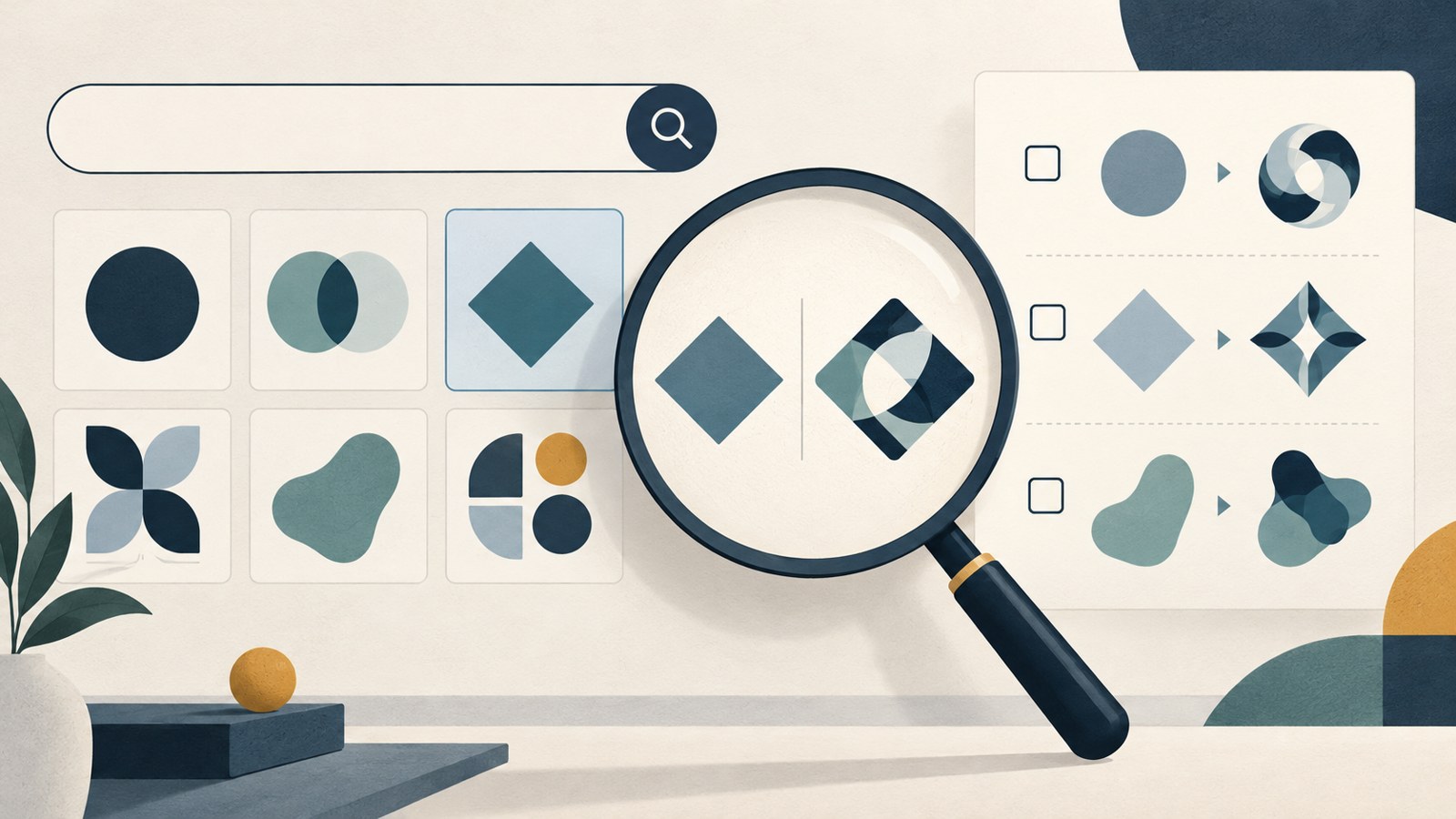
Article 34(1)(7) says registration is difficult when a mark is identical or similar to an earlier registered mark and covers identical or similar designated goods. An AI-generated image can also resemble an existing trademark.
Check terms for free tools and templates
A logo made with a free AI logo maker is not automatically cleared for every use. Terms differ by service, and permitted uses may also vary between free and paid plans.
Canva’s official help says that rights to logos made from templates are non-exclusive, so those logos cannot be registered as trademarks. Stock graphics and photos are restricted for the same reason. Fonts and simple shapes or lines are listed as exceptions.
If you use another tool, check its terms for commercial use and trademark rules. Look for separate restrictions on fonts and graphic elements included in the logo, too.
Check the logo before using it on signs and packaging
A logo that looks sharp on a computer screen may become hard to read on a small label. Letters can run together, and decorative details may disappear. Scale it to the size you plan to use on business cards or packaging, then check that the name and design remain clear.
Text that stands out on a white background may be hard to see on a dark box. If the logo uses several colors, check whether its elements remain distinct in black and white.
Check the downloaded file’s size and format as well. A small JPG or PNG can look blurry when enlarged. If you need to resize the logo for different uses, you may need an editable vector format.
| Check | What to review | Example |
|---|---|---|
| Usage terms | Commercial use and trademark permissions | Service terms and plan |
| Print readiness | Size, color, and file format | Small labels, vector format |
From draft to final logo
After reviewing several directions with AI, a person can refine the final logo. Leaving the business name blank when requesting drafts can reduce the chance that the AI inserts a made-up business name.
- Ask for several text-focused logo concepts.
- Leave the business name blank and limit the graphic elements to simple shapes.
- Ask for an explanation of the font weight and shape arrangement in each concept.
- Have the spacing between letters and the placement of shapes laid out so you can redraw the selected concept yourself.
- Keep the final working file or a screen recording of the generation and editing process.
- Before ordering a sign, search KIPRIS for similar marks made of words and shapes.
Three checks before putting the logo to use
A search that finds no identical image does not settle whether a mark is similar. The pronunciation of its name, its overall appearance, and the types of goods can all affect that assessment. Review distinctiveness and similarity for each mark instead of treating search results as a guarantee of registration.
Once you have chosen an AI logo draft, check trademark search results, service terms, and print files in turn. Also make sure the logo is readable at the size and against the background where you plan to use it.
If you plan to seek copyright registration, keep a clear record of the work a person contributed. The Korea Copyright Commission’s guidance recommends recording the creation and editing process, such as in video, and describing the contribution in the registration application statement.
FAQ
Can I register a logo made entirely by AI for copyright?
According to the Korea Copyright Commission’s guidance, AI output with no creative contribution from a person is difficult to register for copyright. Work a person creates or revises creatively may be considered separately.
Can I register a logo made from a free template as a trademark?
Canva’s official help says template logos are non-exclusive and cannot be registered as trademarks. For other services, check the trademark rules in their terms.
What should I check before ordering a sign?
Search KIPRIS for similar word and design marks, then check whether the logo is readable at its actual size. Review the usage terms and file format as well.
An AI logo maker can help you compare drafts and settle on a direction. Check the terms and trademark search results, refine the final design yourself, then apply it to signs and packaging.
댓글
댓글 쓰기