
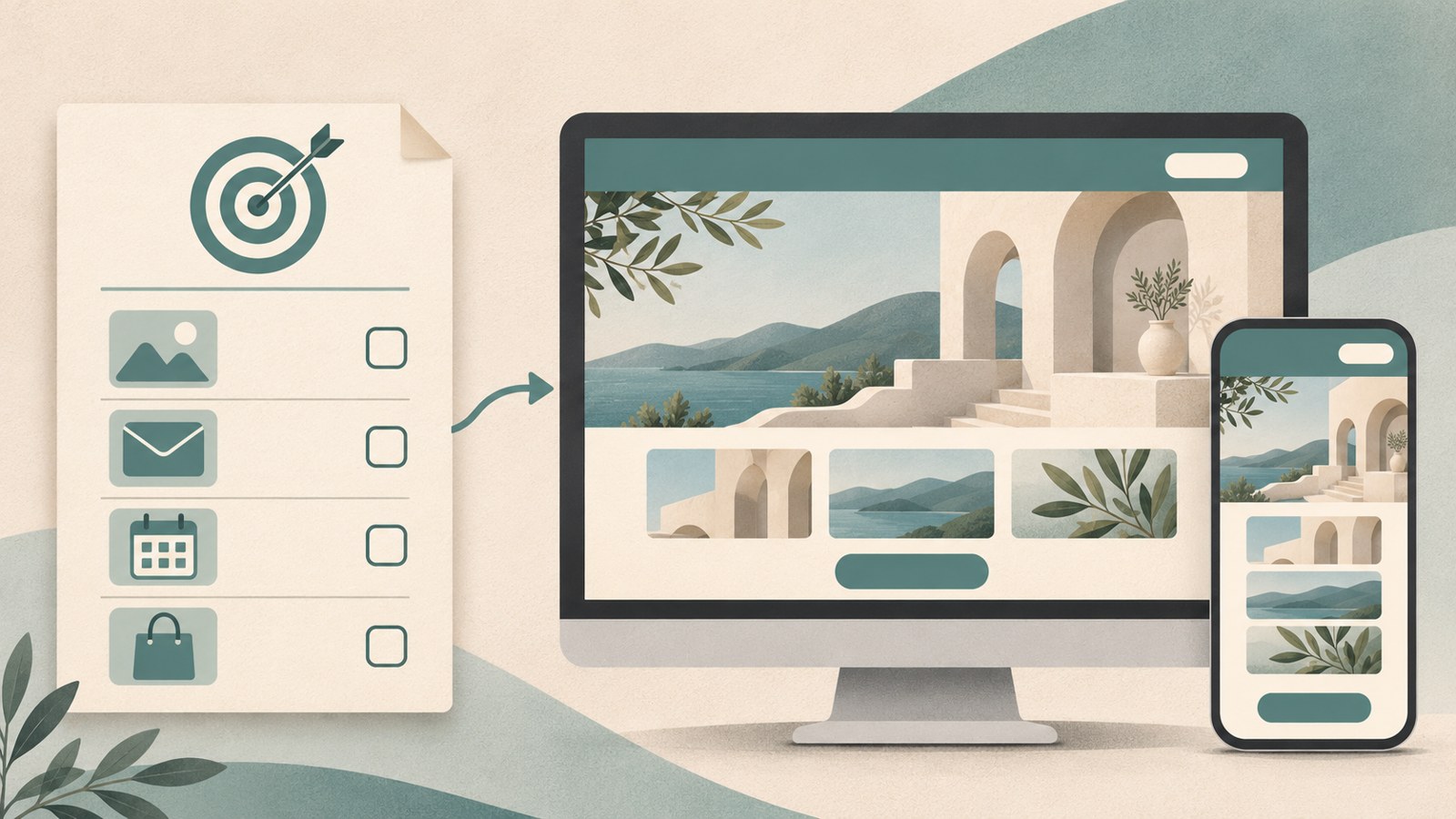
- A simple introduction page may be manageable with a website builder or coding AI.
- Saving inquiries, bookings, and payments can require separate work.
- Check domain, hosting, and ongoing service costs before you publish.
When text overlaps on an AI-built page
AI can help write HTML, CSS, and JavaScript from a description of the site you want. For a restaurant page, list the details visitors need: the menu, photos, opening hours, location, and a button to call.
The first draft may need fixes. Check whether photos are cropped or text overlaps, then ask for specific changes. You can request a layout that works on phones and computers, but review both versions yourself.
Describe the page’s purpose and the content visitors should see, then explain the colors, layout, and functions you want. Review the generated page and request changes where text or images are cut off or overlap.
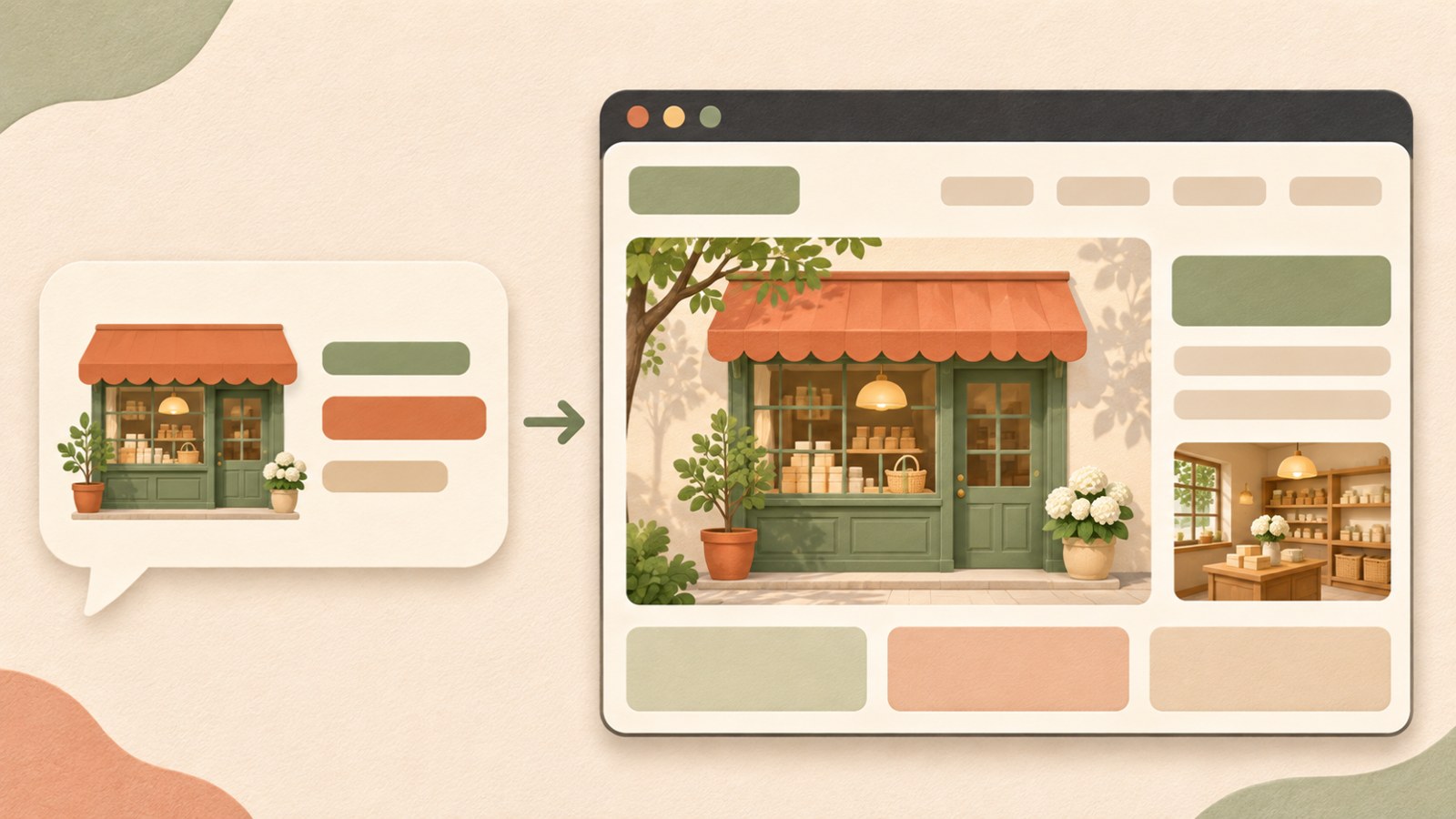
- Decide the site’s purpose and what visitors should see.
- Describe the colors, layout, and functions you want.
- Review the generated page and request fixes for overlapping text or cropped images.
Compare the costs of building it yourself and hiring a developer
If you build the site yourself, check the tool’s subscription price and the cost of any paid features. You will also prepare the copy and photos, edit the pages, set up functions, and publish the site.
When you hire a company, the work may cover design, page development, connecting functions, and publishing, depending on your contract. Domain registration, hosting, and external services may cost extra, so confirm what the quote includes.
업무자동화 원앤원 lists a single responsive landing page from 330,000 won, including VAT. Its basic package includes a three-day turnaround and three rounds of revisions. These are that company’s listed terms, not a standard price across providers.
| Comparison | Build it yourself | Hire a provider |
|---|---|---|
| Initial cost | Tool subscription and paid features | Design and development work in the contract |
| Work you handle | Copy, photos, editing, and publishing | Prepare materials and describe functions and requested changes |
Decide which functions you need
A single page may work if you are introducing one service and directing visitors to call or contact you on KakaoTalk. If you need separate sections for company information, services, case studies, and announcements, you may need multiple pages and a menu.
A contact button and a form that saves inquiry details are different tasks. Membership, booking, payment, and admin features may also be quoted separately. You do not need to know the technical names: explain what visitors should be able to do, such as contacting you or checking their submitted requests in one place.
List the service and menu items, decide how you will receive inquiries, and note whether you need booking, payment, or admin functions. Share the page count and materials you can provide so the work can be scoped.

- List the service you are introducing and the menu items you need.
- Choose how visitors should contact you, such as by phone or through a form that saves inquiries.
- Mark whether you need booking, payment, or admin features.
- Share the page count and materials you can prepare.
Publish a site by editing a Canva template
If you prefer to edit without coding, choose a website template in Canva or enter your request in Canva AI to create a first draft. Add sections and replace the text and images to customize it.
If you need images, you can describe the style you want in Canva’s Magic Media and use the resulting images in your design. When the page is ready, select the website publishing button in the upper right and set the site address.
Canva offers a free address using my.canva.site, and you can also use a domain you already own. Canva says its website insights can show visitor counts, devices, and traffic data. Preview the site on a computer and a phone before publishing.
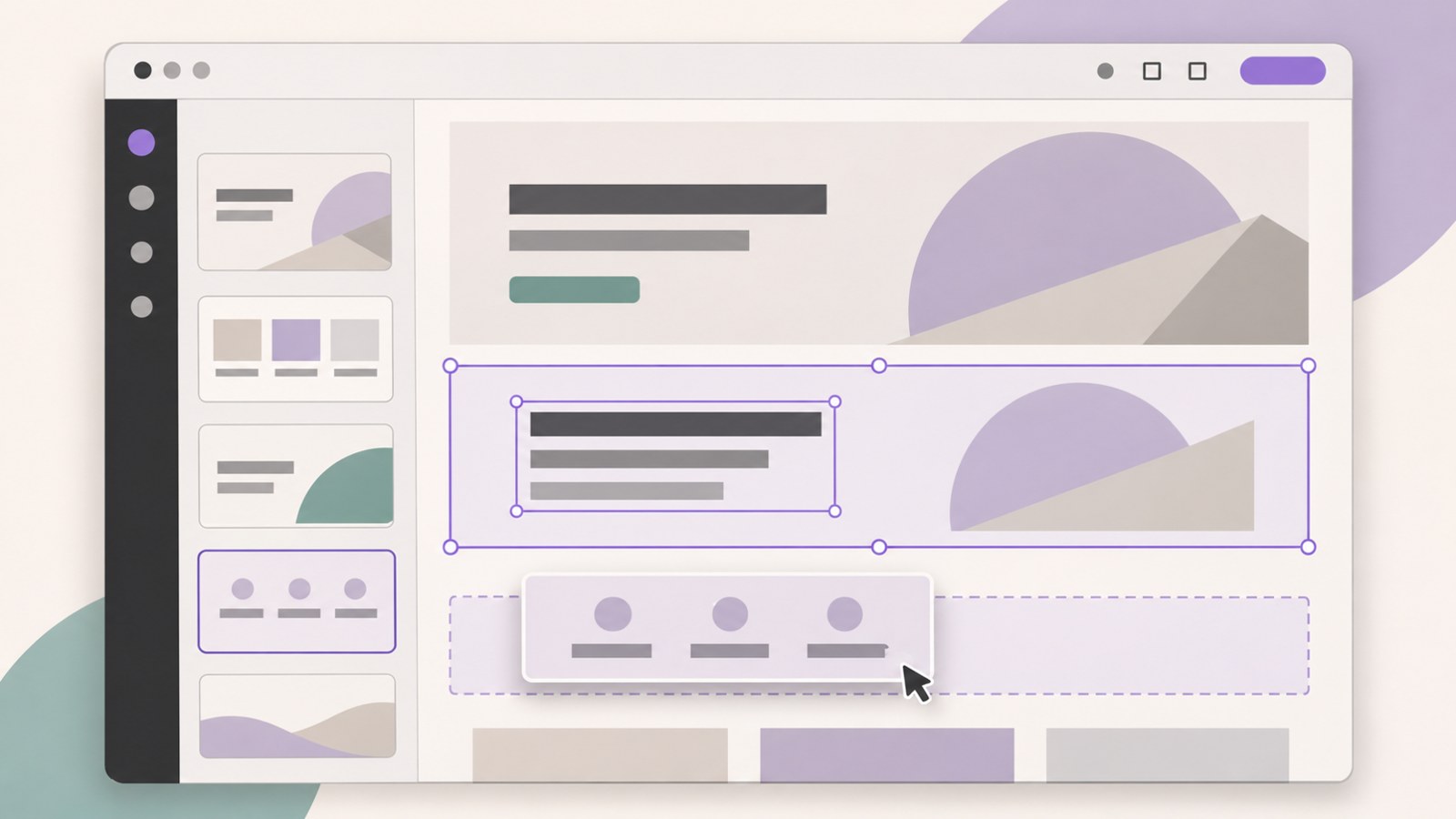
- Start with Canva AI or a website template.
- Add sections and edit the text and images.
- Select website publishing and set the address.
- Review the published page on a computer and a phone.
Check free addresses, custom domains, and publishing costs
Some services let you publish with a free address. Cloudflare Pages provides an address in the format projectname.pages.dev. GitHub Pages lists a basic address such as username.github.io.
A custom domain may have a registration fee. Prices vary by extension, registrar, and promotion, so check the renewal price for the following year as well as the initial price.
The domain is the address visitors enter; the server is where the website files are hosted. Check whether your quote includes both, and whether any external services carry ongoing fees. Opening an HTML file on your computer does not publish it online. To let others visit, upload the files to a hosting service and connect the domain. DNS changes may take time to take effect.
- Decide whether a free address is enough or you need a custom domain.
- If you buy a domain, check the registration period and renewal price.
- Connect the domain using the hosting service’s instructions.
- Allow time for DNS settings to take effect.
Agree on revisions and checks after publishing
When you build the site yourself, you can edit its content in the tool you use. With a hired provider, source code and an admin screen for editing are separate deliverables. 업무자동화 원앤원 says its basic package provides source code; an admin screen is an additional item.
Before work begins, ask how many revisions are included and what support covers after launch. The company says it will fix agreed functional errors reported within seven days of publishing at no charge. New features and ongoing content changes count as additional work.
Update the site when prices or opening hours change. Check that buttons, menu links, and inquiry forms work before and after publishing. Materials to prepare may include a logo, service descriptions, photos, and contact details. Share the menu items and preferred schedule too.
FAQ
What should I do if text overlaps on the mobile version?
Review the page and ask for a change so the text fits on mobile. Check for cropped images as well and request those fixes too.
Does the 330,000 won price include a domain and hosting?
업무자동화 원앤원 lists its single landing page basic package from 330,000 won, including VAT. Domain, hosting, and external service fees are separate.
Can I change the finished website’s text and photos myself?
업무자동화 원앤원 says its basic package provides source code. An admin screen for changing text and photos is an additional item.
댓글
댓글 쓰기