
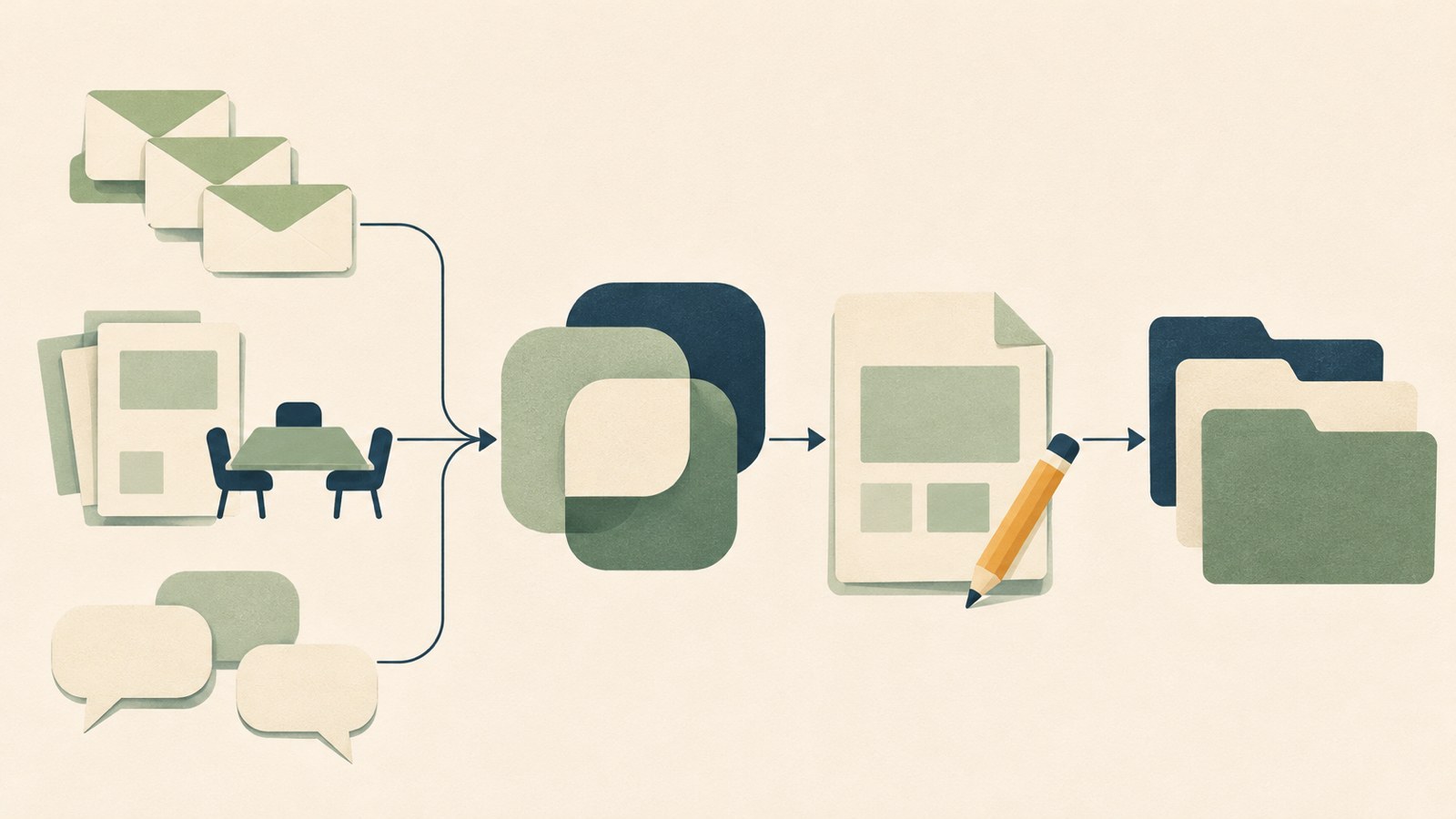
- Use rule-based automation for work with clear, repeatable steps.
- Use an AI agent to review work that requires weighing different sources.
- Require human approval before sending messages or changing files.
Check your tools and permissions first
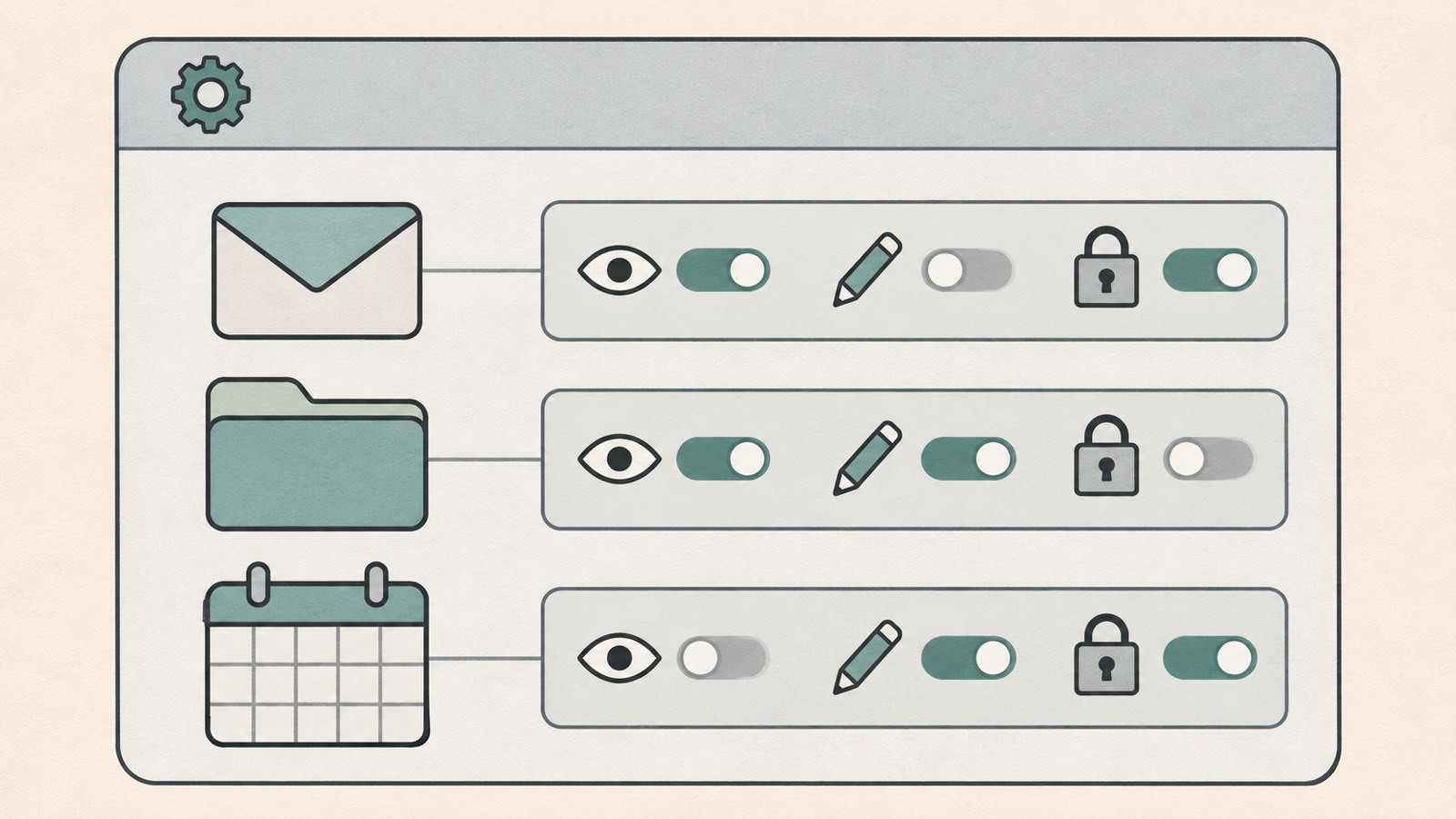
If you cannot find an automation button, check whether the service has the tools it needs. Reading email or changing a calendar requires a connection to the relevant account and service.
A connection does not automatically grant every permission. A chatbot or agent cannot control external programs just because it has that label. Check which features are available and what access you have allowed.
You can start with permissions that are easy to review, such as reading material and drafting text. Sending email or changing files can affect real work, so put an approval step in the process.
Rule-based automation and AI agents
Rule-based automation follows conditions and steps that a person has set. It works well for tasks with a clear trigger and response, such as saving an email attachment and notifying the person responsible when a new message arrives.
An AI agent can use a goal and the situation to decide what to do next. For example, it might analyze a customer inquiry, find relevant material, and draft a reply across several steps.
The right choice depends on the work. Rule-based automation is easier to predict when conditions stay the same. An agent can help organize information and draft responses when each inquiry calls for different judgment.
| Comparison | Rule-based automation | AI agent |
|---|---|---|
| How it works | Set conditions and steps | A given goal and situation |
| Good fit | Saving attachments and sending alerts | Analyzing inquiries and drafting replies |
Break a weekly task into smaller steps
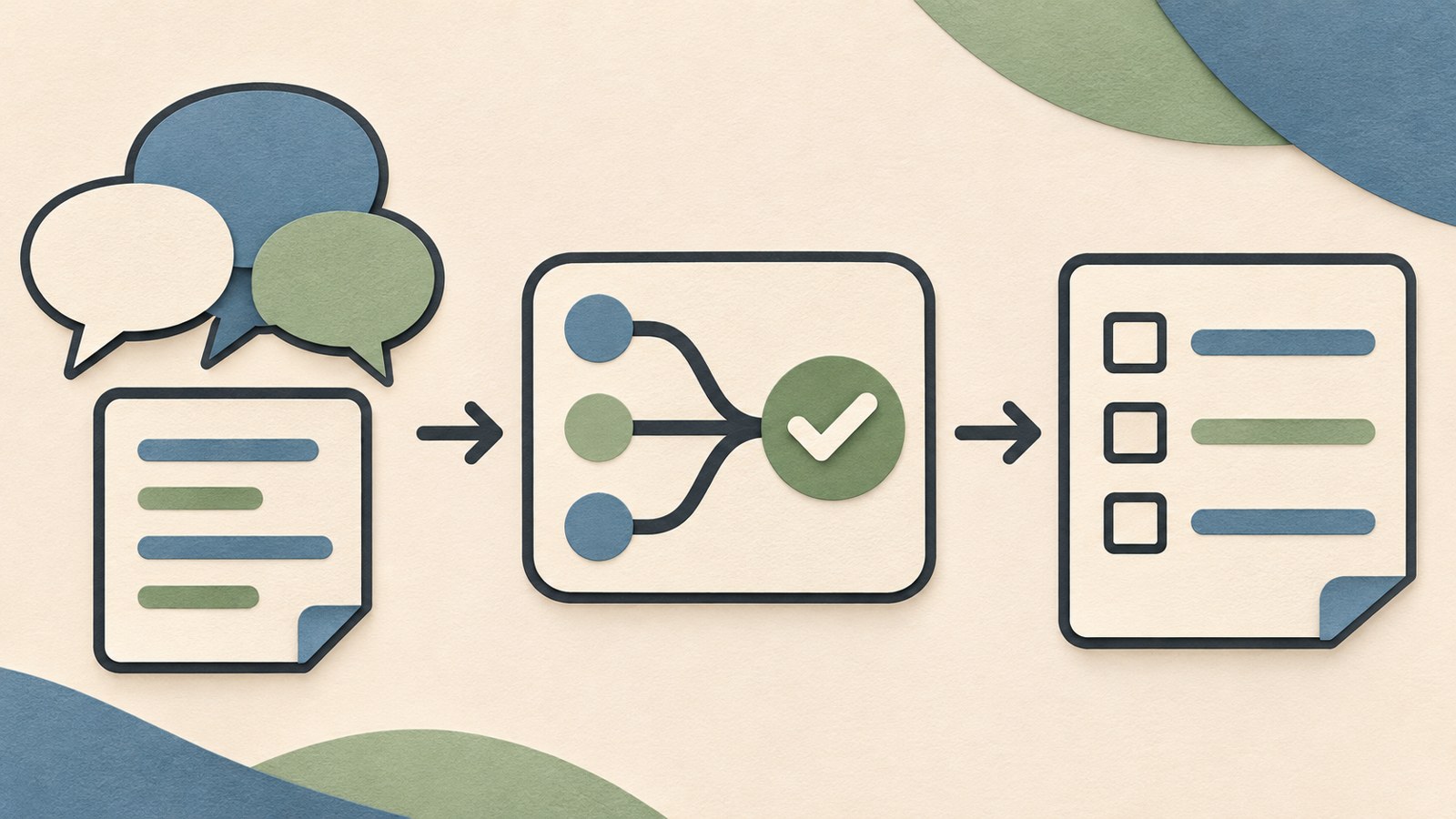
Start by choosing one task you repeat each week. For meeting notes, you could separate the work into summarizing the discussion, extracting decisions, and making a to-do list.
For email, a workflow might classify customer inquiries, check relevant information, and draft a response. Marketing teams might collect and compare competitor news or sort customer reviews into positive comments and complaints.
Choose a part of the process that is easy to check instead of handing over the whole task at once. Specify the material to work on, the research period, the criteria for comparison, and the format you want. Those details make it easier to review and revise the result.
Give clear instructions and decide where people review
Tell the agent what to work on and what the finished result should look like. For example, ask it to research recent news about 3 competitors and compare their prices and main features in a table.
Set the research period, comparison criteria, and document format so you know what to check. You can also separate drafting from the final action, leaving time to correct errors before anything goes out.
Have the person responsible review work that involves business judgment, such as customer replies or meeting records. A person should check AI-generated content before it is sent externally or used for an important decision.
- Choose one task you repeat.
- Define what to work on and the result you want.
- Check which services and permissions are needed.
- Choose who will review and revise the draft.
Consider privacy and actions that are hard to undo
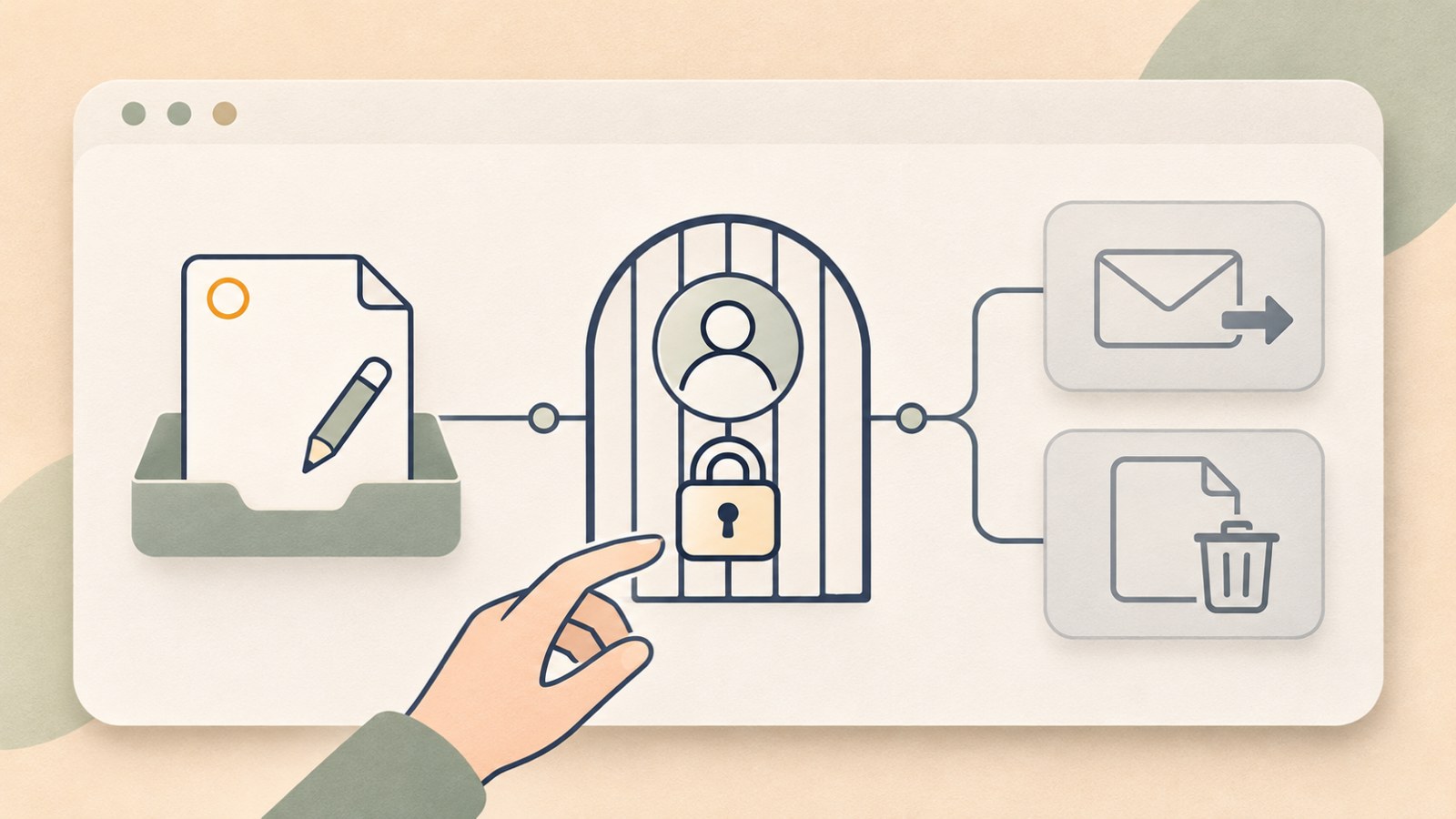
Access to email and files can save time, but a mistaken decision can affect real work. If the task involves customer personal information or internal company material, check where that information will be sent.
Start by connecting only the tools and permissions you need. Begin with reading material and drafting text. For actions that are hard to undo, such as sending email, publishing a post, making a payment, or deleting a file, have a person give final approval.
Track how long it takes to review the results. If you have to check everything again from scratch each time, the workflow may not save time. Consider accuracy alongside the time needed for revisions.
Which tasks should you automate first?
Repeatedly researching similar material or organizing email and documents can make a good automation candidate. Tasks with a fixed sequence may suit rule-based automation. Work that involves finding and organizing information based on its contents may suit an agent.
A chatbot may be enough if you only ask questions now and then or need help with a short piece of writing. Before adopting an automation service, list the tools it needs to connect to, the permissions it needs, and who will review the results.
Give it one small task and check the output and revision time. That will help you decide what to hand over next. Start with drafting or organizing material, then expand the workflow where you can review the results.
- Choose one task you repeat several times a week.
- Decide whether its conditions and steps are clear.
- Choose the tools to connect and the permissions to allow.
- Check the result's accuracy and the time needed to revise it.
Pick one recurring task and check the tools and permissions it needs. Starting with drafts and organized information gives you a chance to review the results before deciding what else to automate.
FAQ
What should I do if I cannot find an email automation feature or button?
First, check whether your email service is connected and what permissions the account allows. Whether a workflow can read or send email depends on the service connection and the permissions granted.
Can I send an AI-written customer reply right away?
Have a person review the reply before sending it to a customer. A responsible team member should check content involving personal information, refund policies, or contract terms.
How should I choose a task to automate first?
Look for work that recurs weekly and follows a clear sequence. Choose one task that is easy to review, then start by asking the system to draft text or organize information.
댓글
댓글 쓰기