
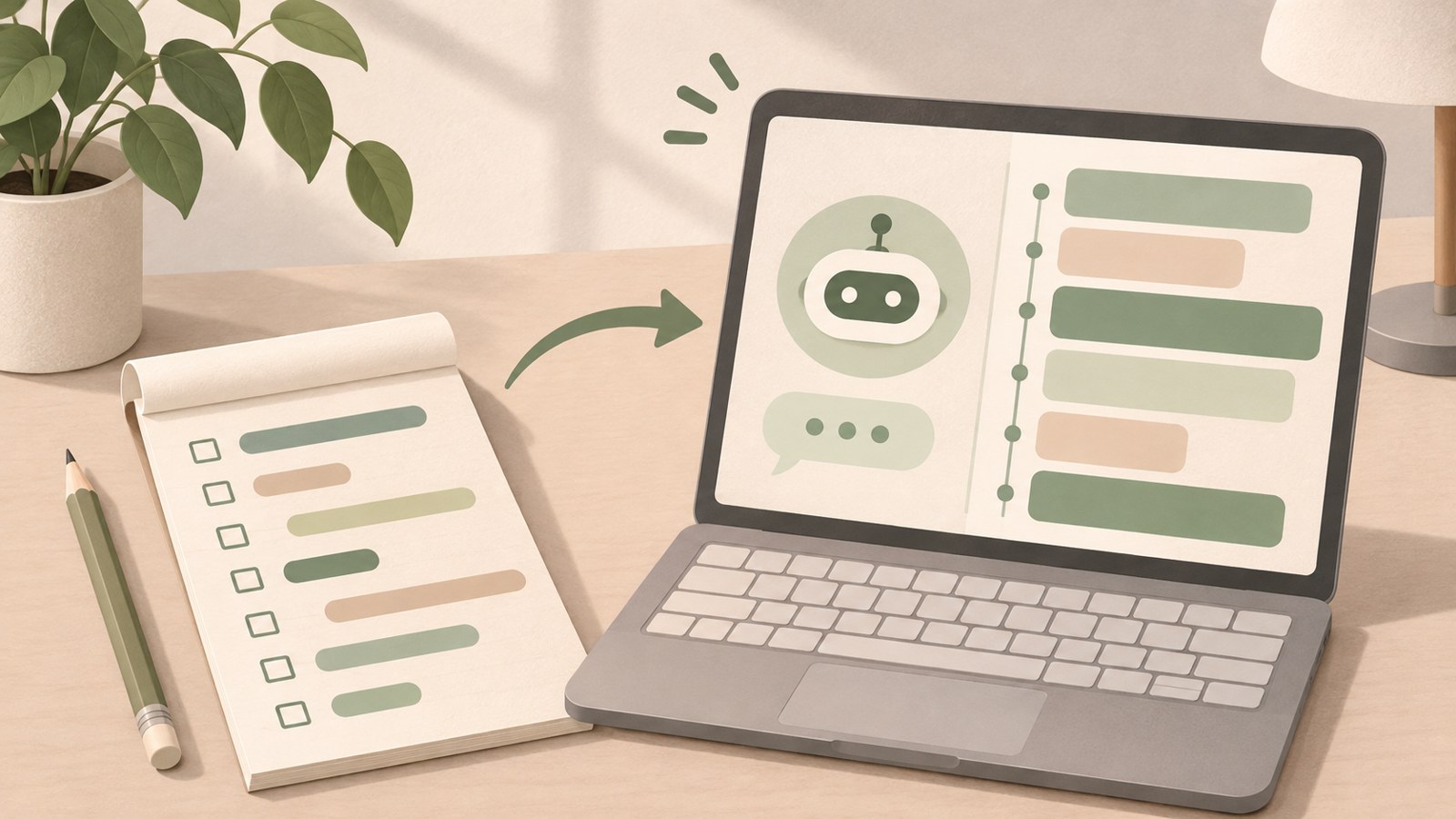
- Start by explaining your role and situation.
- Break the work into tasks and ask for help with one at a time.
- Check the results and any sensitive information yourself.
1. Start with one task when you build an AI assistant
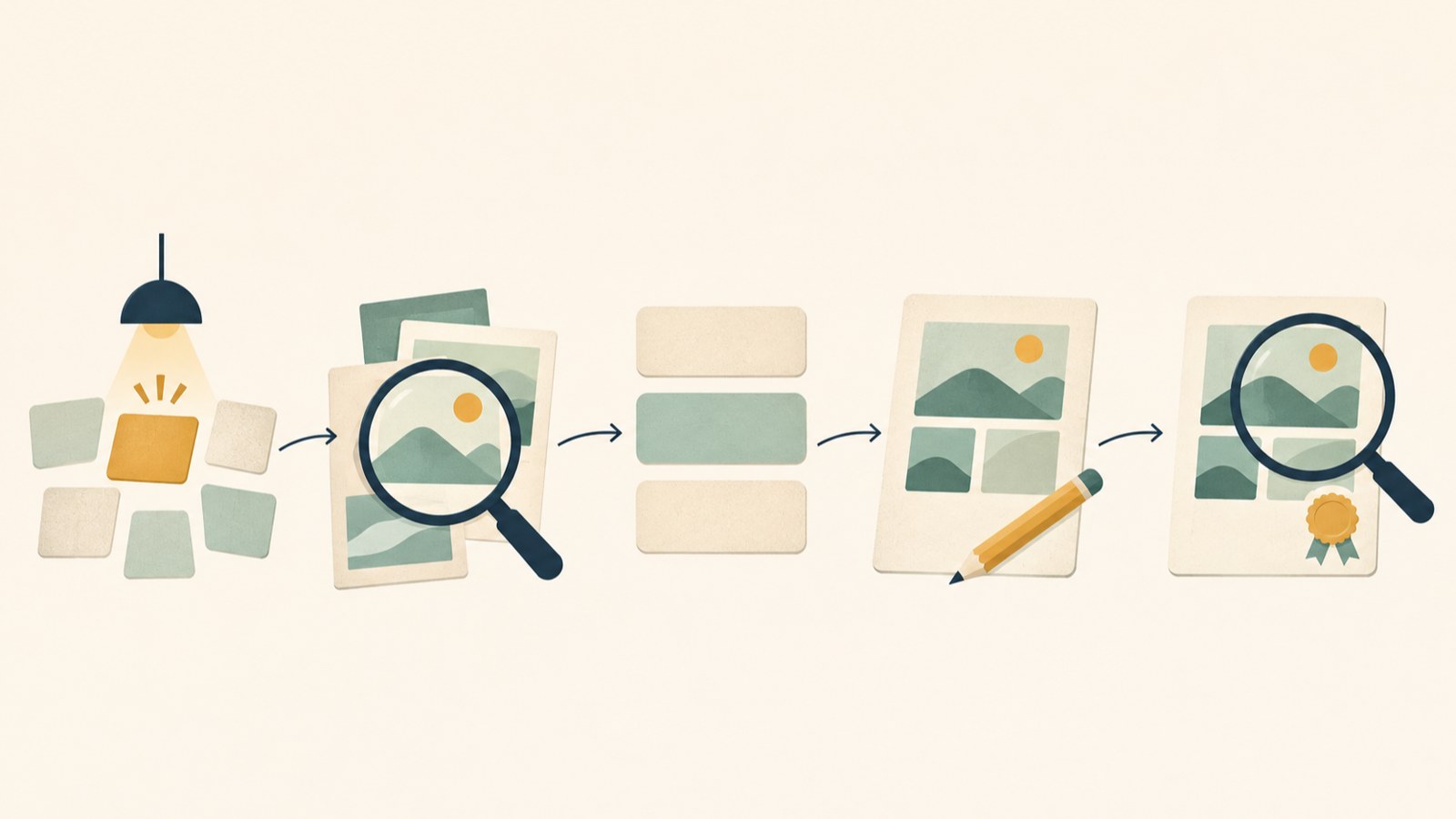
Creating a piece of content can involve choosing a topic, finding information, writing a draft, preparing images, reviewing the work, and publishing it. When you repeat those steps separately for a blog, YouTube, and Instagram, it is easy to lose track of what comes next.
You do not need to automate the whole process at once. Choose one topic and decide which task AI can help with and what you will review yourself.
- Write down the tasks you do repeatedly.
- Choose one and ask AI to help with it.
- Review the result, then decide what to delegate next.
The workflow runs from choosing a topic through review and publishing.
2. Define the purpose before choosing a role
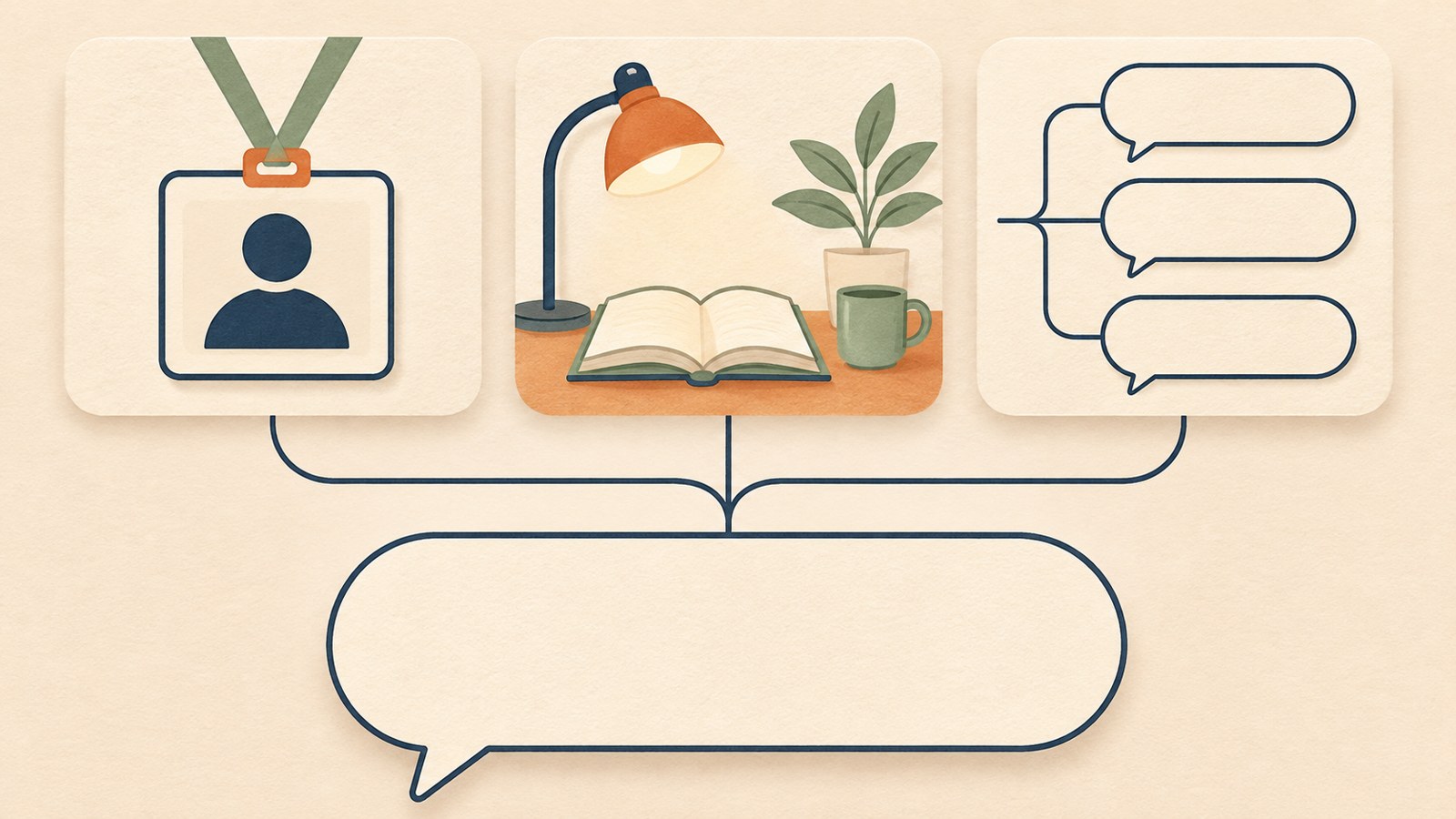
Giving ChatGPT a role can make your request more specific. If you run a blog, you could ask it to help organize topics, titles, and article structure. For travel planning, you could ask it to organize a route and a packing list.
After you choose a role, add details about your situation and the kind of answer you want. For example, say if you are new to computers or want instructions one step at a time.
- Describe the role you want in one sentence.
- Add your situation and the help you need.
- Specify the response style, such as simple explanations or step-by-step guidance.
Including your role and situation makes the request more specific.
3. Ask AI to organize a busy day
Organizing a schedule is a practical way to get started. List everything you need to do, such as visiting the bank, attending a medical appointment, exercising, and writing a blog post. Then ask ChatGPT to sort the tasks by priority.
If you need a timetable, ask it to make one from your list. The schedule and priorities are based on the details you provide, so check that nothing is missing.
- List the tasks you need to do today as they come to mind.
- Ask ChatGPT to put them in order of importance.
- If you need a timetable, ask it to create one too.
| Task | What to ask for | What to check |
|---|---|---|
| Schedule planning | Sort tasks by priority | Whether any appointments are missing |
| Writing a draft | Turn your ideas into an easy-to-read piece | Whether it matches your actual experience |
4. Adapt content for your blog and other channels
You can adapt one topic for different channels by changing the format and level of detail. A blog post can cover the process and difficulties in detail. A YouTube video can combine a view of the work with an explanation.
For Instagram, you could summarize the main points in a short video or carousel. Keep the facts consistent across channels, and check that you have not presented something you did not verify yourself as personal experience.
- Choose a topic and gather the details you have checked.
- Ask for separate formats for your blog, YouTube, and Instagram.
- Review the facts and wording in each draft.
5. Review the content before publishing
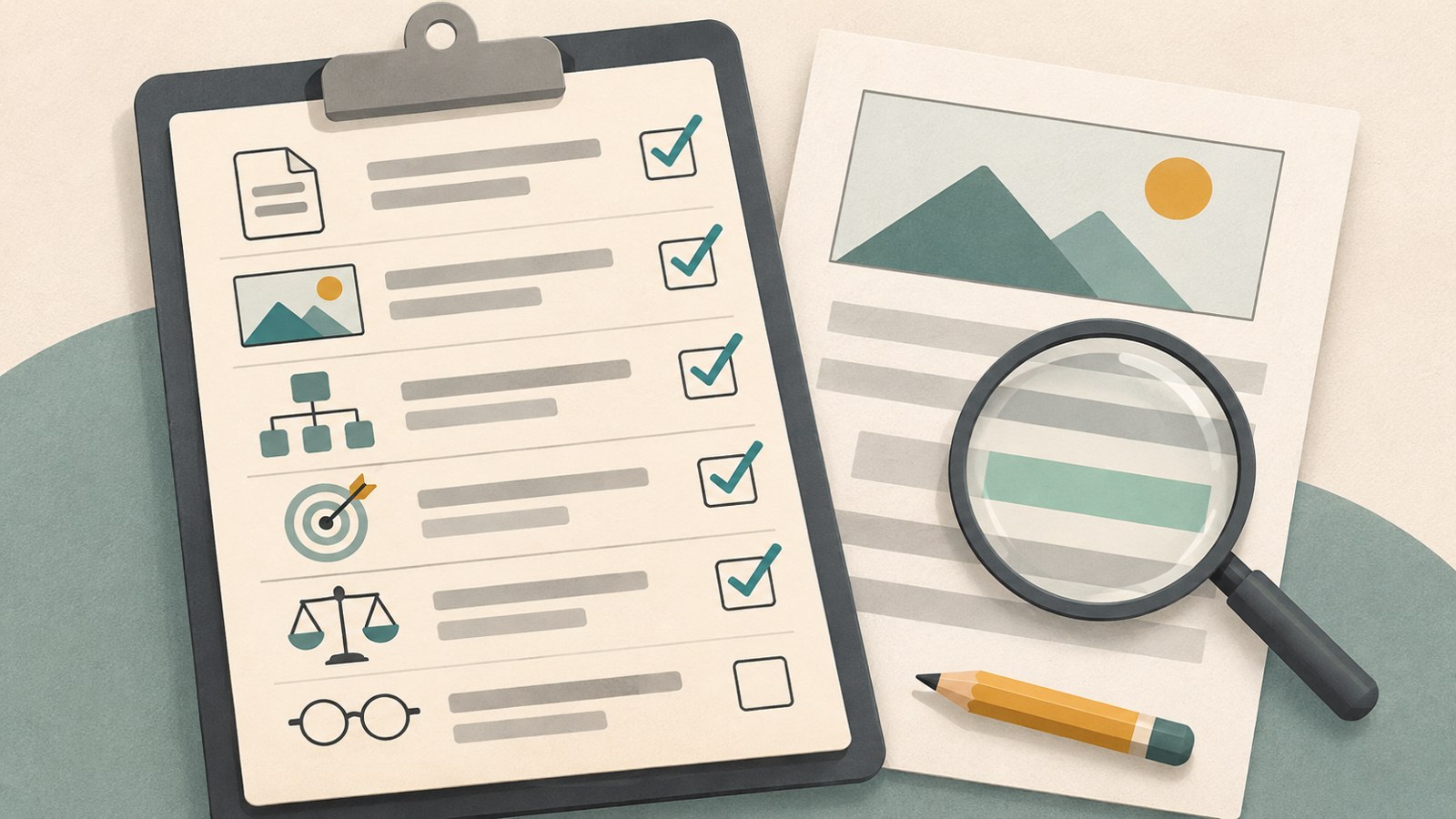
AI can help create a draft or an image, but review the results before publishing. Saying you tried something when you did not, or adding unverified times and costs as facts, could mislead readers.
Before publishing, check that the writing matches your experience and that the numbers and sources are correct. Also review the image for cropped Korean text, check for information that should not be shared, and make sure the title matches the article.
- Check that the experience and results match what actually happened.
- Review the numbers, sources, and dates you checked them.
- Check the image, personal information, and title before publishing.
Before publishing, review the content, images, and personal information.
6. Build your AI assistant one step at a time
To get started with an assistant for content work, define its role and workflow, then set up and review any connections you need one by one. You could create a process for organizing topics and source material, drafting a post or video, reviewing it, and publishing it.
The same steps may not suit every topic. If you have too little source material, or a written post fits better than a video, adjust the workflow. Track the time and costs you actually incur, and note where a connection stops working so you can account for it next time.
- Organize the topic and source material first.
- Create a draft for the channel and review it.
- Record what happened during the work and adjust the workflow.
Choose one task for today and ask ChatGPT to organize it. Review the result, then decide what to delegate next. That is one way to start building an AI assistant with a small task.
FAQ
What should I do if I do not know what to ask AI?
Ask it to ask you questions first. Explain that you want to start a blog but are unsure where to begin, then ask it to ask one question at a time.
Can I share my national ID or card number?
It is best not to enter sensitive personal or financial information, such as a national ID number, bank account password, or card number.
Can I automatically publish AI-generated content right away?
You can start by having a person review the content before it goes live. Check the experience, numbers, sources, images, and personal information before publishing.
댓글
댓글 쓰기