
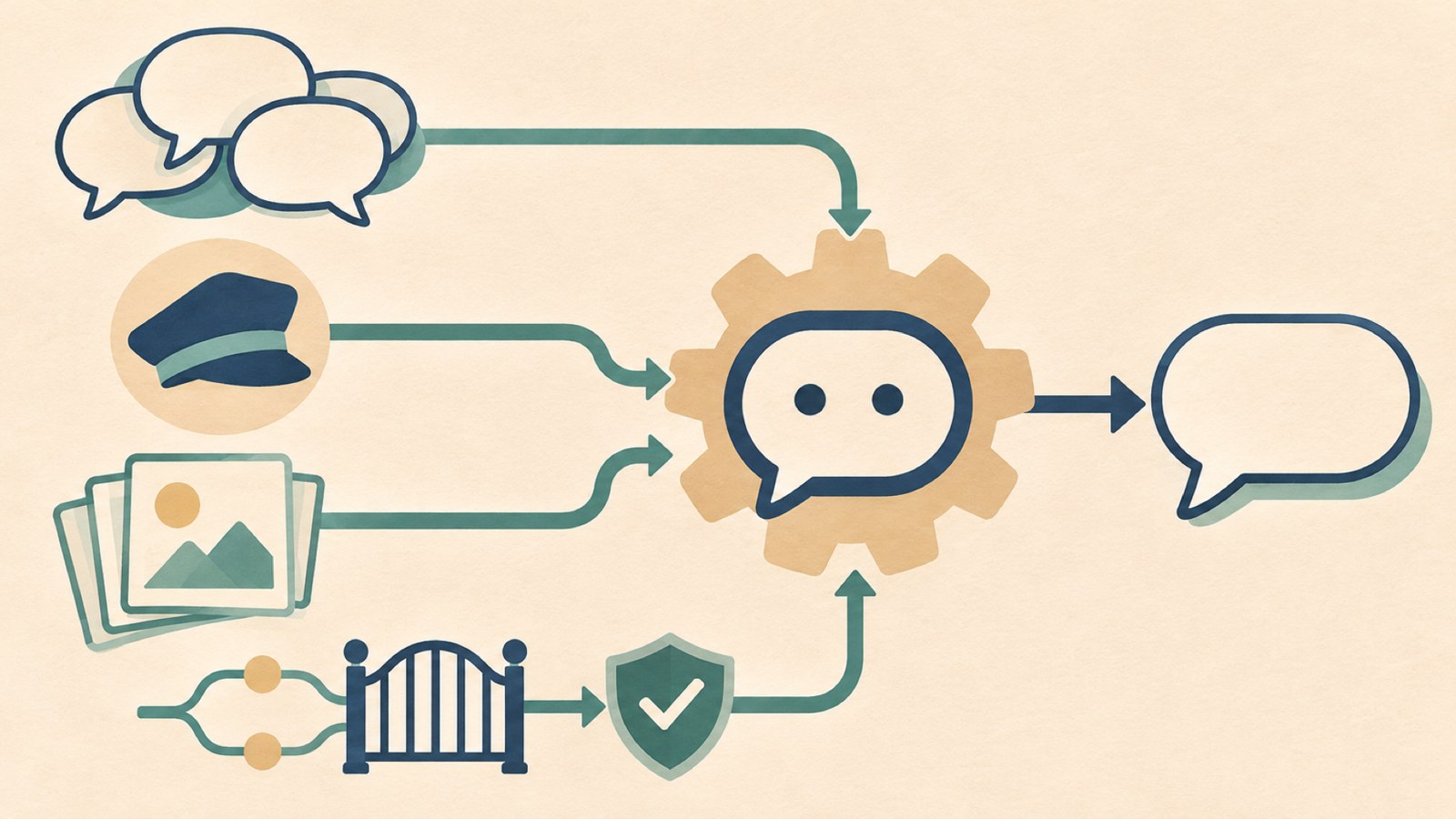
- Start with the questions people ask most often.
- Tell the chatbot to answer using only the information you provide.
- Test questions that fall outside that information, along with sensitive inquiries.
1. Choose the questions it will handle
Decide what people should be able to ask: for example, a shop’s location and opening hours, or company policies and manuals. A narrower scope makes it easier to provide the right information and set clear answer rules.
Start with questions you receive repeatedly. Prioritize questions you already have information to answer, such as location, prices, or how to request annual leave. These are also easier to check after setup.
At a company, staff may answer the same question repeatedly or explain the same process to new hires. A chatbot can use internal documents and product materials to answer those questions.
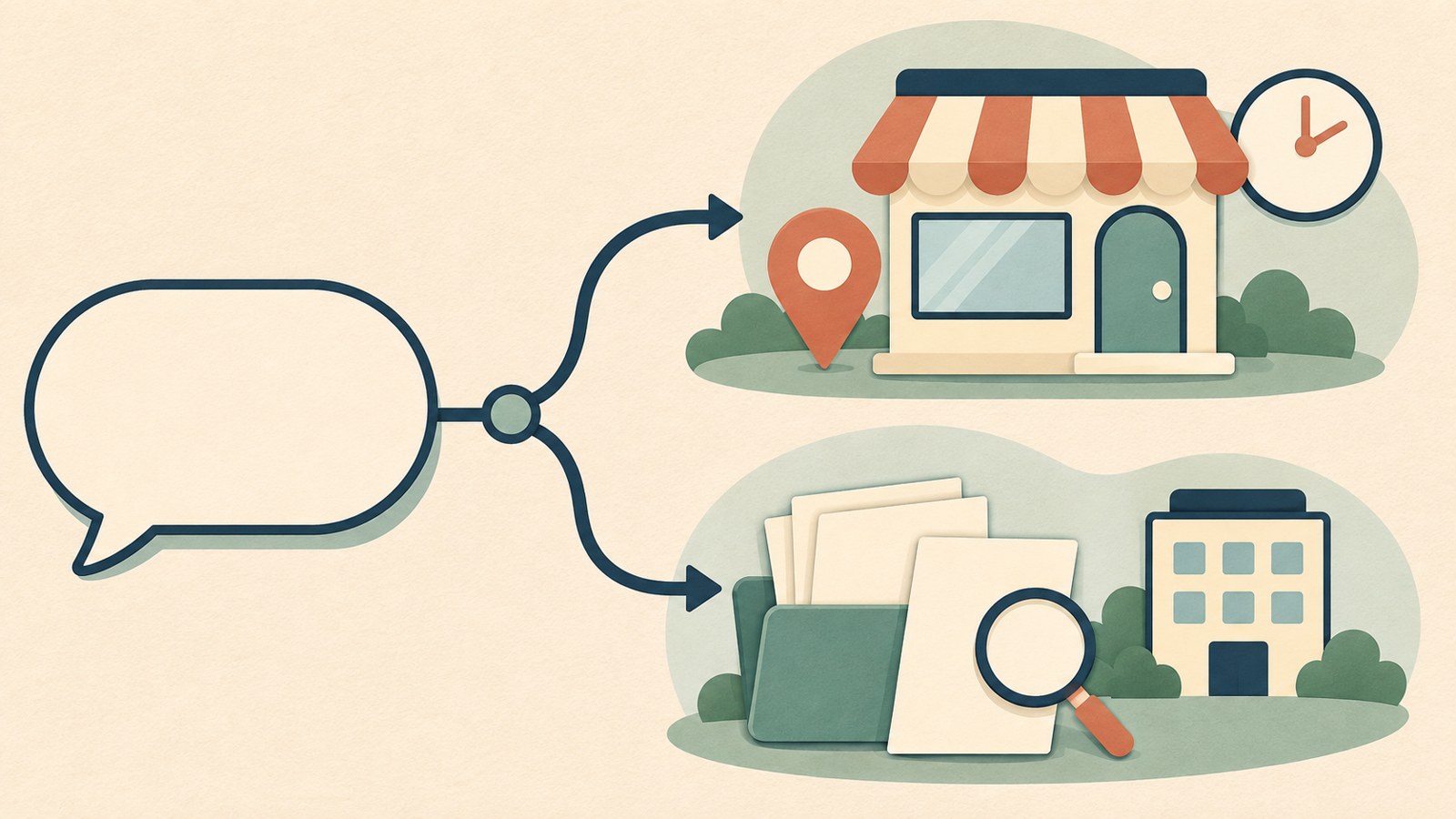
A simple flowchart can separate shop information from internal document searches. Group questions by the chatbot’s intended use.
2. Write its role, information, and rules
Use an AI chat interface to describe the chatbot’s role and rules. Start with who it helps, the tone it should use, and how long its answers should be.
For a shop guide, you could begin with: "You are a guide for a neighborhood shop." Then provide details it must get right, such as the location, opening hours, parking, menu, and prices.
Set a clear boundary at the end: "Answer using only the information above." You can also tell it to respond to questions it cannot answer with: "I’ll check and provide accurate information." This gives it a rule for handling missing information.
- Choose the questions the chatbot will handle and who will use it.
- Set its role, name, and tone.
- Enter the information it needs, such as opening hours and location.
- Set rules for questions it cannot answer and requests for personal information.
- Ask questions, review the answers, and revise the setup.
3. Choose the information and materials it can use
A shop chatbot can use details such as its location, opening hours, parking instructions, popular menu items, and prices. Check that the information is accurate and that nothing is missing.
A company chatbot can use internal documents, manuals, and product materials as sources. For example, if someone asks how to request annual leave, it can find the relevant policy and show which document supports its answer.
If the documents are only scanned images or employees keep separate copies, you may need to gather and organize the materials first. Check whether the text documents are collected in one place, then choose an AI model suited to the materials you will use.
| Use | Information for answers | What to check |
|---|---|---|
| Shop information | Location, opening hours, menu, and prices | Entered basic information |
| Company information | Internal documents, manuals, and product materials | Source documents and answer scope |
4. If it answers questions with made-up information
If the chatbot invents answers to questions outside its information, restate the answer boundaries and the rule for questions it cannot answer. Tell it to use only the information provided and to say it will check when it does not know.
Prepare a mix of questions that the chatbot can answer and questions outside its information. Ask for the shop’s location and opening hours to check the details you entered. Then ask whether it has high chairs for babies, if that information was not provided.
You can also test a question unrelated to its role, such as the weather. If it goes beyond the rules, revise the setup and ask the same question again. Check that it also gets details such as prices and opening hours right.
Take care not to enter or store personal information such as customer names or phone numbers. For sensitive inquiries about refunds, health, or legal matters, direct people to have a person review the issue instead of relying on the chatbot’s answer alone.
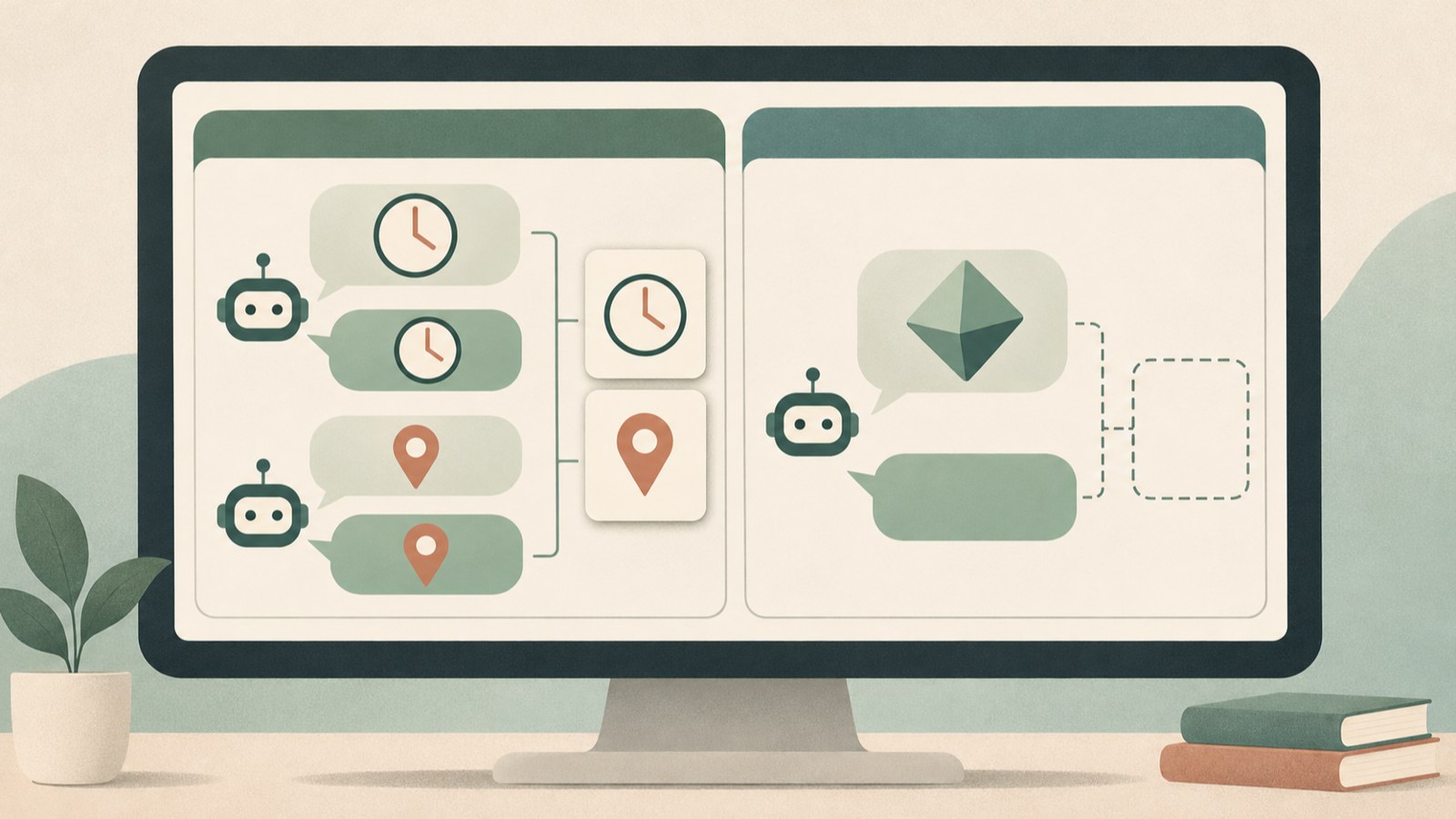
Compare answers to questions covered by the information with answers to questions it cannot answer.
5. Set different answer boundaries for staff and customers
For a chatbot that uses company materials, decide who can see which information. Set separate boundaries for internal and customer-facing chatbots so staff documents do not appear in a customer inquiry window.
In one example, a chatbot is added to the work system employees use, where they can ask questions and receive answers. A customer chatbot on the company website can handle common inquiries that arrive outside business hours.
After choosing where the chatbot will appear, decide which questions it should handle on that screen and which materials it can use to answer. Consider whether to use an external API and whether any constraints prevent you from sending materials outside the company.
If you operate a chatbot on your website, check the platform’s rules for indicating that visitors are speaking with an AI service. You can also check whether each screen needs different information.
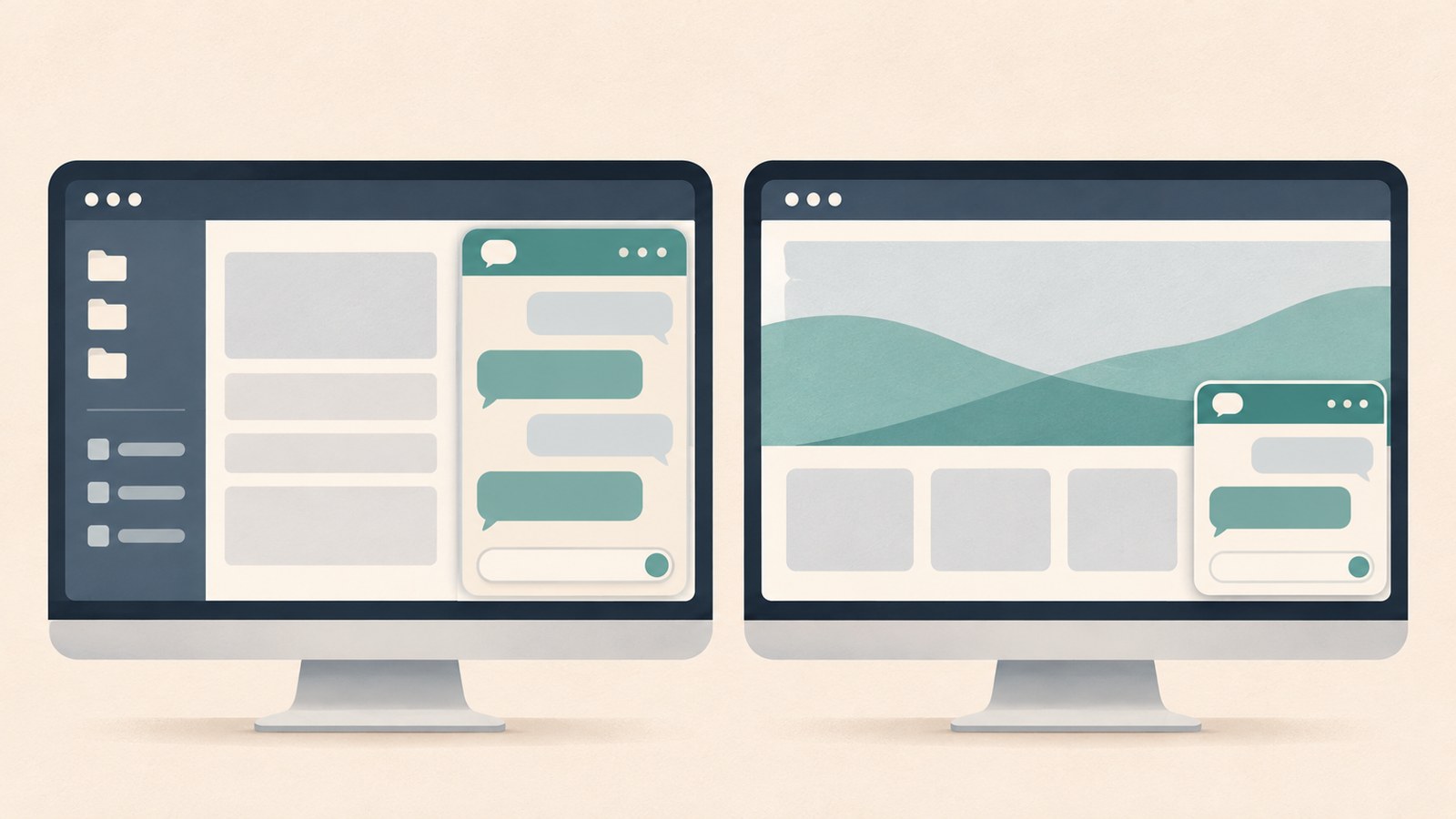
A comparison can show how a chatbot might appear in an employee work system and in a website inquiry window.
6. Refine the setup and documents using question records
You can keep records of questions sent to a company chatbot. Reviewing frequent inquiries can help you find documents or processes that prompt repeated questions.
If the same question keeps coming up, check whether the document is hard to understand or the process is confusing. Use the question records to review the relevant documents and guidance.
If the chatbot displays source documents with its answers, a person can check where an answer came from. Keep the rule against making up answers when there is no supporting source, and compare important information with the documents.
After setting up the chatbot, review common questions and answers again. Check whether information has changed or questions are missing, then update both the instructions and the reference materials.
FAQ
What should I do if it makes up answers to questions outside its information?
Tell it to answer only from the information provided and to say it will check when it does not know. Ask questions outside that information again to see whether it follows the rule.
Can I make a chatbot that searches company manuals?
Yes. You can configure it to use internal documents and manuals. Set different answer boundaries for staff and customers, and design it so people can check the source documents.
Can a website chatbot answer inquiries outside business hours?
You can connect one to your website so it handles common questions that arrive after business hours. Decide which materials it can show customers and what it can answer.
댓글
댓글 쓰기