
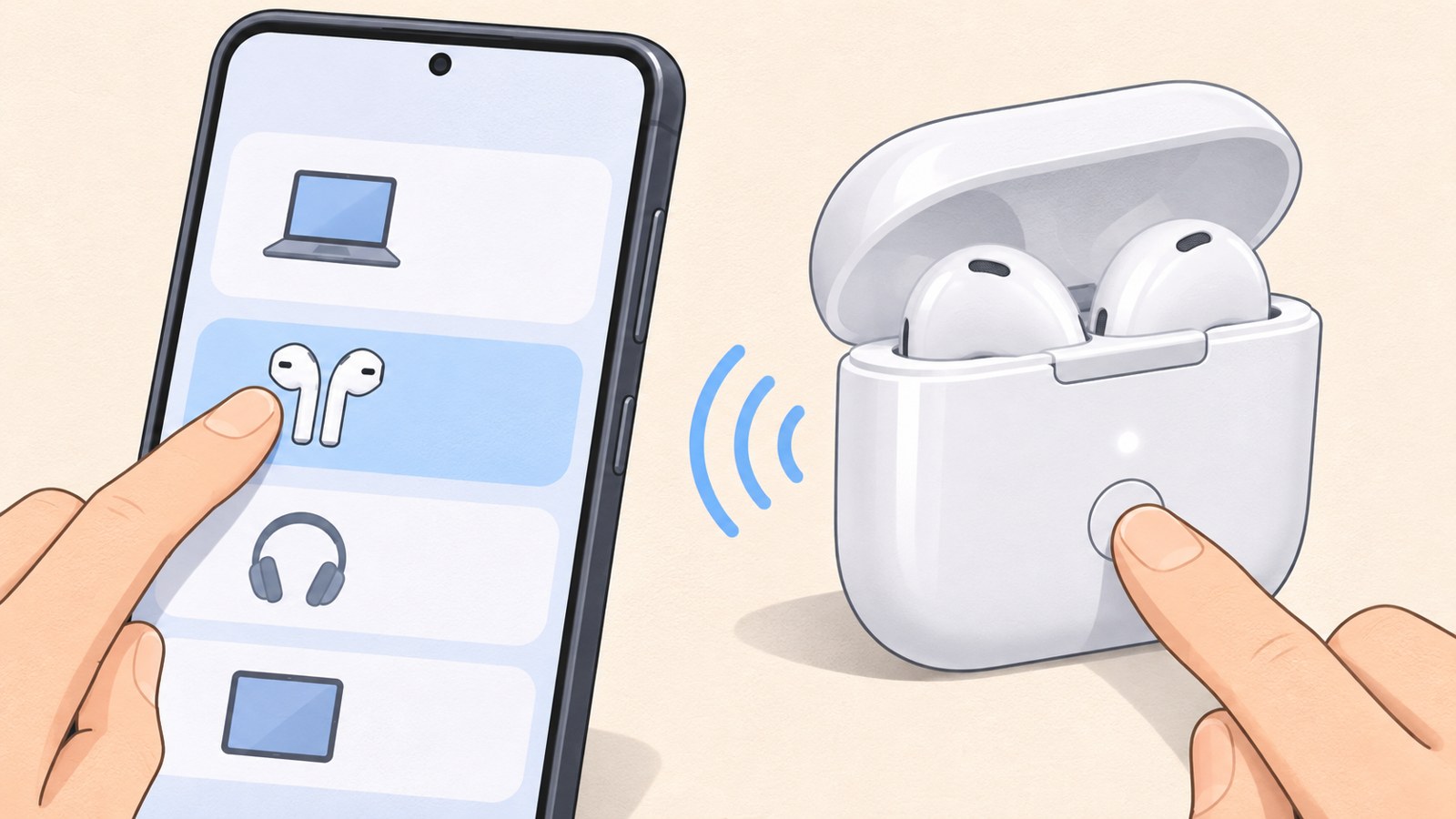
- Turn on Bluetooth in Galaxy settings.
- Put AirPods into pairing mode using the method for your case model.
- If AirPods do not appear, check the status light and existing connections.
Can you use AirPods with a Galaxy phone?
Yes. AirPods connect to a Galaxy phone over Bluetooth, including AirPods previously used with an iPhone. Once connected, you can listen to music and make phone calls. The microphone can also be used.
You do not need a separate app. Open Bluetooth in Galaxy settings, put AirPods in pairing mode, and select them from the device list. Unlike the pairing prompt on an iPhone, a Galaxy phone requires you to choose AirPods from the list yourself.
Connect AirPods from the Galaxy Bluetooth menu
Place the AirPods in their case and open the lid. Open the Bluetooth screen on your Galaxy phone, then put the AirPods into pairing mode. Their name should appear under available devices. Select AirPods or the name shown for your AirPods, then check the connected devices list. Try playing music or making a call to confirm the connection.
- Open the Settings app on your Galaxy phone.
- Tap Connections, then turn on Bluetooth.
- Put AirPods in the case and open the lid.
- Enable pairing mode using the method for your model.
- Select AirPods from the available devices list.
- After connecting, try music or a phone call.
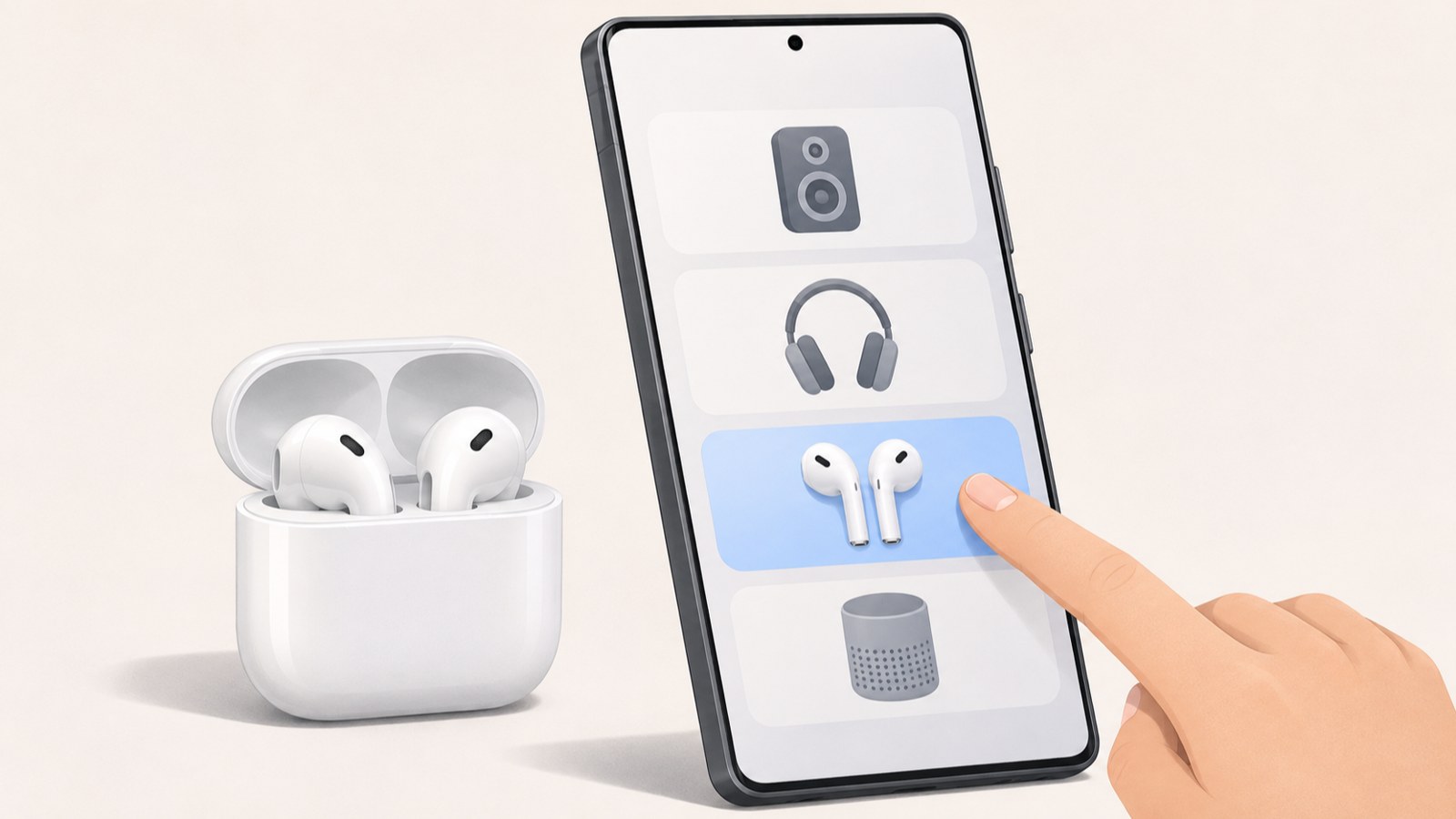
Find the AirPods name in the Bluetooth device list and select it to connect.
Pairing methods by AirPods case model
On models with a setup button on the back of the case, put the earbuds in the case, open the lid, and press and hold the button. The AirPods are in pairing mode when the status light flashes white.
Some newer cases use the front of the case instead. With the lid open, double-tap the front and check for a flashing white light. The location of the controls helps identify which pairing method to use. For AirPods Max, press and hold the listening mode button for about 5 seconds.
| Model | Pairing action | What to check |
|---|---|---|
| AirPods 1·2·3, Pro 1·2 | Press and hold the setup button on the back of the case. | The status light flashes white. |
| AirPods 4, Pro 3 | Double-tap the front of the case. | The status light flashes white. |
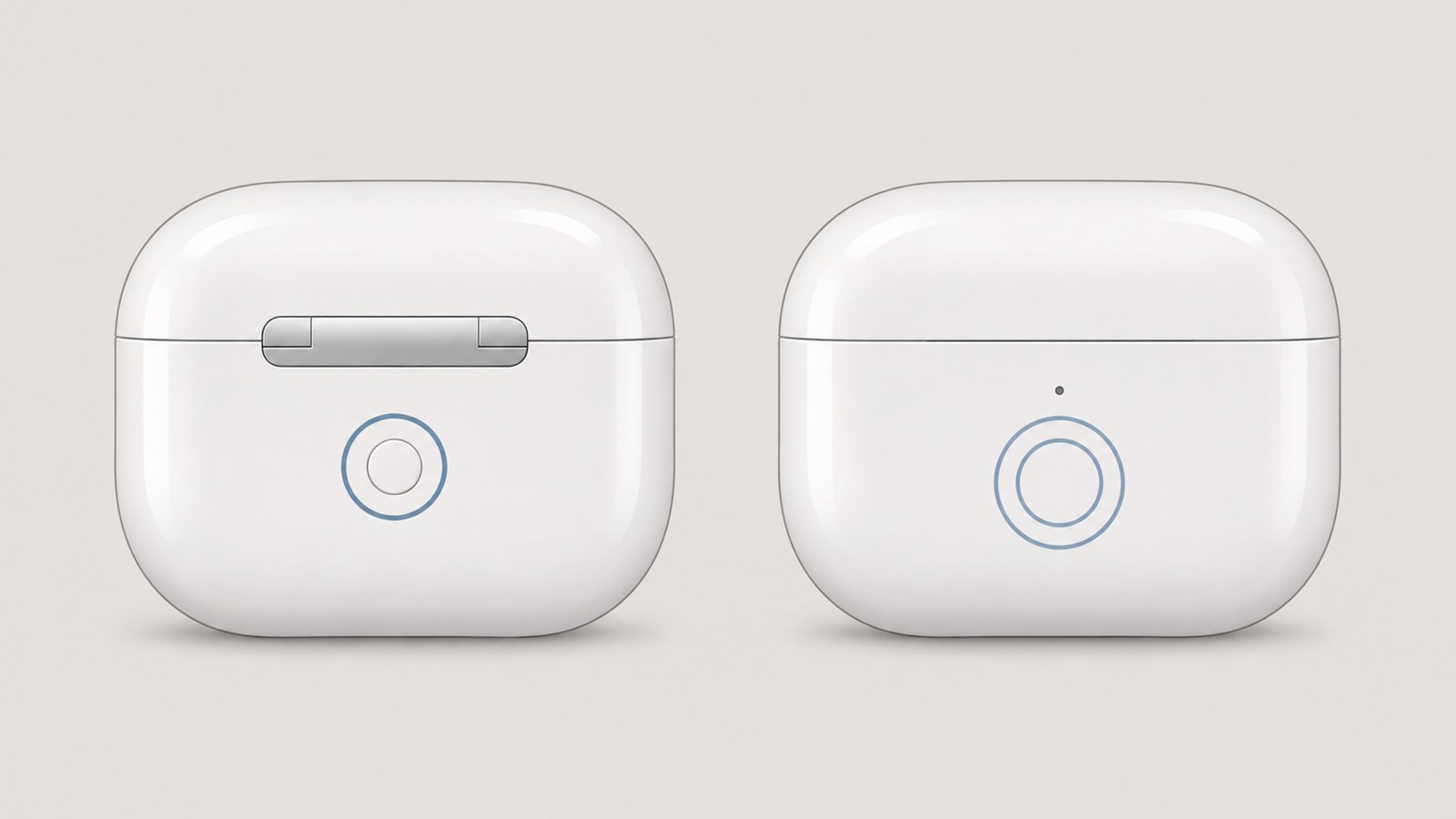
The pairing control is on the back or front of the case, depending on the model.
AirPods do not appear in the Bluetooth list
First, check whether the case status light is flashing white. If it is not, leave the lid open and repeat the pairing action for your model. If the light does not turn on or respond, check the charge level of both the case and earbuds.
Keep the case lid open while the Galaxy phone searches, then check the list again or refresh the search. Also check whether AirPods are still connected to a nearby iPhone or tablet. If AirPods appear in the list but the connection fails, remove the registered AirPods entry from your Galaxy phone and pair them again.
- Open the case lid and check whether the status light flashes white.
- If it does not flash, repeat the pairing action for your model.
- Check the charge level of the case and earbuds.
- Check for an existing connection to a nearby device.
- If AirPods are already registered on the Galaxy, remove the entry and connect again.
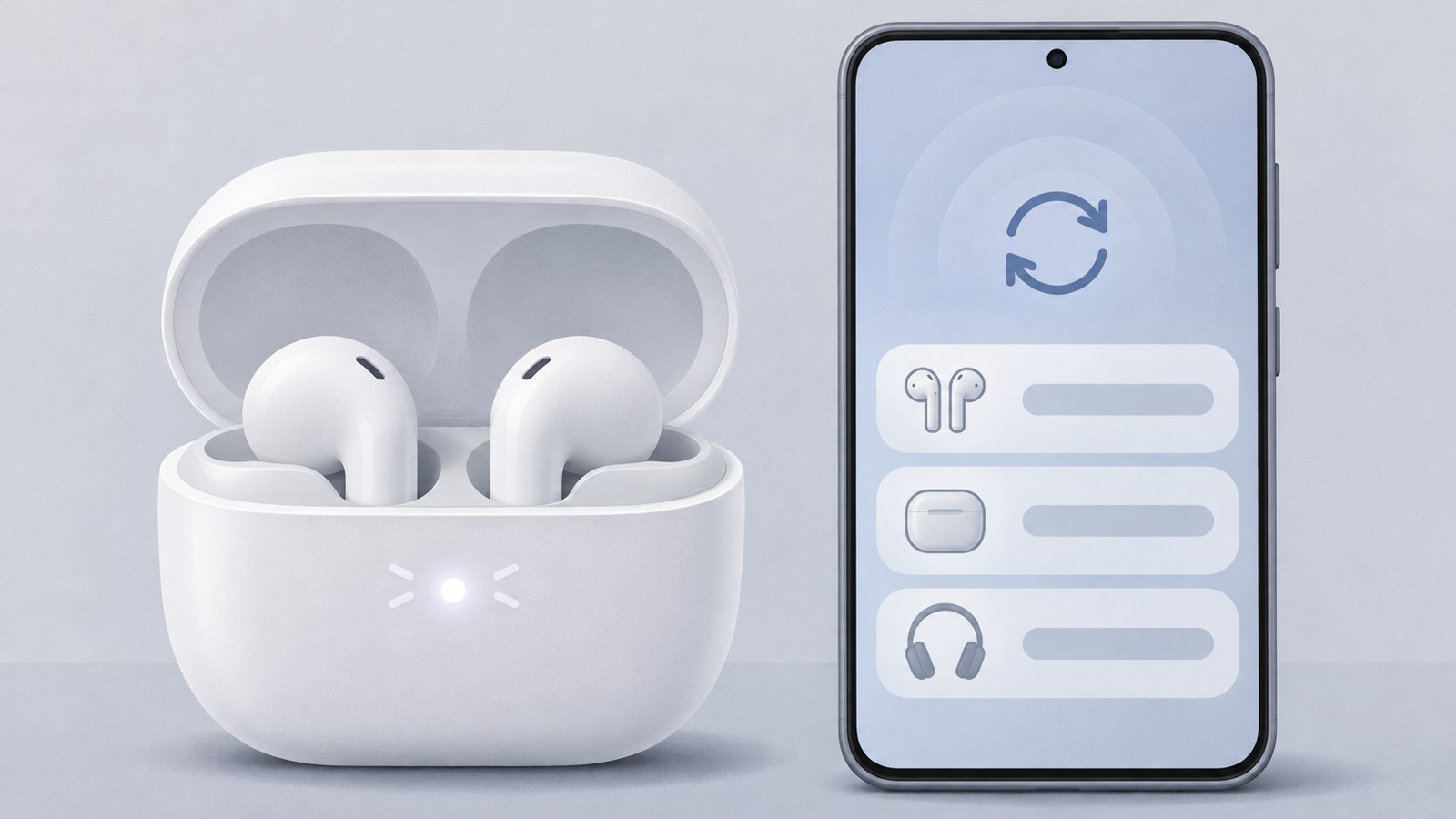
Check the flashing white light, then review the Bluetooth device list.
Which AirPods features work with Galaxy?
With AirPods connected to a Galaxy phone, you can listen to music, make calls, and use the microphone. AirPods connect over Bluetooth.
Features tied to Apple devices, such as Siri, do not work the same way on Android. Bluetooth connection and access to Apple device features are separate things. If you mainly need audio and calls, pair AirPods through Bluetooth, then check the registered device name and try music or a call.
Reconnect AirPods previously used with an iPhone
AirPods that were connected to an iPhone can also connect to a Galaxy phone. Put them back into pairing mode and select them from the Galaxy Bluetooth list.
If their name does not appear, check whether they are already connected to another device. Confirm that the status light is flashing white, then search again from the Galaxy phone. Menu names can vary slightly by Galaxy model and software version, so look for Connections or Bluetooth and check the device list for the AirPods name.
FAQ
AirPods I used with my iPhone do not appear in the Galaxy Bluetooth list. What should I do?
Check that AirPods are back in pairing mode. Look for a flashing white light on the case, then search again from the Galaxy phone.
What if I cannot see a setup button on the case?
Check whether your case uses front controls. With the lid open, double-tap the front and see whether the status light flashes white.
Can I make calls with AirPods on a Galaxy phone?
Yes. AirPods connected to a Galaxy phone can be used for music and phone calls. Apple features such as Siri do not work the same way on Android.
댓글
댓글 쓰기