

- The first two Mac mini run took 340.3 seconds, almost the same as one Mac mini at 338.2 seconds.
- A missing FastH3 patch file made one worker refuse the job while the leader calculated everything alone.
- With the files and connections set up correctly, two Macs took 209.0 seconds and three took 164.8 seconds.
Why two Mac minis took as long as one
I connected two Mac minis over Thunderbolt 5 and generated the same 3-second video again. It took 340.3 seconds. A single Mac mini had taken 338.2 seconds, so the two-computer setup made no difference. There was no error message to explain why.
1. One missing file left the leader working alone
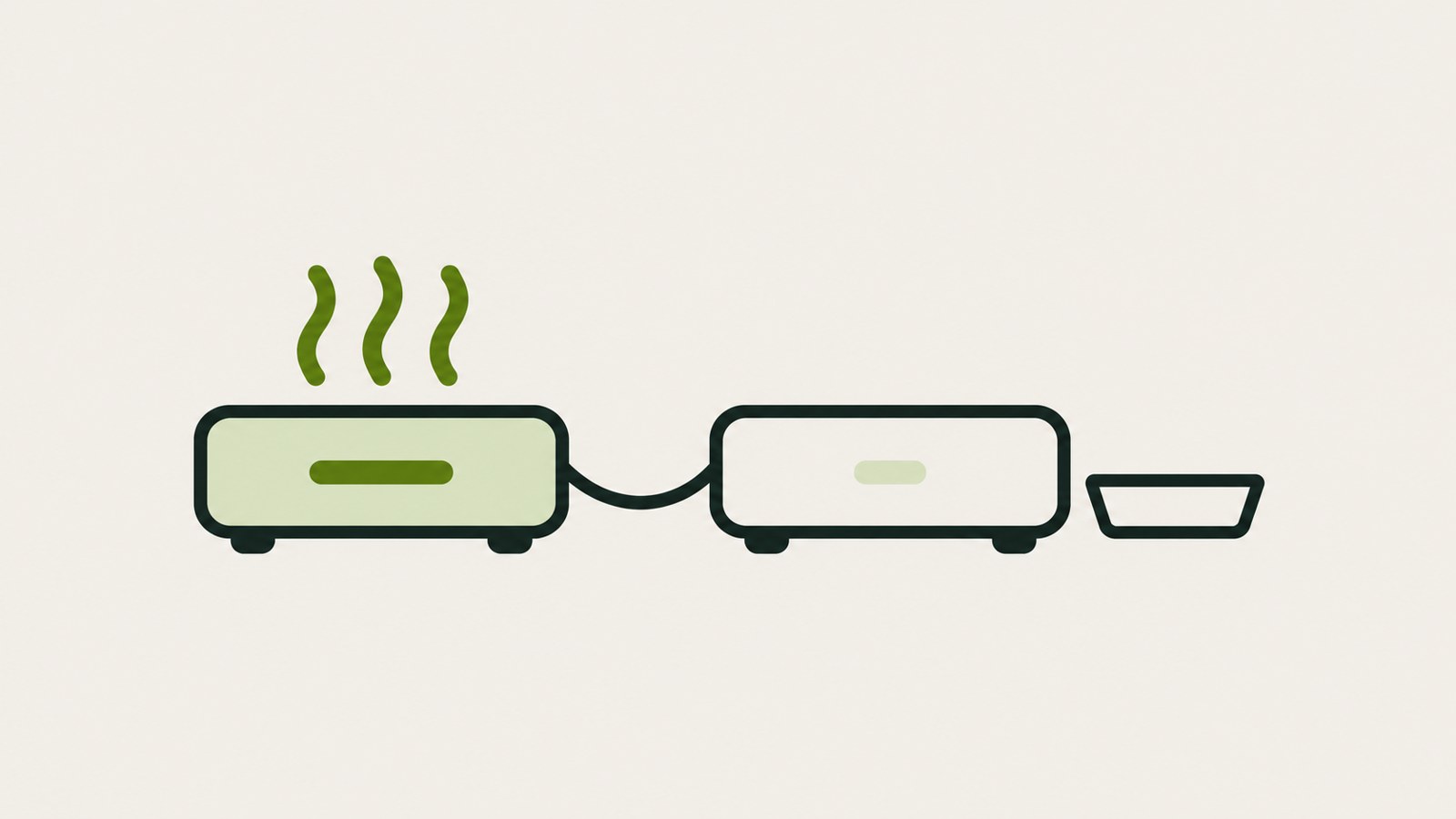
The problem was on Mac3. It was missing the FastH3 patch file that reduces video generation to 4 steps. The worker refused the task because its requirements were not met, and the leader silently did all the calculations by itself.
The progress indicator looked normal, and the video came out as expected. Without timing the run, I would have assumed both Macs were working. The patch and LoRA files need to match across every Mac.
2. Matching the files brought the time down to 209.0 seconds
After copying the patch file, I ran the same job again. The video took 209.0 seconds. This time, the logs on both Macs showed the token range assigned to each one.
To check whether multiple Macs are actually working, look for each Mac's assigned share in its log. A finished video by itself does not confirm that the work was distributed.
| Setup | Time for a 3-second video | Notes |
|---|---|---|
| 2 Macs | 209.0 seconds | First attempt took 340.3 seconds (ran on one Mac) |
| 3 Macs | 164.8 seconds | Fixed by resolving each Mac's name differently |
3. The third Mac could not find the others
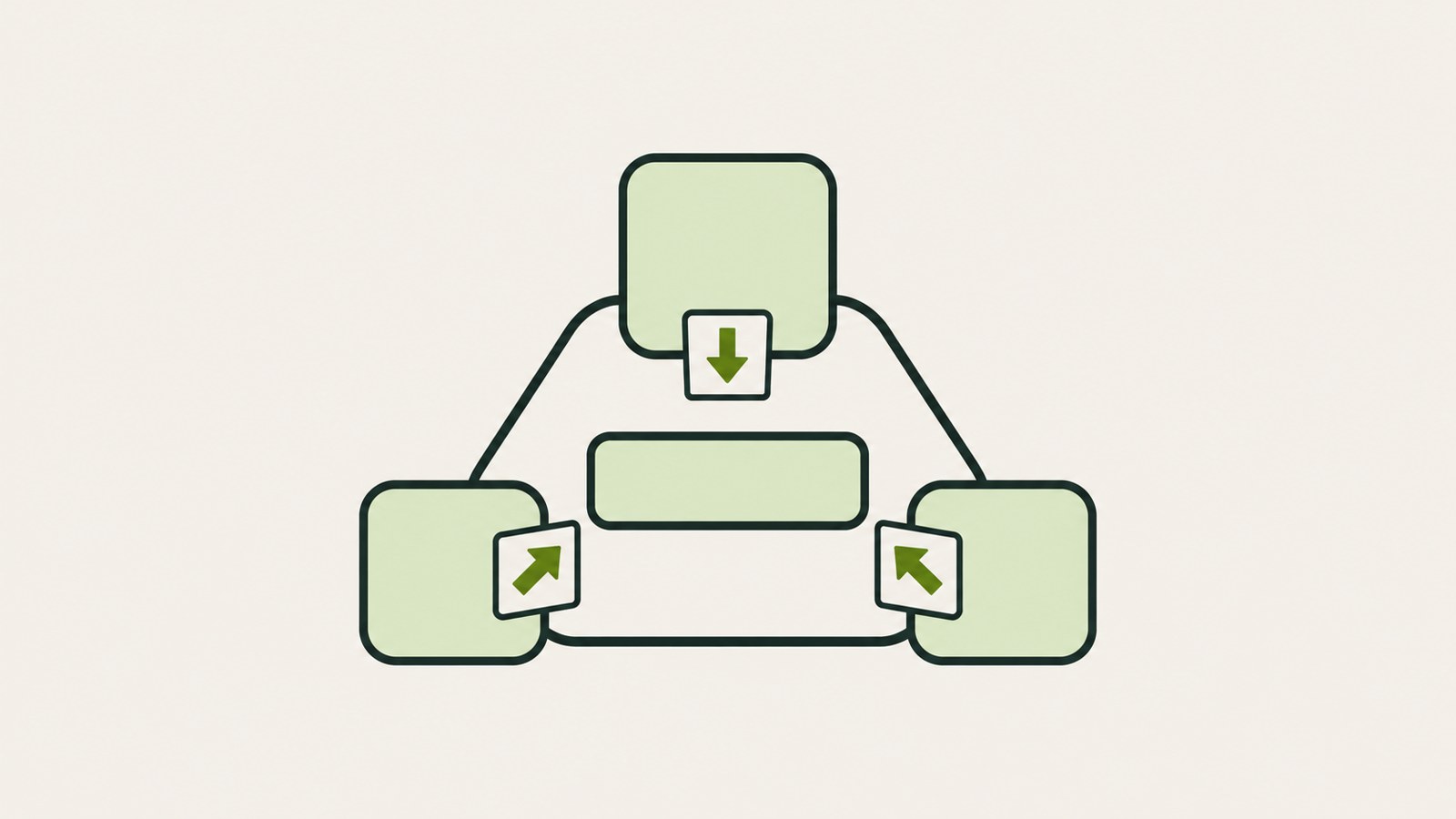
When I added a third Mac, the workers could not connect to one another. The leader passes a worker's address to the other workers exactly as it has written it. Thunderbolt direct-connection addresses, though, can mean different things on different Macs. Mac4 could not reach Mac3 using the address that Mac2 knew for it.
Trying to set the route by hand failed because macOS blocked it during inspection. I used names instead of addresses. Each Mac's hosts file had the same name, resolved to the address of the direct connection from that Mac. With three Macs, the video took 164.8 seconds.
4. A worker launched remotely could not connect out
Another issue came up with a worker launched over ssh: every outgoing connection to another Mac was refused. The cause was macOS local network permission.
I had to launch each worker directly from the Terminal app on its Mac. With all 4 Macs connected by 6 cables, a 5-second video took 248 seconds. I uploaded the script and measured results to GitHub: https://github.com/seunghyeon1004/mac-mini-mesh-ai-video. I discarded that 248-second setup a day later. Part 3 continues the story.
댓글
댓글 쓰기