
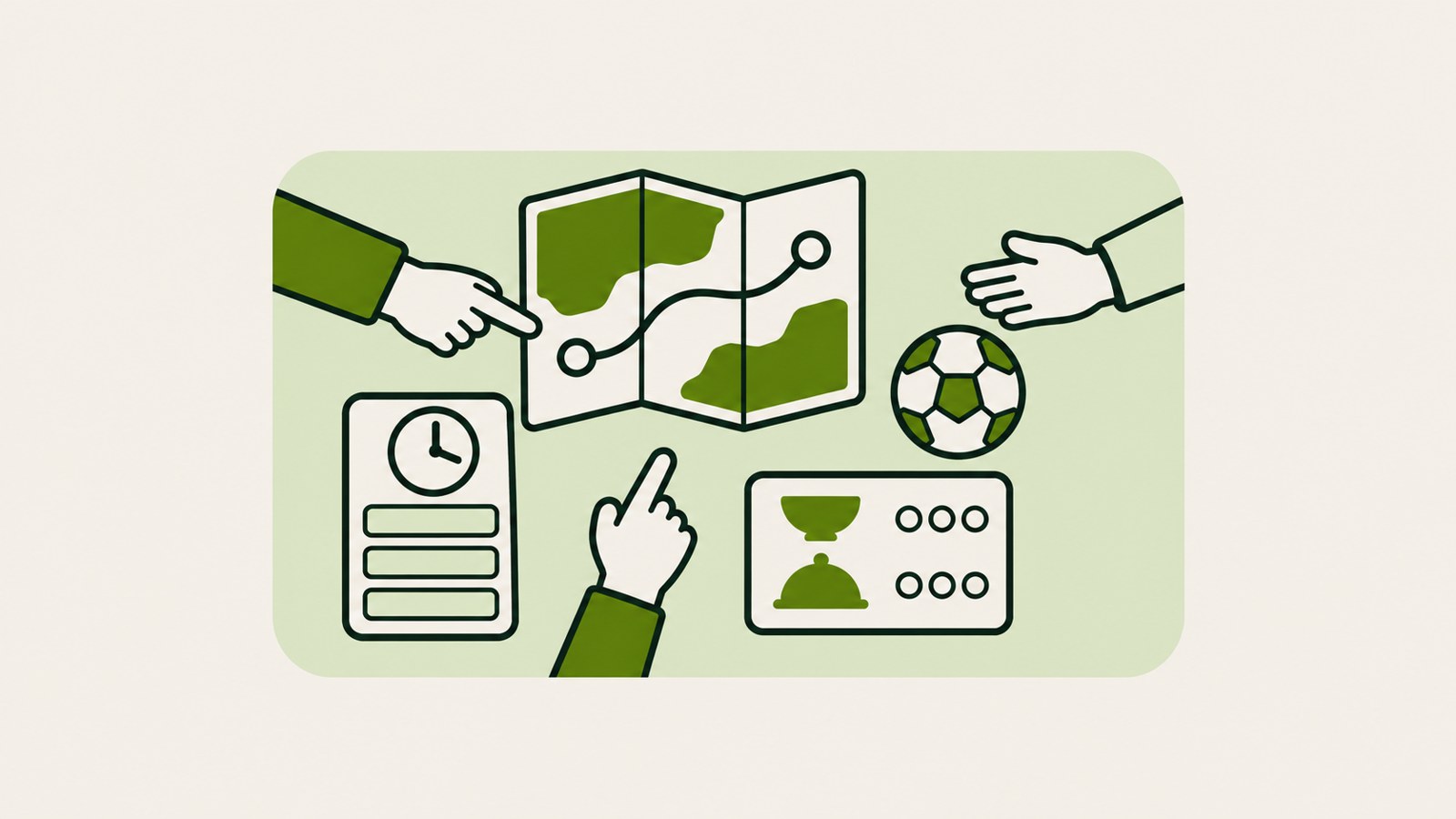
- Create a space with an @tabletop request or a starter template.
- Build tools for polls, splitting costs, and tournament brackets.
- Invite a group to join the same space at the same time.
1. Tabletop gives groups a shared space
Tabletop is a real-time collaboration experiment from Google Labs. Participants can bring links, files, and ideas together in a space shaped around what their group wants to do.
Google describes Tabletop as a way to make a customized space, rather than a tool that produces everything in one fixed format. You can ask for the setup you want or choose a starter template.
2. Make an itinerary, a poll, or a cost-splitting tool
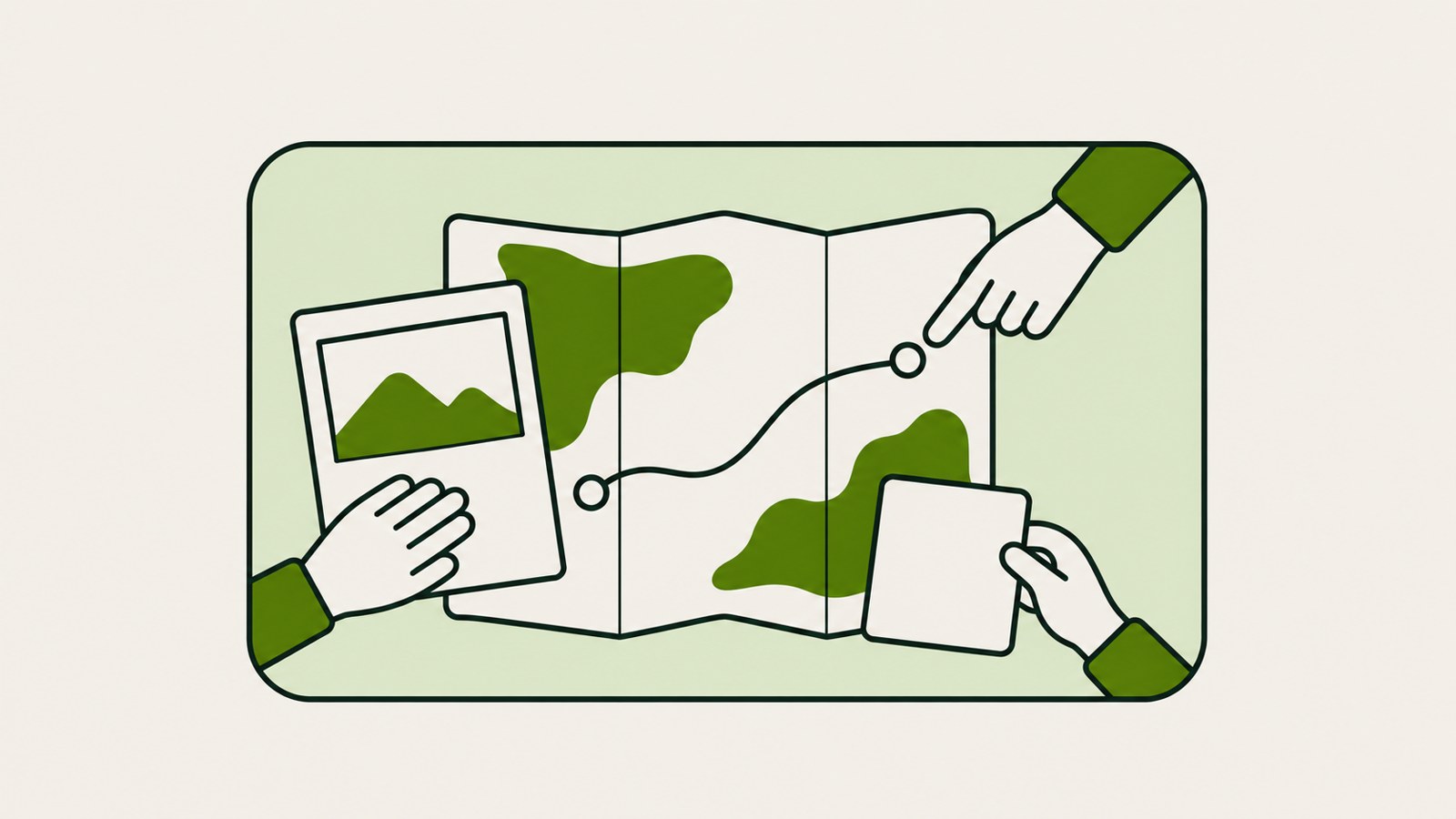
Google’s examples include a custom travel itinerary and a dinner poll. Groups can also make a tool for splitting costs or a tournament bracket.
The use cases include families planning a trip, people organizing a club match, and groups hosting a potluck. Each group can put together something that helps everyone plan and make decisions.
| Group situation | What they can make | What they can decide together |
|---|---|---|
| Family trip | Custom travel itinerary | Travel plans |
| Dinner gathering | Dinner poll | Menu choice |
| Club match | Tournament bracket | How to run the matches |
3. Add materials, make a request, and share an invite link
Start by adding links, files, and ideas to the space. Then ask @tabletop for the kind of space you want, or pick a starter template. When it is ready, share its invite link in the group chat.
Google says participants can use the same space at the same time, much like they can work in Google Docs.
- Add links, files, and ideas to the space.
- Ask @tabletop for the space you want, or choose a starter template.
- Share the finished space’s invite link in the group chat.
4. The waitlist is for adults in the US
Google Tabletop collaboration is available through a waitlist for people aged 18 and older in the US. The application page is labs.google/tabletop.
The announcement gives the location, age requirement, and application method. It does not establish whether people in South Korea can apply or when waitlisted users will get access.
5. A fit for groups that plan together
Tabletop’s examples may suit a group that needs to contribute materials and make decisions in one shared space. Sharing a link so people can participate at the same time is another part of the group planning workflow Google describes.
The announcement does not explain which file formats are supported, who can view a shared link, or how long a space is saved. If any of those details matter for your plans, check the guidance on the application page before signing up.
FAQ
When can I use Tabletop after joining the waitlist?
The announcement does not give a date or timeframe for access after waitlist registration.
Is there a fee to use Tabletop?
The announcement does not list a price or usage fees.
댓글
댓글 쓰기