
- Use a slash (/) to add checkboxes and heading blocks.
- Keep recurring records in a database and sort them by date or status.
- Check who can access a page before sharing or publishing it to the web.
To get started with Notion, create a page and type a slash (/) in the body to add the blocks you need. Put records you revisit in a database. A one-time note can stay on its own page.
1. Add your first to-do list to a blank page
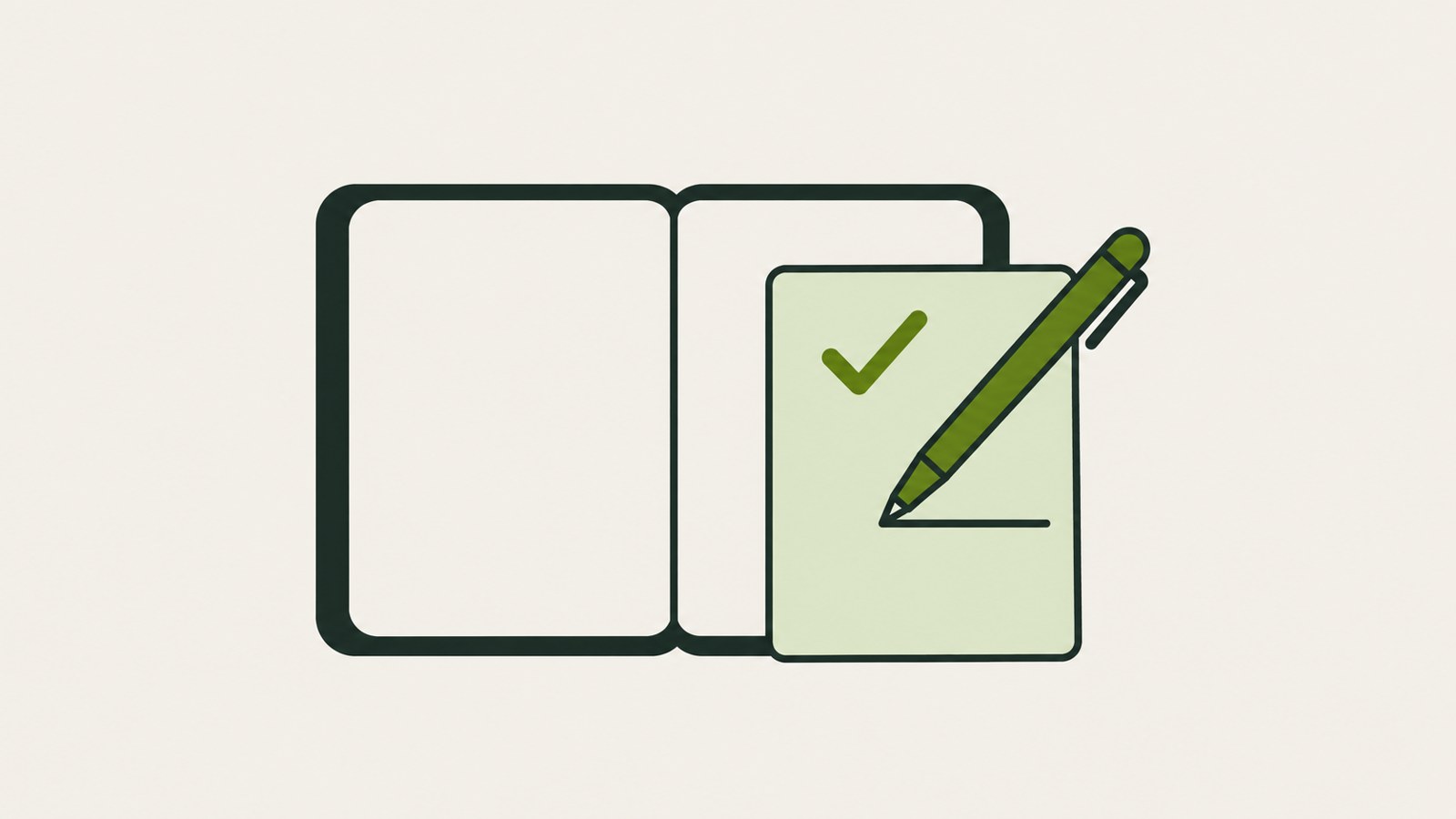
Select New page in the left sidebar, enter a title, and press Enter to start writing. Type / on a blank line to open the block menu. In Notion, a line of text, a checkbox, an image, and a table are each blocks. Choose a block to add it to the page, then drag its six-dot handle to change its position. You can search for block names in Korean, too.
- Select New page in the left sidebar.
- Enter a title and press Enter.
- Type / on a blank line in the body.
- Choose To-do list from the menu to add a checkbox.
- Add heading, toggle list, callout, or table blocks as needed.
2. Choose between a page and a database
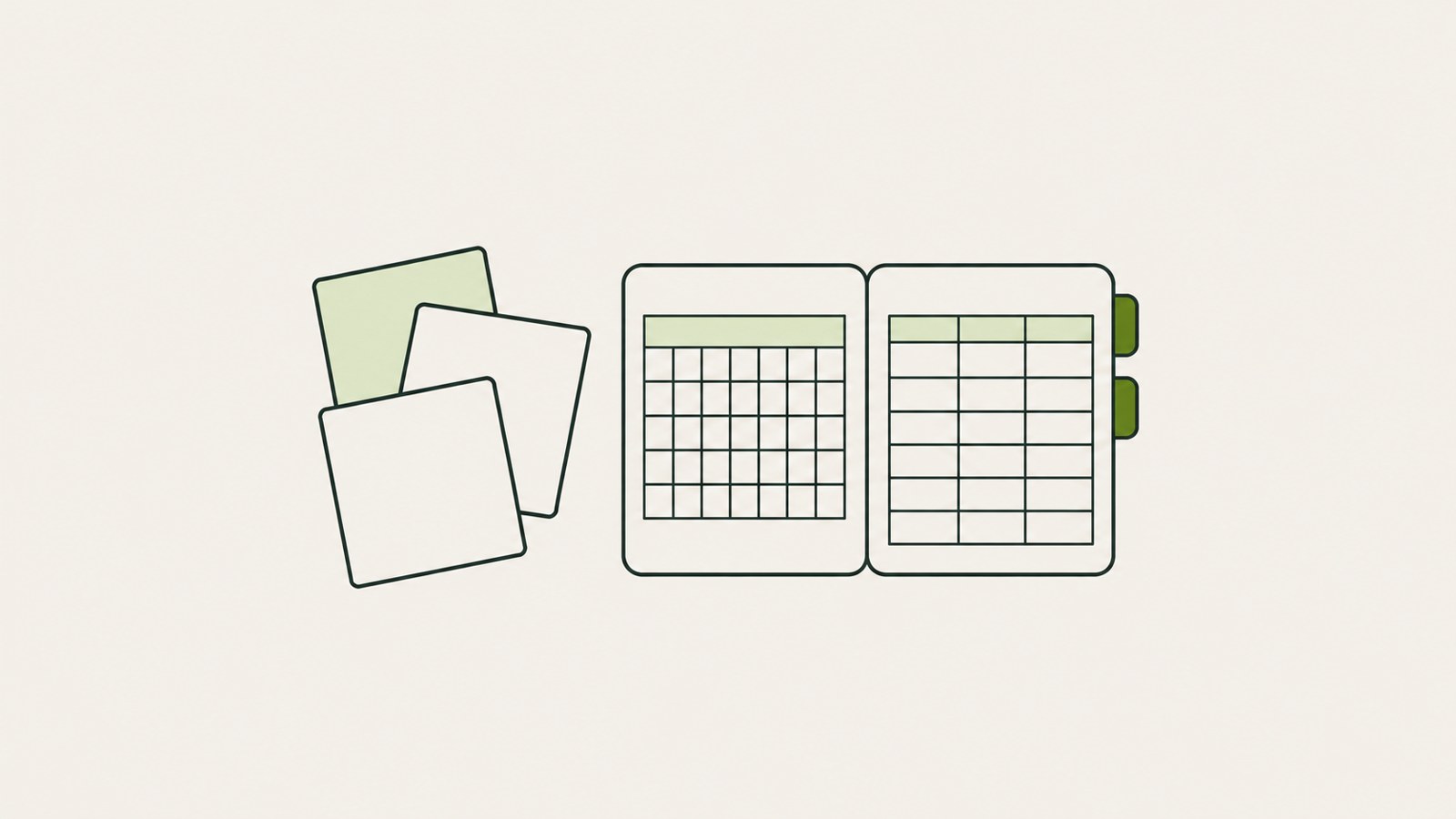
A page works well for a one-off meeting note or travel plan. For records you add in the same format over and over, such as weekly meeting notes or reading logs, use a database. Separate pages can leave records scattered, while a database keeps them together.
Choose a database when you want to sort records by date or status, filter them, or switch between table, board, calendar, and timeline views. It is useful when you expect to gather and review the records later. Search for /database to create one inline or as a full page.
| Record type | Page | Database |
|---|---|---|
| One meeting note | Quick to write | May be more than you need |
| Weekly meeting notes | Records may become scattered | Keep them together by date or tag |
3. What happens when you delete a linked view?
To show a database on another page, search for /linked view and select the source database. You can apply a separate filter to the linked view. For example, keep all your to-dos in the source database and show only this week's incomplete items on a dashboard.
Deleting a linked view leaves the source database in place. Deleting the source database can remove its records, so check which one you are deleting first. A ↗ before the linked view's title helps distinguish it from the source.
- On a blank line in the dashboard page, search for /linked view.
- Select the source database to connect.
- Set a filter in the view you need.
- Before deleting, check for the ↗ before the title.
4. Set Notion to Korean and check sharing access
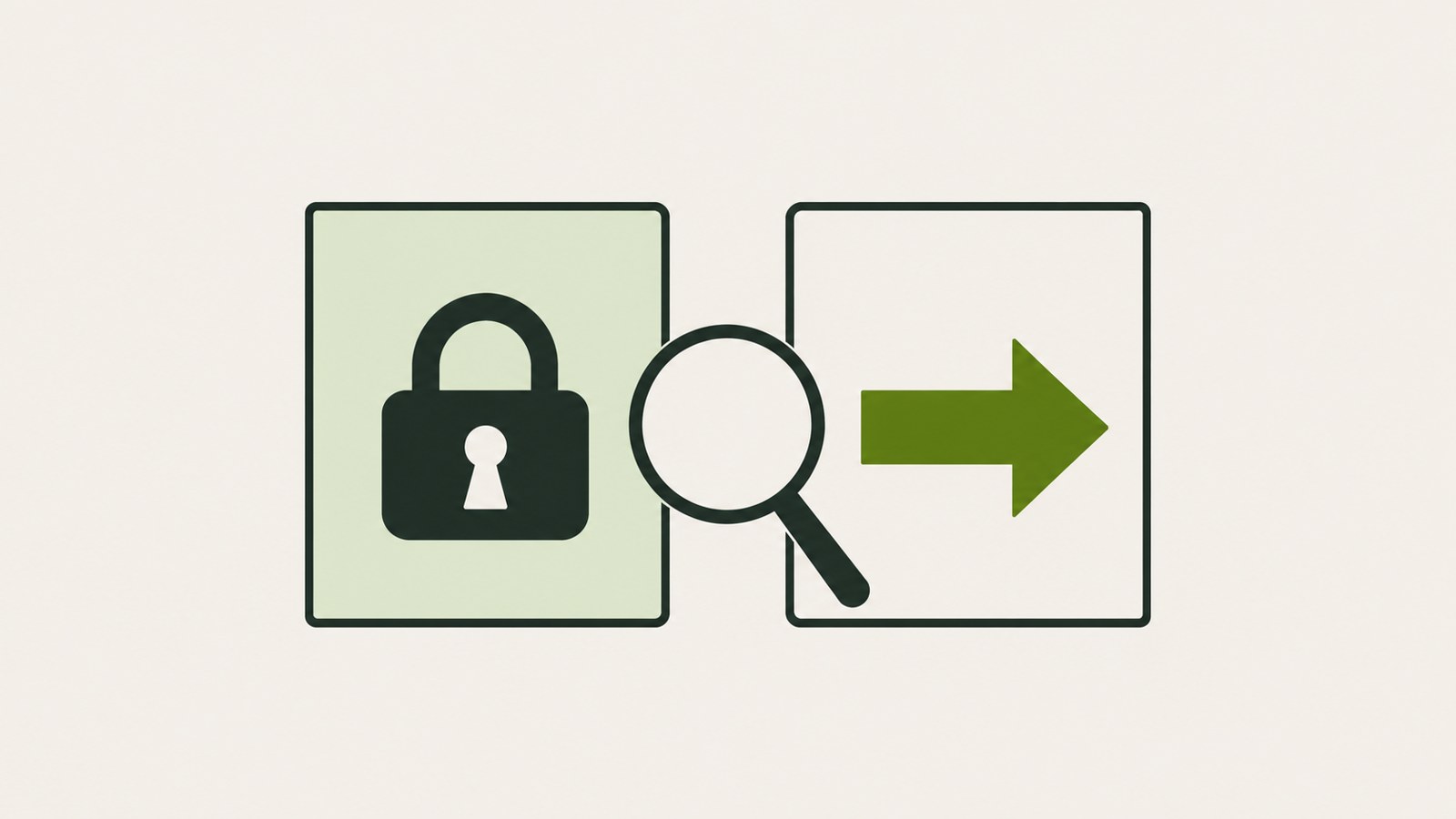
If the menus appear in English, go to Settings, then Preferences, then Language & Time, and change Language to Korean. The smartphone app may follow the device's system language priority instead of an in-app language setting, so check your phone's settings as well.
Sharing and publishing to the web give access in different ways. With sharing, you grant permissions to people you invite by email. When you publish a page to the web, anyone with the link can view it. Publishing a parent page may also make its subpages public by default, so check for personal notes first.
- Open Preferences in Settings.
- Find Language under Language & Time.
- Select Korean.
- When sharing, check invitees and their permissions. Before publishing to the web, review the subpages.
5. If the Free plan feels limiting, simplify your records
Some guidance says a Free workspace used by one person can have unlimited pages and blocks. File uploads, page history, and AI may have limits, and workspaces with multiple people may have a block limit. Check the current plan details before paying, since prices and specific limits can change.
A template with many properties or deep page hierarchies can make records harder to enter and find. Start with the fields you need, such as title, date, and status. To search for a page on Windows, use Ctrl+P. If a page with many images or embeds feels slow, move the large database to a full page and use view filters.
Try moving one record you write often to a new page and adding a /to-do block. When you start adding the same kind of record regularly, collect it in a database and review it by date or status.
FAQ
How long can I restore a page deleted to the trash?
The retention period may vary by plan. If you need to restore a page, check the current period for your plan in Notion's official Help Center.
What should I check if file uploads are blocked on the Free plan?
File size limits may be one reason uploads are blocked on the Free plan. The specific limit and plan price can change, so check the current values on Notion's official pricing page.
댓글
댓글 쓰기