
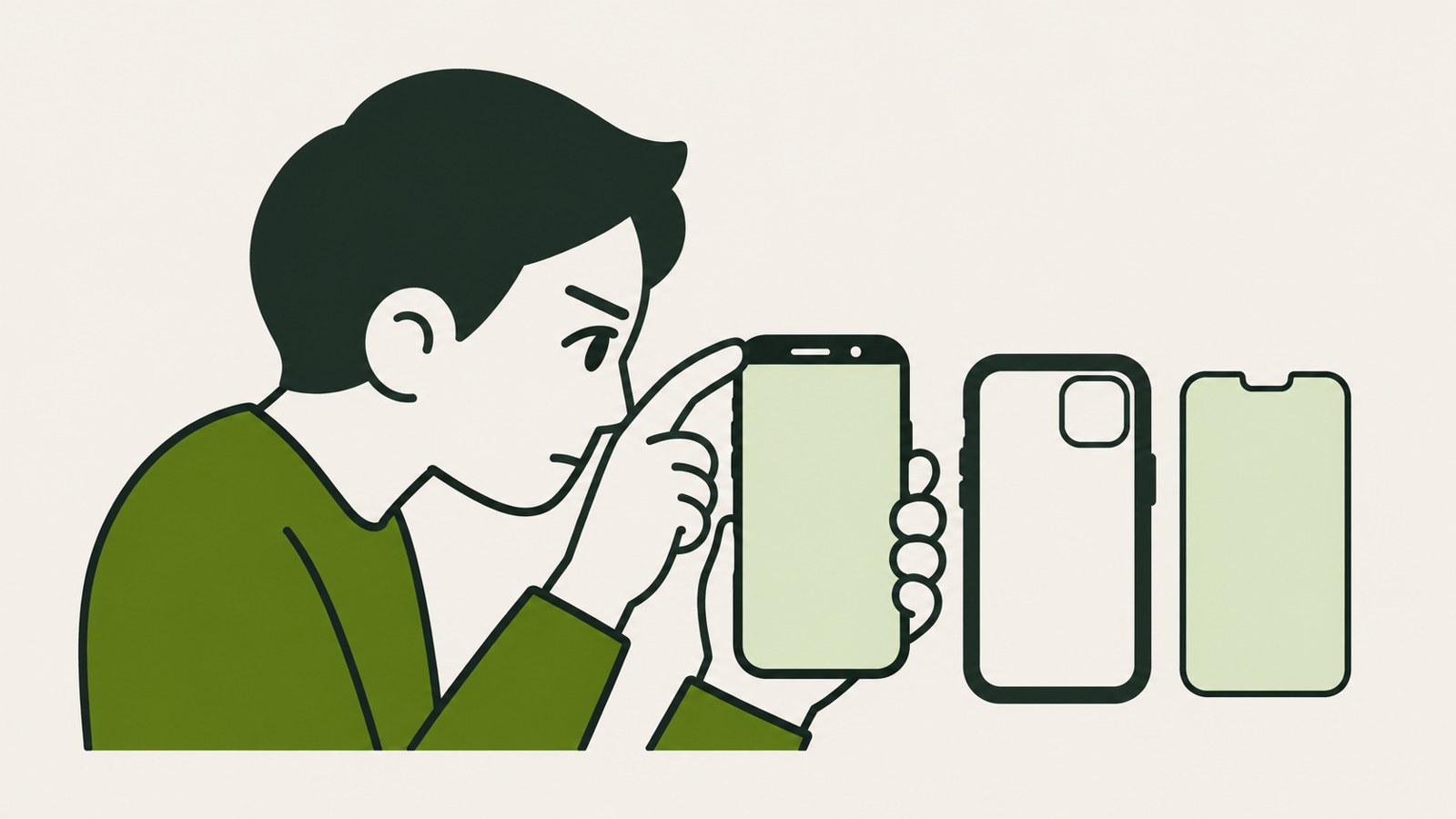
- Check whether a case, screen protector, or debris is covering the camera.
- If Face ID fails in one app, check which features are allowed to use it.
- If setup keeps stopping, contact Apple Support about an inspection.
1. If your iPhone won't unlock, check the camera and distance
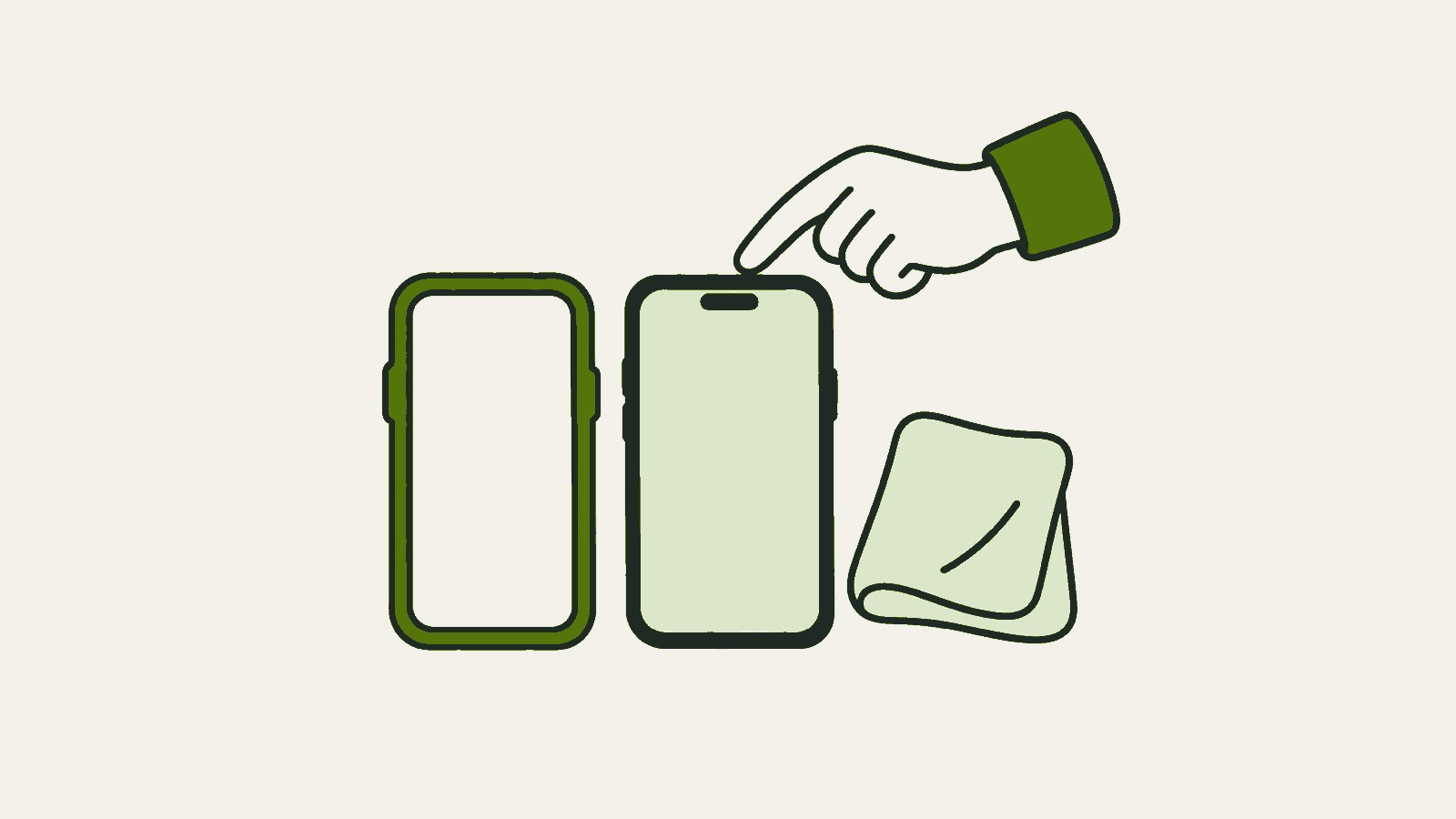
If iPhone Face ID suddenly stops working, check the area around the TrueDepth camera at the top of the phone for dust or smudges. Face ID recognizes your face, and a covered camera area can affect recognition.
If the problem started after you put on a new case or screen protector, see whether its edge covers the camera. Wipe the top of the phone with a soft cloth. If something may be blocking the camera, remove the case or screen protector and try again.
Apple Support recommends keeping your face about 25~50cm from the device. Hold the phone at a comfortable distance and look straight at it. Checking in a bright place with fewer obstructions can help you tell whether the issue is a setting or something physically covering the camera.
- Wipe around the top camera with a soft cloth.
- Check whether the case or screen protector covers the camera.
- Try again while looking straight at the phone from about 25~50cm away.
2. Face ID unlocks your phone but fails in one app
If the lock screen opens but Face ID does not work in a particular app or during payment, check which features are allowed to use it. Open Settings > Face ID & Passcode and enter your device passcode to review your enrollment and feature settings.
Even when Face ID is enrolled, recognition may not work for a feature if settings for unlocking or app use are turned off. Check whether the setting you need is disabled, and note whether the problem occurs only in the app or on the lock screen too.
To enroll Face ID for the first time, start Face ID setup in Settings > Face ID & Passcode. After enrollment, check that Face ID is enabled for the feature you want to use. If the settings menu has no enrollment information, proceed with setup.
- Open Face ID & Passcode in Settings.
- Enter your device passcode if asked.
- Check your Face ID enrollment and the setting for the feature you want to use.
| Symptom | Where to check | What to do next |
|---|---|---|
| Lock screen also fails to unlock | Camera area and distance | Remove anything blocking the camera and try again |
| Fails only in a specific app | Face ID settings for that feature | Check the setting for that feature |
3. Face ID recognition changes after wearing a mask or glasses
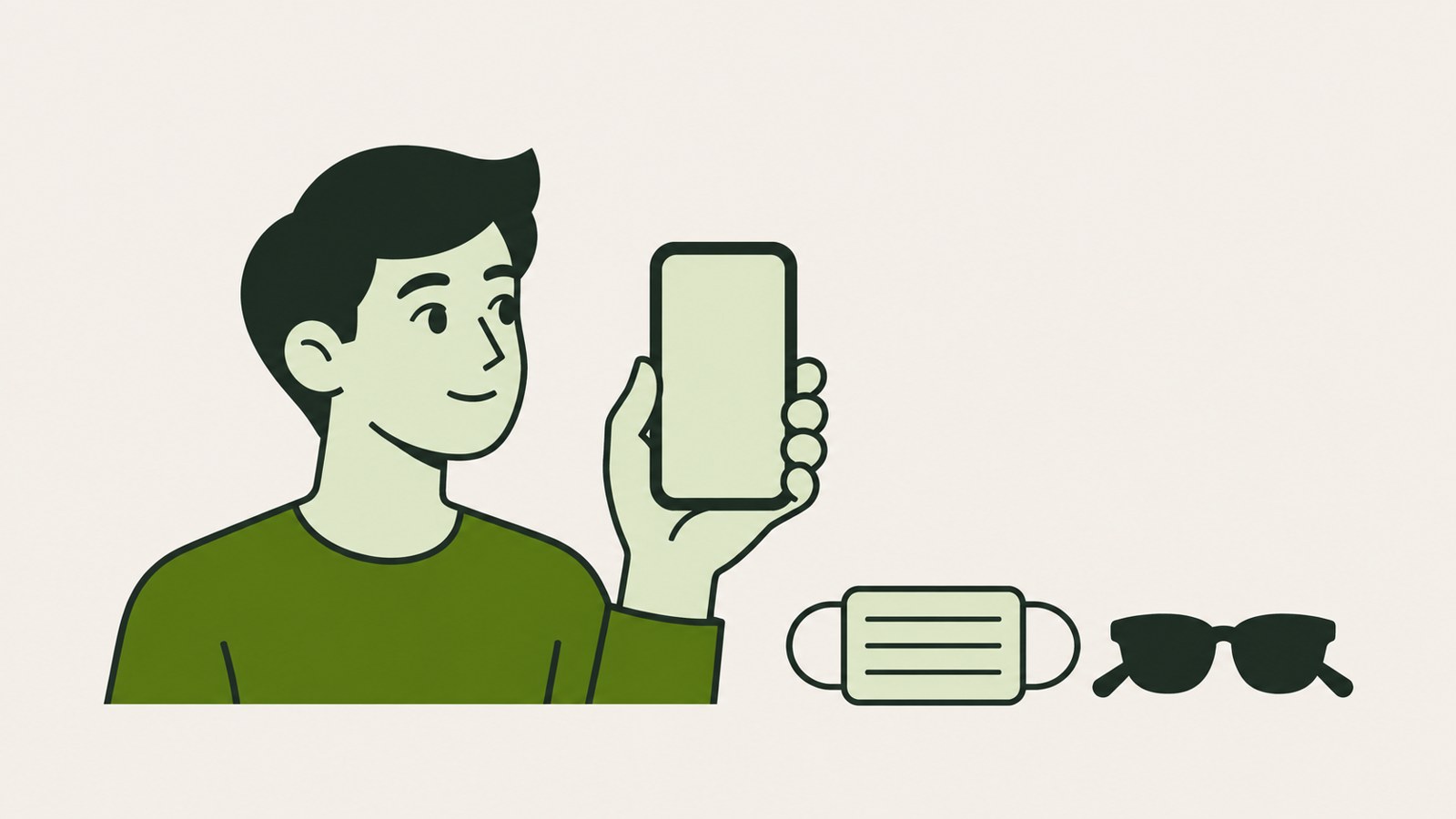
If Face ID stops working after you put on a mask or glasses, check whether the area around your eyes is covered. The mask feature has device and operating system requirements, so it is not available on every iPhone.
One set of guidance lists iOS 15.4 or later and iPhone 12 or later as requirements for Face ID with a mask. If you cannot find the feature or it does not work, first check whether your model and operating system meet those requirements.
Some sunglasses can block the infrared light used by the camera, so try taking them off. If your appearance has changed because of a beard, makeup, or another change, you can check Set Up an Alternate Appearance in Settings > Face ID & Passcode.
- Temporarily reduce anything covering the area around your eyes.
- Take off your sunglasses and try again while facing the phone.
- Check Set Up an Alternate Appearance if needed.
4. Restart the iPhone, then set up Face ID again
If checking the camera and feature settings does not solve the problem, restart your iPhone and try again. The phone may ask for your passcode after restarting. Unlock it once with your passcode, then check whether Face ID works.
If restarting does not help, select Settings > Face ID & Passcode > Reset Face ID, then enroll your face again. Resetting removes the existing face data, so finish the checks above before proceeding.
When enrolling again, hold the phone upright in a bright place and position your face in the frame. Follow the prompts and move your head slowly to complete enrollment. If the prompt to position your face keeps appearing or enrollment never finishes, consider contacting service support instead of repeating the same attempt.
5. Request an inspection if enrollment keeps failing
If enrollment still stops after you remove obstructions and restart the phone, or the camera does not work and you cannot complete setup, you can contact Apple Support. A setup process that will not proceed is a reason to consider a service inspection.
Apple says Apple-certified repairs use genuine parts. You can look for repair through an Apple Store or Apple Authorized Service Provider. When considering Mokdong iPhone repair or iPhone Face ID repair, checking who will perform the repair and whether it is Apple-certified can help with your choice.
Apple Support provides repair and service information. A repair may proceed after the device's condition is checked. When you contact support, describe the prompts that appear during enrollment and the checks you have already tried. iPhone battery replacement and Face ID inspection involve different work, so they should not be treated as the same repair.
If enrollment will not finish, write down the prompt that keeps appearing and the checks you have tried. Sharing those details and the device's condition with Apple Support can help you discuss the inspection.
FAQ
Does a missing Face ID menu mean my iPhone is broken?
A missing menu alone does not confirm that the phone is broken. Not every iPhone supports Face ID, so first check whether your model supports it.
Can every iPhone use Face ID while wearing a mask?
No. One set of guidance lists iOS 15.4 or later and iPhone 12 or later as requirements. Recognition may be difficult if the area around your eyes is covered.
Is there a fixed cost for a Face ID inspection?
One guide explains that repair costs vary by model and type of damage. You can ask for an estimated cost after the device's condition is checked.
댓글
댓글 쓰기