
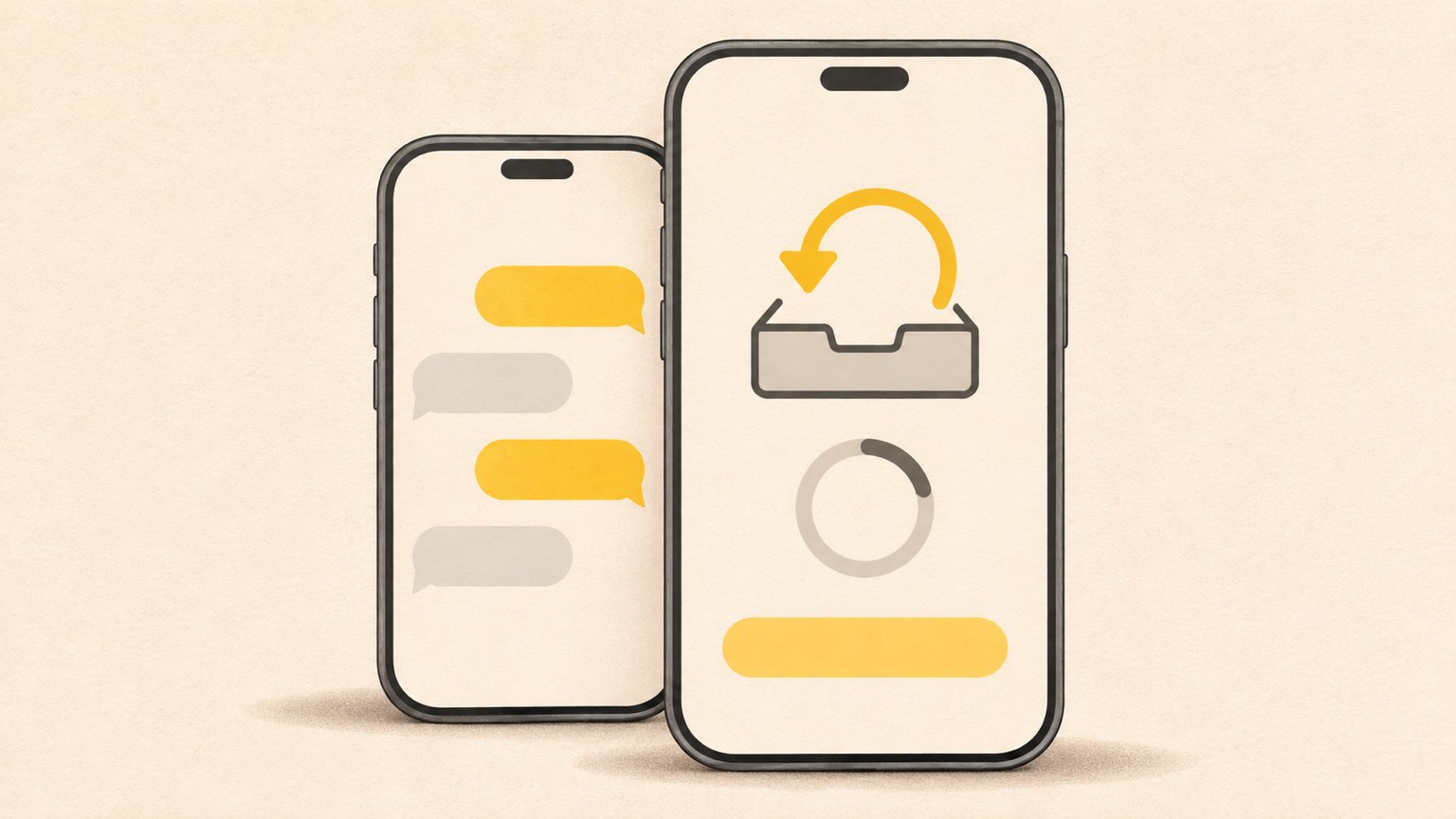
- Sign in with the same Kakao Account you used for the backup.
- Restore a temporary chat backup within 14 days of completing it.
- Free chat backups do not include photos or videos.
Chats missing on your new phone
If you verified your phone number on a new phone but see an empty chat list, check whether you backed up your chats on the old phone. The restore screen may not show a backup if none exists or if you signed in with a different Kakao Account.
Using the same phone number does not guarantee that the backup will appear. The email address linked to your Kakao Account must also match. Check the email on your old phone or a PC where you are already signed in, then use that same account on the new phone.
- On the old device, check the email address linked to your Kakao Account.
- Confirm that you signed in to the same Kakao Account on the new phone.
- Check when the backup was completed and whether it is still within the restore period.

Check your account and restore deadline
You must restore a temporary KakaoTalk chat backup within 14 days of completing it. After that period, you cannot restore from that backup. Check the backup date and the account currently signed in.
If you can still use KakaoTalk on the old phone and have not reset it, you may be able to create a new backup there. Check the backup status before deleting the app or resetting the phone, since doing either first can prevent you from making another backup.
| What to check | Temporary chat backup | Talk Cloud |
|---|---|---|
| Restore period | 14 days after backup completion | No limit |
| What is saved | Text chats | Chats and media |

If you skipped the restore screen
If you completed phone number verification and skipped the restore prompt, you can reinstall KakaoTalk and try the restore process again. The prompt appears during the first login, so check for it after reinstalling, as you sign in.
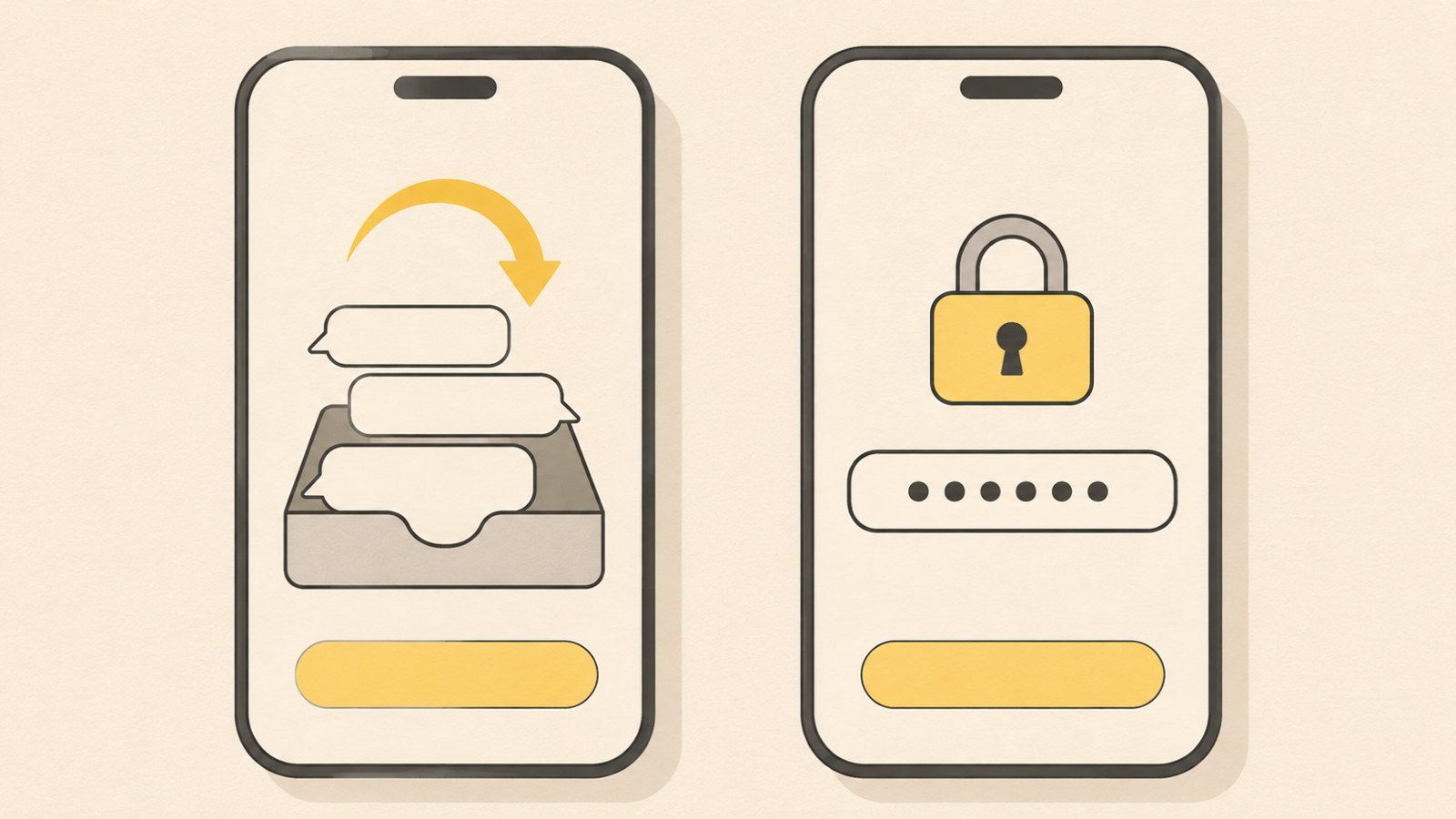
When the restore screen appears, review the backup date and operating system information, then select Restore. You will also need the password you set when creating the backup. Check that your chats have been restored on the new phone before resetting the old one.
- Delete KakaoTalk from the new phone, then reinstall it.
- Verify your phone number and sign in with your existing Kakao Account.
- Review the backup information on the restore screen and select Restore.
- Enter the password you set when you made the backup.
Chats restored, but photos are missing
Free temporary chat backups save text conversations only. They do not include photos, videos, or attachments. Messages that are 4,000 characters or longer are also excluded from free backups. If your chats returned but media did not, check what the backup included.
To move photos and videos, check whether you used a service that supports media backups, such as Talk Cloud or Talk Drawer Plus. You can also check the old phone's gallery or ask the other person to send the files again.
If photo backup keeps failing
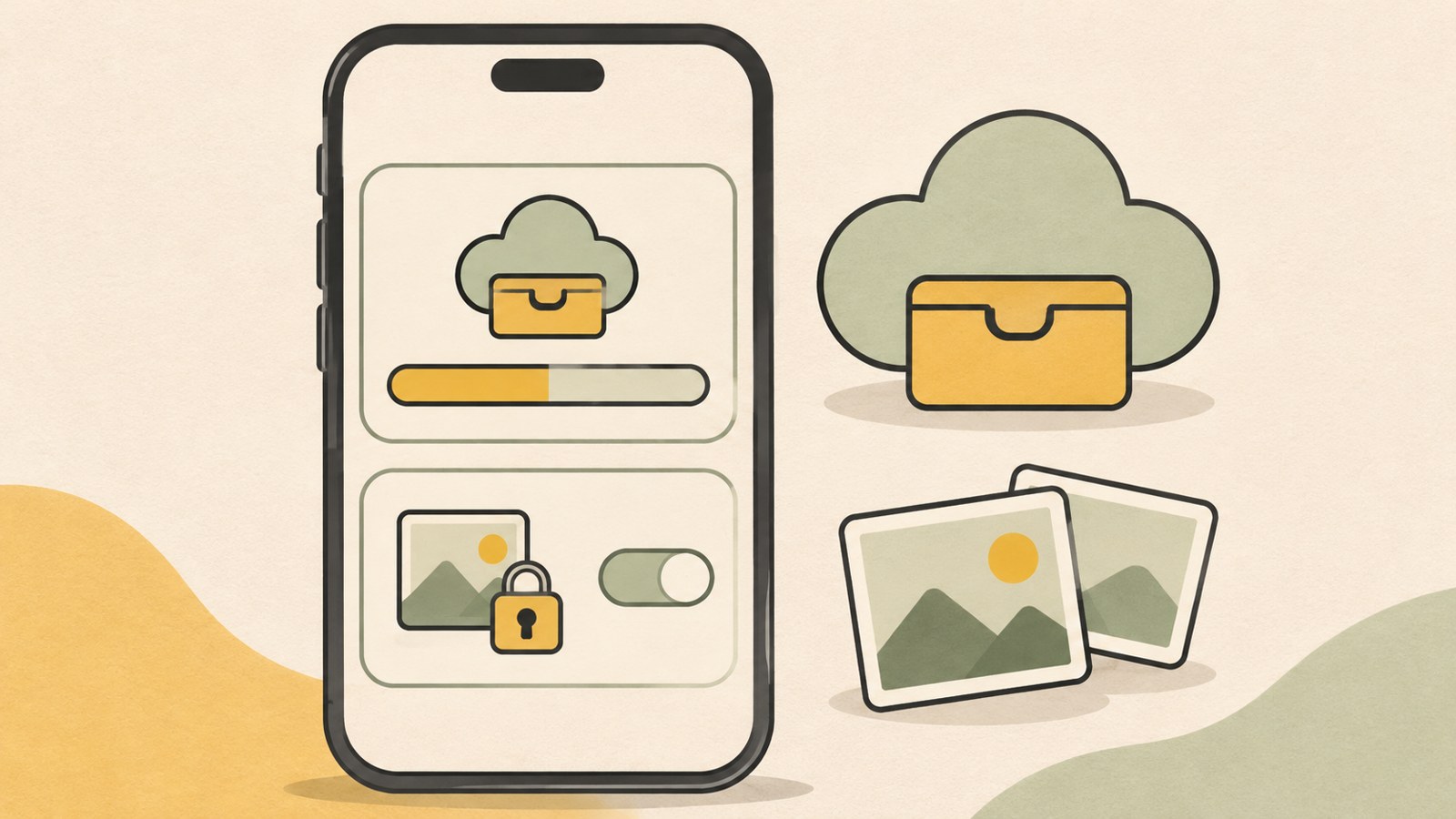
If a Talk Drawer photo backup gets stuck, first check available storage and KakaoTalk's permission to access photos. If permission is off or limited to selected photos, some images may not appear in the backup list or may not upload.
If Talk Drawer is full, delete older items or increase its capacity with Talk Drawer Plus. If Google Photos or iCloud Photos is syncing at the same time, you can consider turning that sync back on after the backup finishes.
- Check Talk Drawer storage in KakaoTalk settings.
- In your phone settings, check KakaoTalk's photo or storage permission.
- Check whether another cloud photo backup is running at the same time.
- Confirm the Kakao Account sign-in status and which device is making the backup.
If you forgot the backup password or cannot use the old phone
Kakao Customer Service cannot retrieve a forgotten backup password. If you can still use the old phone, open KakaoTalk and make a new backup with a new password before resetting the device.
If you cannot use the old phone, check whether your chats are still available in the PC version or on a tablet where you are signed in. You can only back up chats that remain on that device. After switching phones, confirm that the chats have been restored before clearing the old device.
Before resetting your old phone, make sure your chats are visible on the new one. Check the backup date, account, and saved items to see whether the backup can still be restored.
FAQ
What should I do if I already skipped the restore screen on my new phone?
Delete and reinstall KakaoTalk, then sign in with your existing Kakao Account and follow the restore steps. Look for the restore prompt during the first login.
My chats are back, but I cannot see photos or videos. Why?
Free temporary chat backups save text only. They exclude photos, videos, and attachments. Check the old phone's gallery or the media backup service you used.
Can I retrieve a forgotten backup password?
Kakao Customer Service cannot retrieve it. If you can still use the old phone, you can make a new backup with a new password.
댓글
댓글 쓰기