
- Midjourney does not offer a free trial on its website or Discord.
- The niji・journey mobile app offers limited trial access.
- There are four subscription plans, from Basic to Mega.
Why there’s no free image generation button on the website
If you can’t find a free image generation button on Midjourney’s website, it’s because the service currently has no free trial there. Discord also no longer gives new members free credits to generate images.
Older articles may describe a past trial, which can be confusing. Midjourney may run a free trial promotion again, but there is no set schedule, so you can’t count on ongoing access.
You need a subscription to generate images on the website. Check the current plans and features on Midjourney’s official website before paying.
How to check for a limited trial on your phone
If you’d like to try a mobile app first, check niji・journey. Its iOS and Android apps offer limited free trial access.
niji・journey is an app for creating anime-style images. Its features and access differ from the regular Midjourney web service, so check what the app’s trial includes instead of expecting the same experience as the website.
Use the terms shown in the app to confirm what’s included. Trial promotions can change over time, so review the offer before signing up.
Midjourney plans and annual billing
A paid subscription is required to generate images on the web. Monthly billing costs $10 for Basic, $30 for Standard, $60 for Pro, and $120 for Mega.
Annual billing lowers the monthly equivalent: $8 for Basic, $24 for Standard, $48 for Pro, and $96 for Mega.
The table lists the Basic and Standard prices. Compare the annual monthly equivalent, and check the official website for current prices and billing terms before paying.
| Plan | Monthly billing | Annual billing, monthly equivalent |
|---|---|---|
| Basic | $10 | $8 |
| Standard | $30 | $24 |
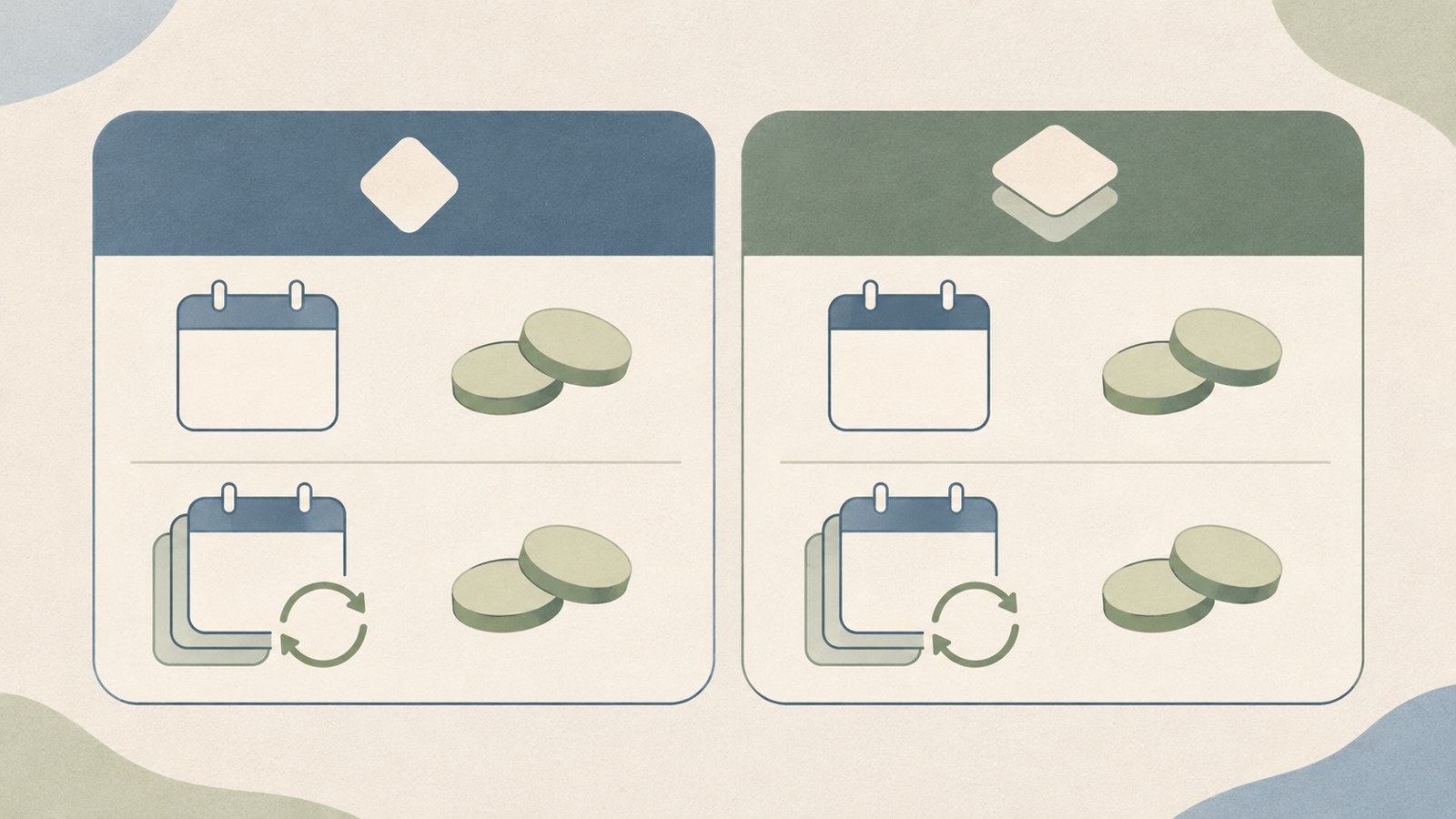
Subscribe and generate images on the web
You can use Midjourney directly on its official website, without opening the Discord app. The site works in desktop and mobile browsers.
Sign in with a Google or Discord account, choose a subscription, then describe the scene in the Imagine field on the Create screen to start generating images.
- Go to midjourney.com.
- Sign in with a Google or Discord account.
- Choose a subscription plan.
- Enter an image description in the Imagine field on the Create screen.
- Review the result. If needed, revise the description and try again.
Use ChatGPT to refine an image prompt
It helps to decide on the subject, background, and mood before writing a prompt. For example, you could describe a cup of coffee on a wooden table with morning sunlight.
If you want help polishing the English, describe the scene to ChatGPT and ask it to write a Midjourney prompt. Paste the finished prompt into the Imagine field.
You don’t need to start with a long description. Write down the subject, its appearance, the mood, and the aspect ratio, then adjust the wording after reviewing the result.
Commercial use and private image generation
Individuals and small businesses can use images generated on the Basic plan commercially. Companies with annual revenue above $1,000,000 must subscribe to Pro or higher.
Generated images are public by default. Private image generation is available on the Pro and Mega plans.
If you plan to use Midjourney for a business, check your annual revenue against the plan requirement and decide whether you need private generation. Review the detailed plan terms on Midjourney’s official website before subscribing.
FAQ
What should I do if there’s no free image generation button on Midjourney’s website?
Midjourney currently offers no free trial on its website or Discord. For a mobile trial, check the limited trial offer in the niji・journey iOS or Android app.
Can I use images made on Basic in company promotional materials?
Individuals and small businesses can use images commercially on the Basic plan. Companies with annual revenue above $1,000,000 need Pro or higher.
Can I keep generated images private from other users?
Private image generation is available on Pro and Mega. Images generated on other plans are public by default.
댓글
댓글 쓰기