
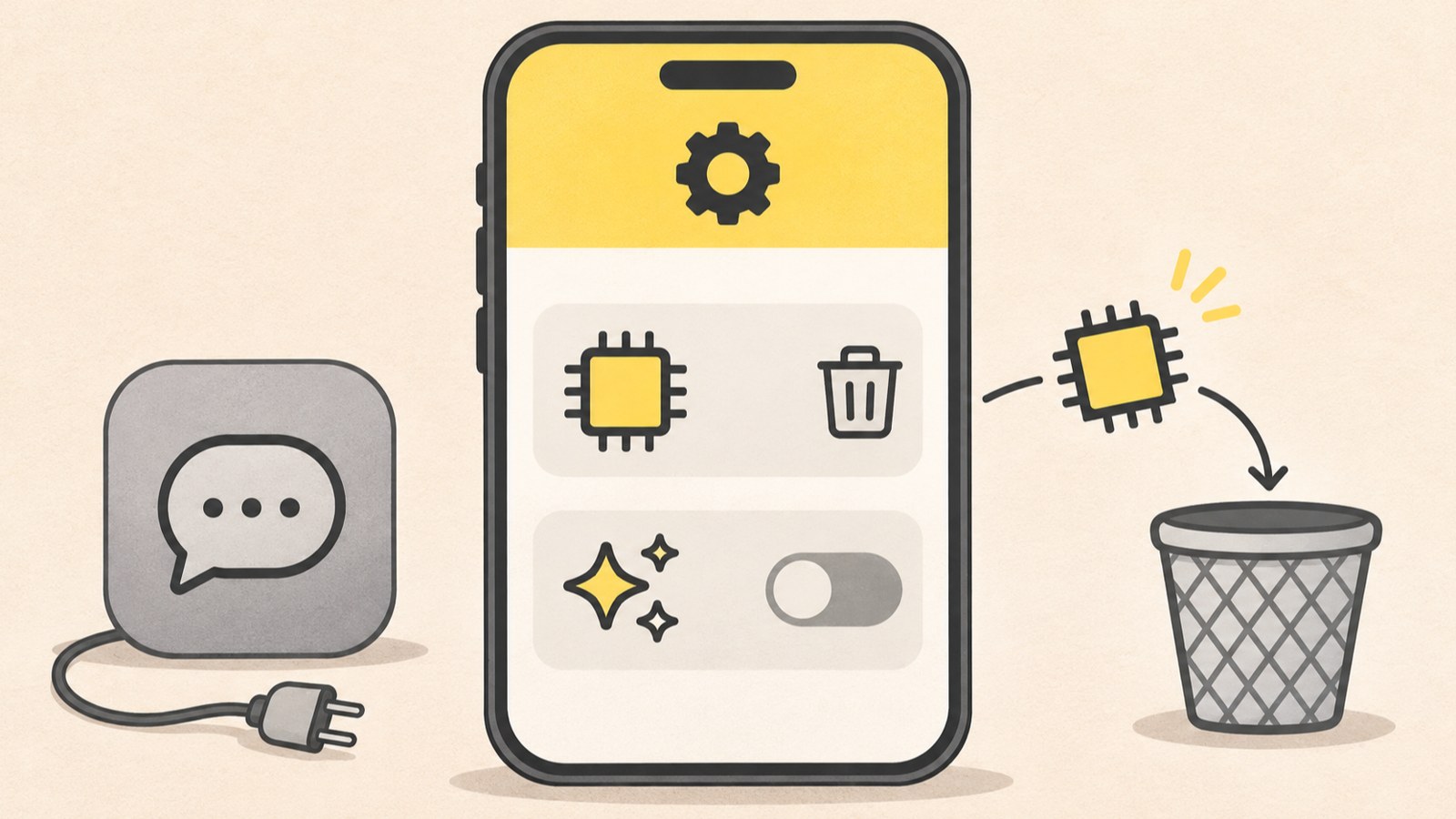
- Check Storage and Data in Settings for the on-device model removal option.
- Check Labs for the AI features toggle.
- The Kanana app and PC service ended separately from Kanana features in KakaoTalk.
First, identify what you want to remove
If you want to remove Kanana from KakaoTalk, first work out whether you mean the on-device model downloaded to your device or an AI feature such as chat summaries. They have different settings and require different actions.
The end of the Kanana app and PC service is a separate matter. Kakao said that AI features inside KakaoTalk would remain available, so the standalone service ending does not by itself remove Kanana from KakaoTalk.
| What you want to do | Where to check | What the guide says |
|---|---|---|
| Remove the on-device model | Settings › Storage and Data | A removal option is described |
| Turn off AI features | More › Settings › Labs | An AI features toggle is described |
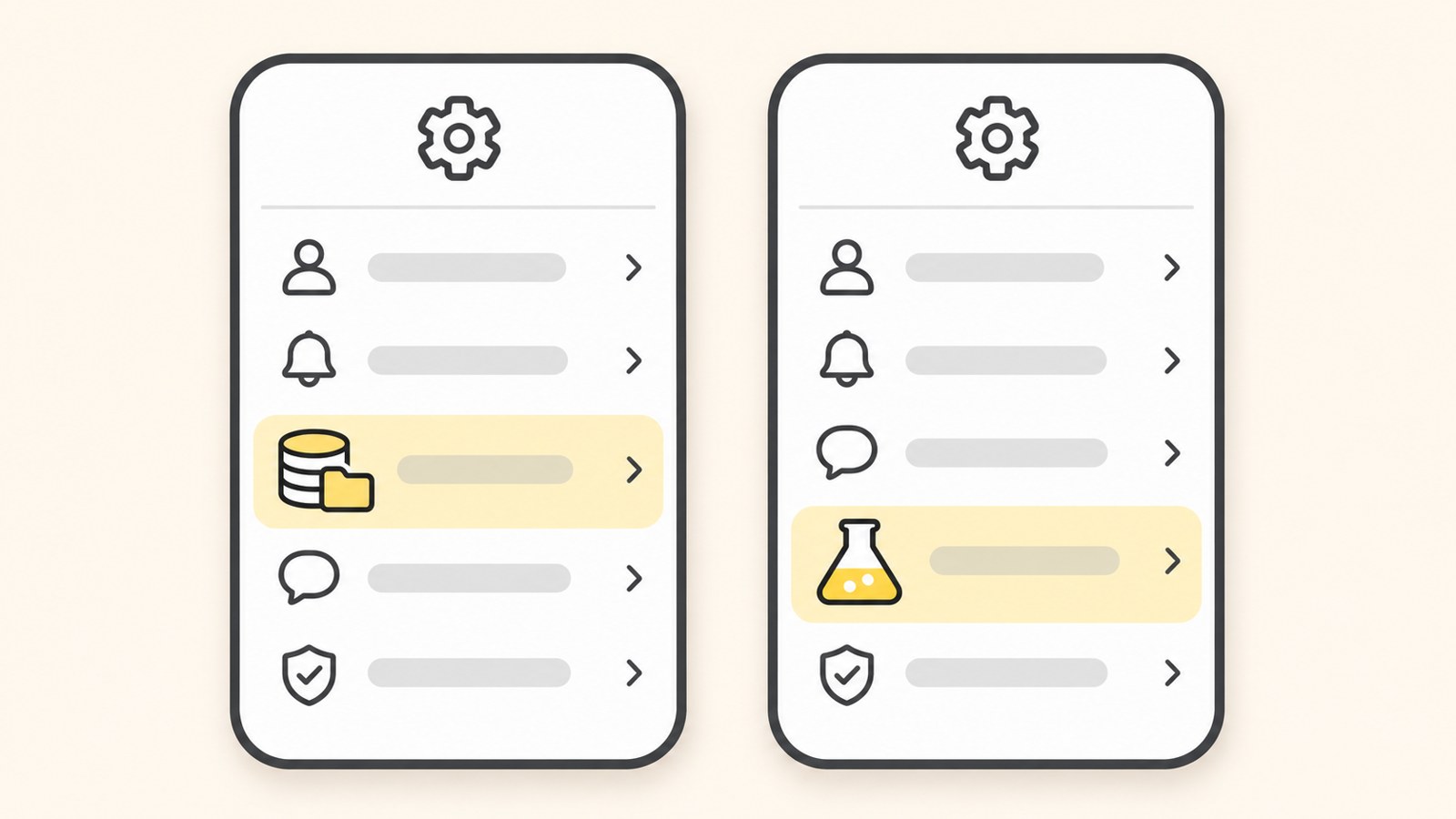
Check the settings screen to distinguish the model removal option from the feature toggle.
When Storage and Data shows a removal option
One guide says that opening Storage and Data in KakaoTalk settings reveals an option to remove the Kanana on-device model. That option removes the model. It does not remove the Kanana app or a KakaoTalk chat room.
Start by checking whether the option appears on your device. If its name or location differs, the guide may not match your screen. Avoid guessing that another setting is the right one.
- Open KakaoTalk.
- Tap the gear icon in the upper right.
- Open All Settings.
- Open Storage and Data.
- Check for the Kanana on-device model removal option.
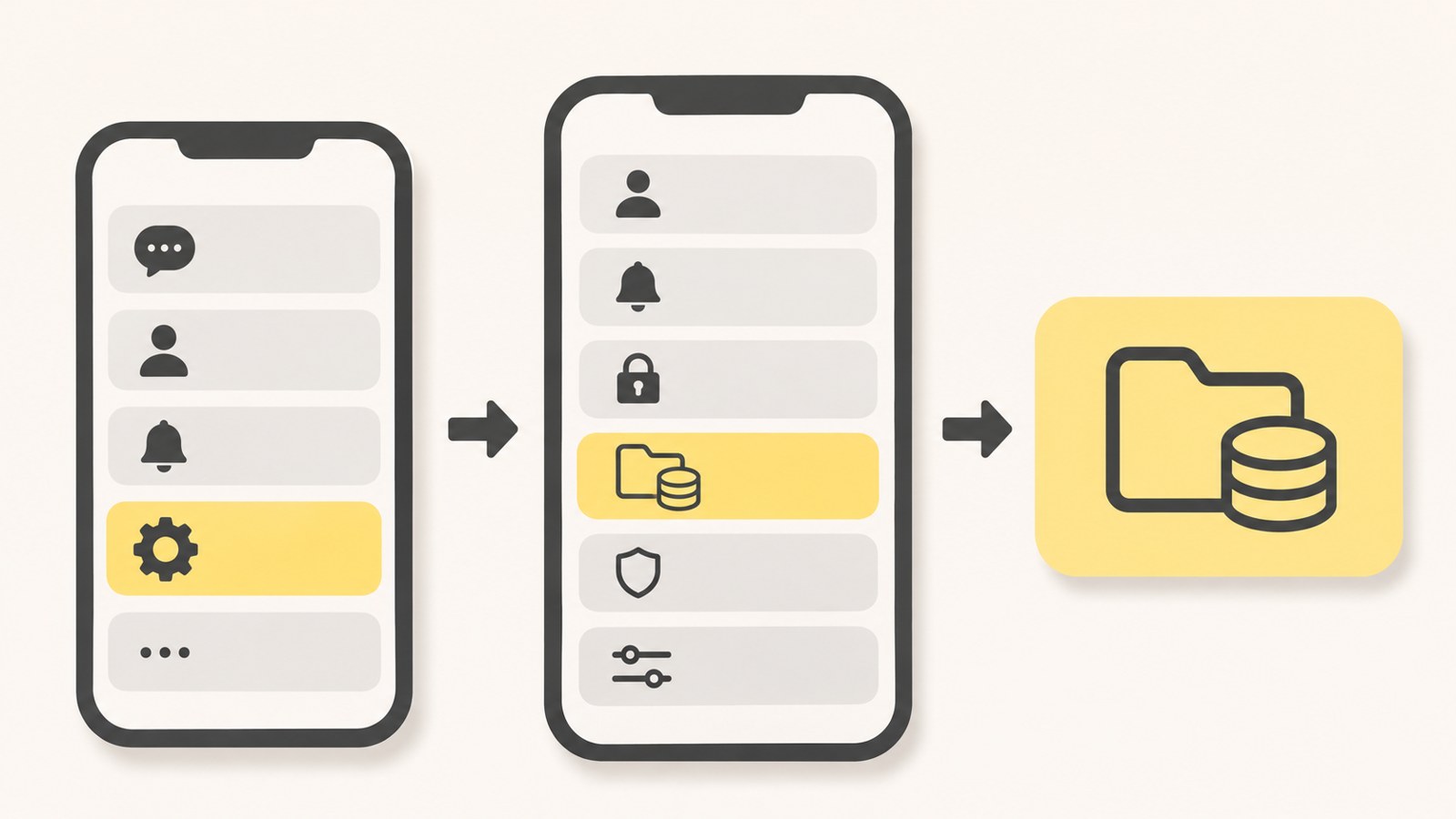
This is the route from the gear icon to Storage and Data.
If you cannot find the toggle for Kanana AI features
The path described in search results is More in the lower right, then Settings, then Labs. The guide says turning off the AI features toggle there disables chat summaries.
If Labs is missing or the AI features toggle does not appear, the available guidance does not show how to turn the feature off from that screen. Chat summaries and on-device model removal are listed under different settings, so changing one should not be assumed to change the other.
- Tap More in the lower right.
- Tap Settings in the upper right.
- Check for Labs.
- If the AI features toggle appears, turn it off.
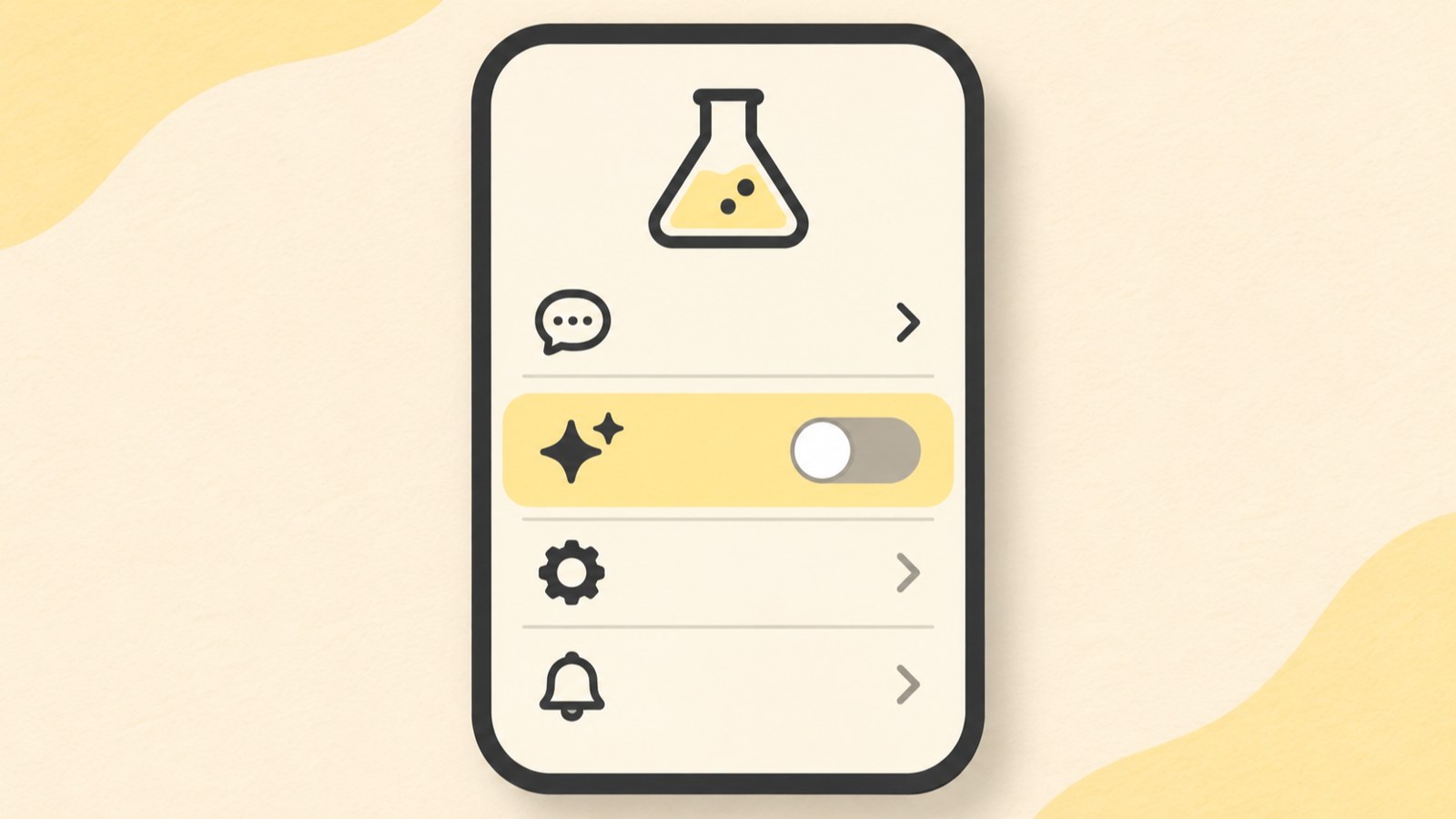
Check Labs for the AI features toggle.
The Kanana app and PC service ended on October 15
The Kanana app and PC service ended on October 15, 2026. Users of the standalone service could download their records through the profile, settings, and chat data menus in Kanana for PC. The download deadline was October 14.
Images made in AI Studio had to be saved separately from chat data. The guidance said that existing chat history and generated images would no longer be accessible after October 14. Keep that backup deadline separate from the settings for features inside KakaoTalk.
| Item | End or backup date | What the guidance covers |
|---|---|---|
| Kanana app and PC service | Ended October 15, 2026 | Standalone service |
| Chat and generated image backup | Until October 14, 2026 | Download on PC or save separately |
Why Kanana may still appear in KakaoTalk
The service-ending notice applied to the separately operated app and PC service. Kakao said Kanana features inside KakaoTalk would remain available, so the announcement does not mean KakaoTalk's AI features ended too.
To remove or turn off something in KakaoTalk, check its settings separately from the standalone app and PC service. The service ending does not replace the Storage and Data option or the Labs toggle.
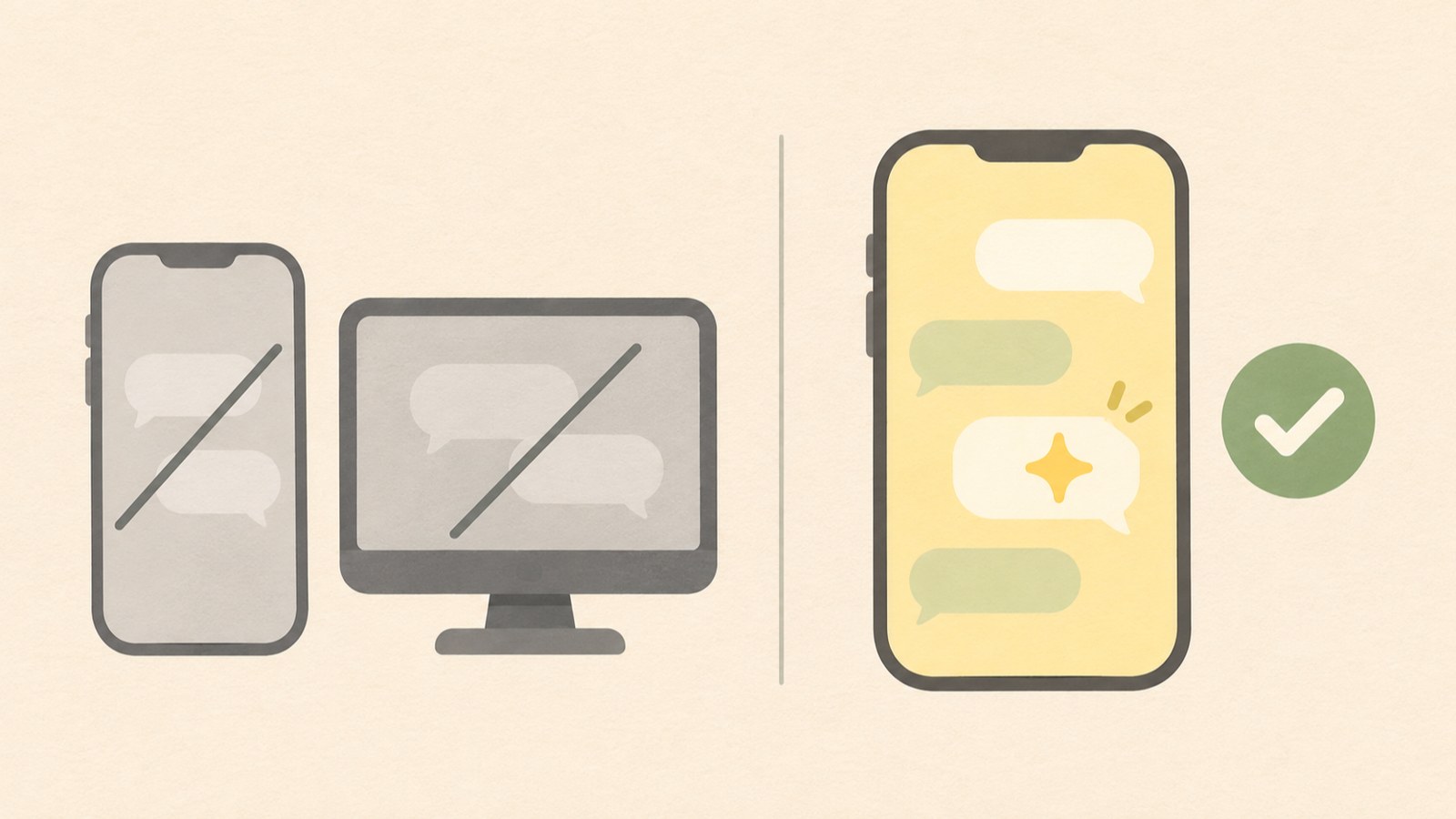
The standalone Kanana service and features inside KakaoTalk have different end dates and availability.
Check the removal option and toggle
If you see a removal option, confirm that it refers to the on-device model before deciding whether to use it. If you see a toggle, confirm that it controls AI features and covers the feature you want to turn off.
The backup deadline for the Kanana app and PC service has passed. KakaoTalk features were described separately as remaining available. Check the settings screen to determine whether the item causing a problem is the model or an AI feature.
- Decide whether you mean the model or an AI feature.
- Check Storage and Data in All Settings.
- Check Labs for the AI features toggle.
- Keep the standalone Kanana app and PC service separate from KakaoTalk features.
FAQ
The on-device model removal option is missing from Storage and Data. Where should I look?
The described path is the gear icon in the upper right, All Settings, then Storage and Data. If the removal option does not appear there, the guide does not provide another location for it.
Can I turn off Kanana if the AI features toggle is missing from Labs?
The described route is to find the AI features toggle in Labs and turn it off. The guidance does not give another route for screens where that toggle is missing.
Will Kanana in KakaoTalk disappear because the app ended?
No. The end date applied to the separate app and PC service. Kakao said Kanana features inside KakaoTalk would remain available.
댓글
댓글 쓰기