
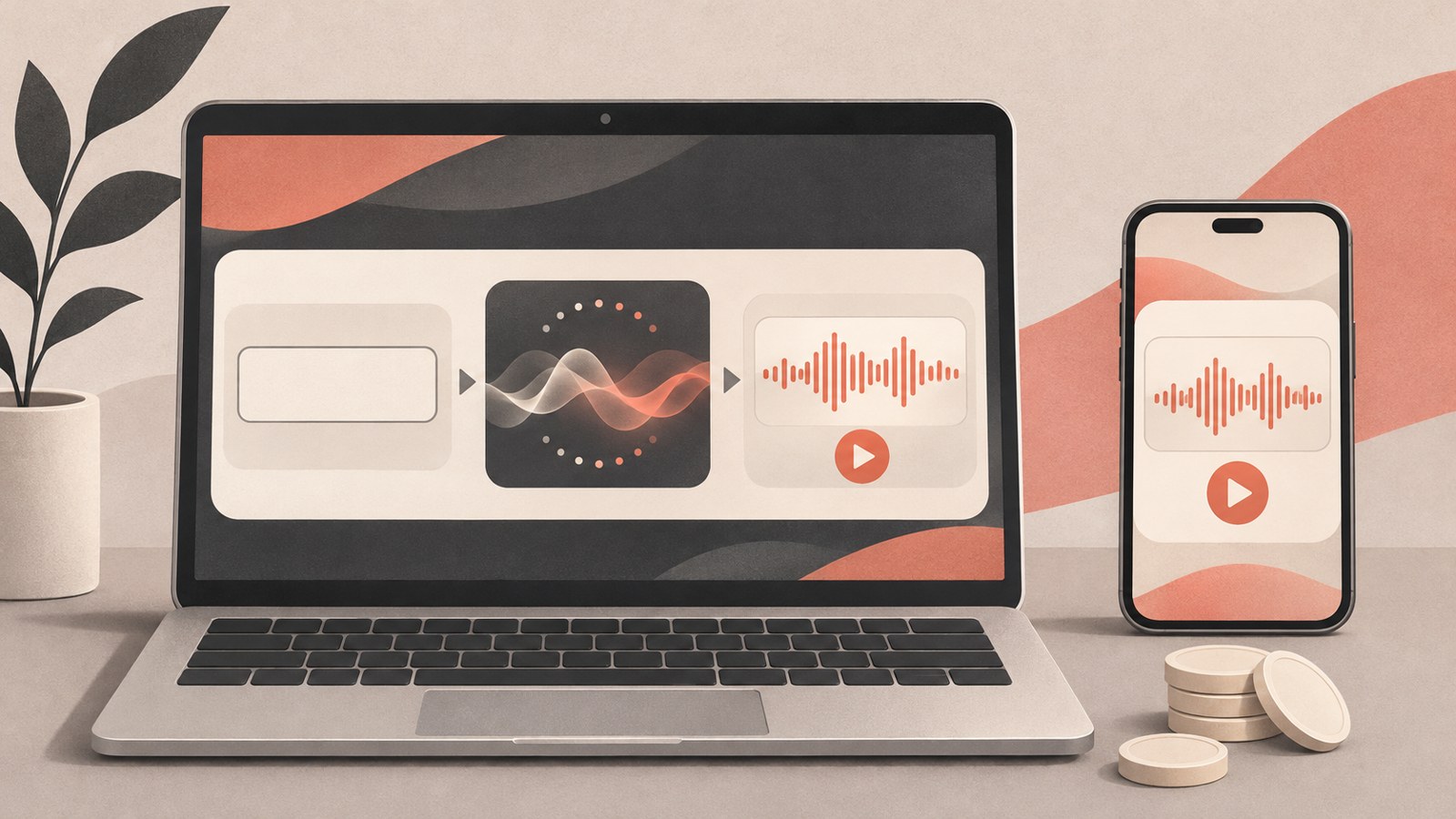
- Free accounts get 50 credits per day. Credits do not roll over.
- The free model is v6-mini.
- Downloads and commercial use require a paid plan.
What you can do with Suno AI for free
Suno turns written prompts about a song’s mood or lyrics into a track with vocals and accompaniment. You can use it at suno.com or in the Suno app.
A free account receives 50 credits per day. Each generation costs 10 credits, enough for up to 10 generations a day. Suno returns two tracks per generation.
The free model is v6-mini. You can listen to your tracks in Suno, share them by link, and use them for personal listening.
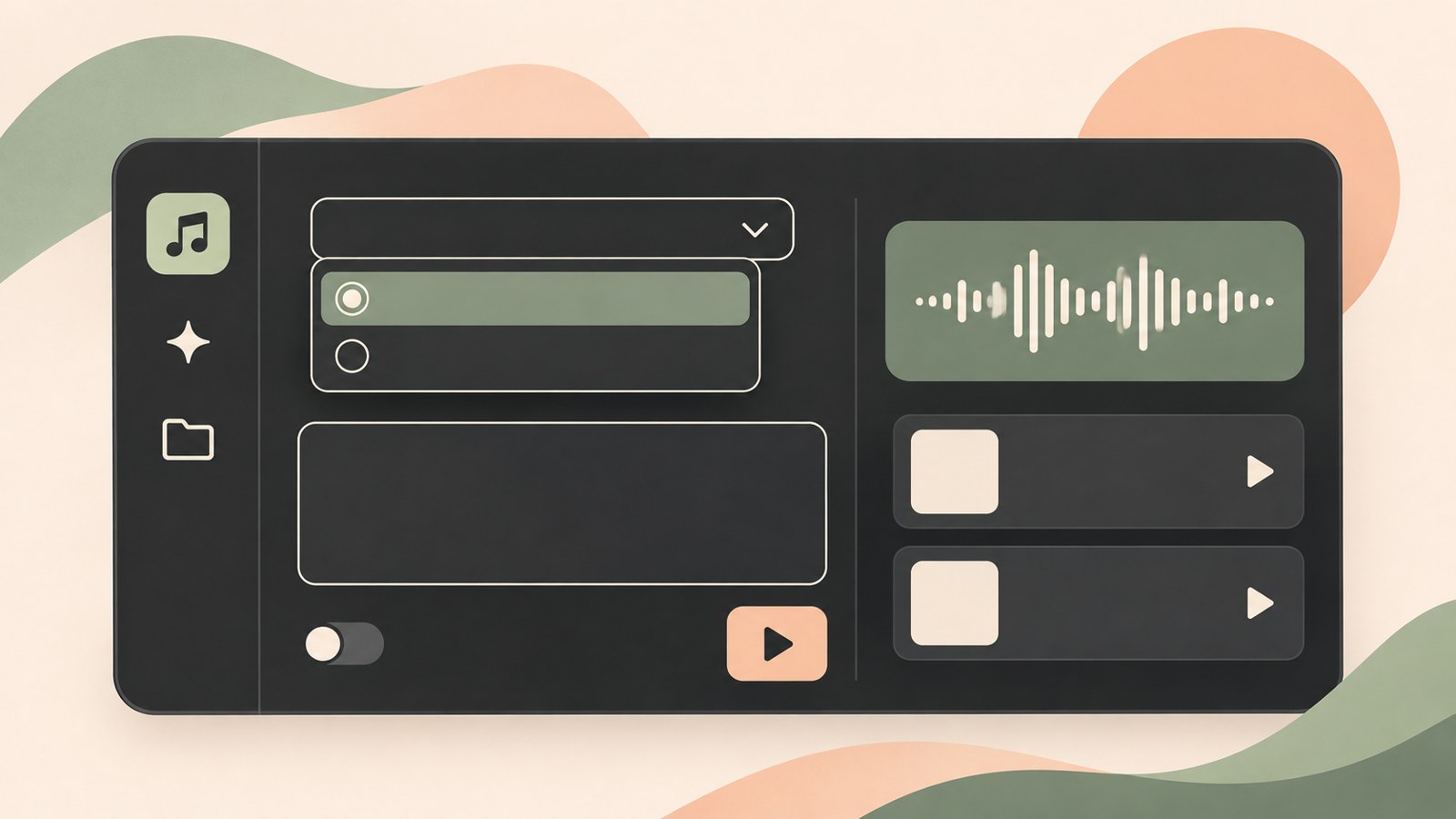
Select a model, enter a song description, and press Create.
When your free credits aren’t visible
Credits refill once a day based on Coordinated Universal Time (UTC). Unused credits do not carry over, so use them before the daily reset.
Check that you’re signed in to your free account, then select v6-mini. The v6 and v6-wild models are marked Pro and aren’t available in full to free users.
You can listen to tracks made with free credits and share them by link. Even if you see Download in a track’s menu, free accounts do not include monthly downloads.
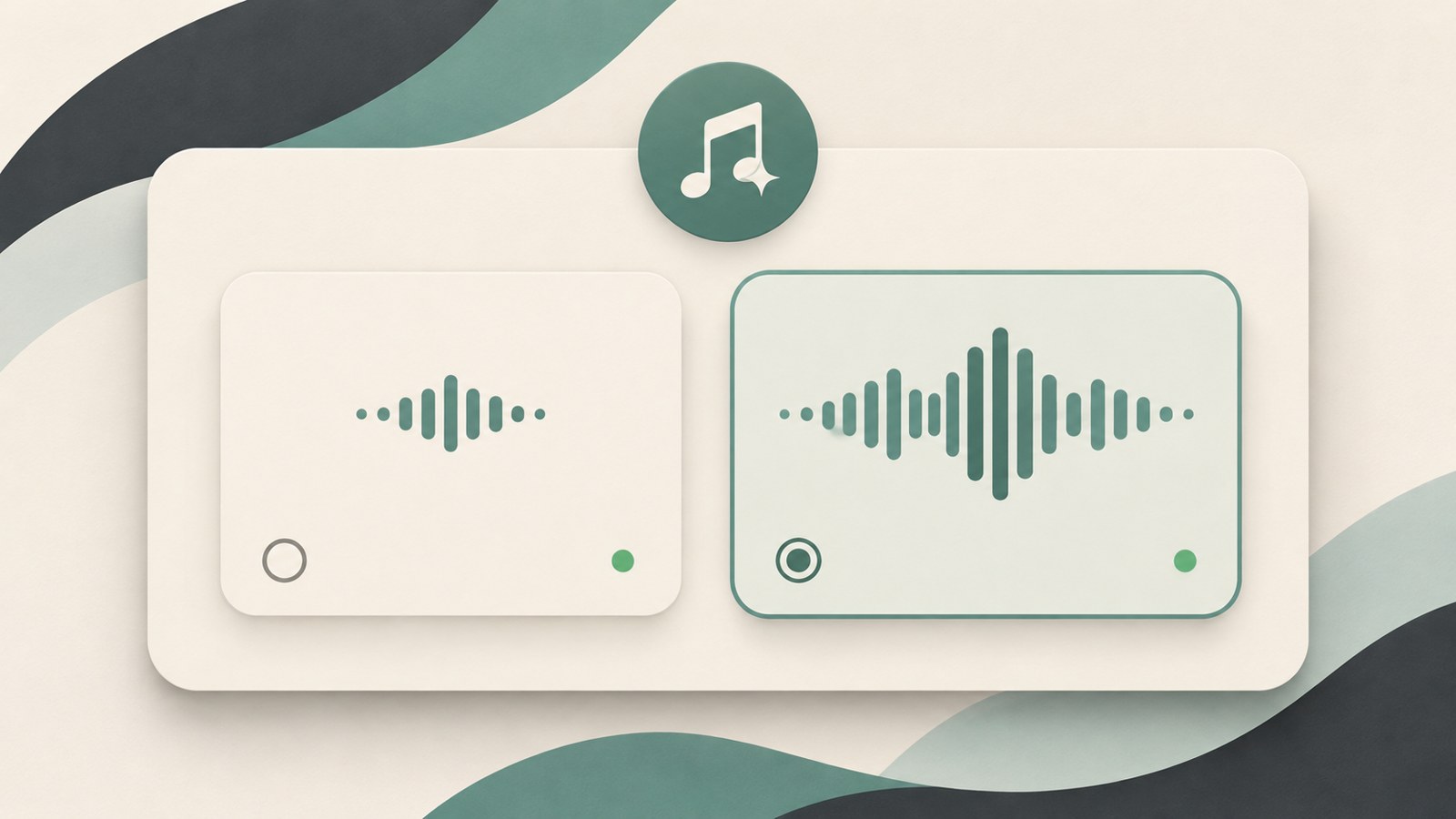
The free account lets you choose v6-mini.
- Go to suno.com or open the Suno app.
- Create an account and sign in.
- Select Create from the menu on the left.
- Confirm that v6-mini is selected, then enter a song description.
- Press Create and listen to the two generated tracks.
Start with a one-line song description
For your first track, choose Simple mode and describe the song in a sentence or two. Include the genre, mood, vocal style, and topic to guide the result.
For example: “Calm city pop for the commute home, a soft female voice, and lyrics that comfort me after getting through the day.” You can also write your description in Korean.
Each generation gives you two different tracks. Listen to both and choose the one you prefer. If neither quite fits, adjust the description to focus on what you want to change and generate again.
- Choose Simple mode.
- Describe the genre, mood, vocal style, and topic in a sentence or two.
- Press Create and compare the two tracks.
- If the result isn’t what you wanted, change a few words in the description and generate again.
Use lyrics you wrote yourself
Choose Custom mode to make a track with your own lyrics. Enter them in Lyrics, then describe the genre, instruments, and vocal style in Style of Music.
Add section labels in square brackets, such as [Verse] and [Chorus], to organize the lyrics. Leave the lyrics field blank if you want Suno to write them.
Lyrics you wrote yourself remain yours regardless of your plan. You can also try different music styles with the same lyrics.
- Choose Custom mode.
- Enter your lyrics in Lyrics.
- Describe the genre and mood in Style of Music.
- If needed, enter a title and adjust Advanced Options, then generate the tracks.
Listening and sharing compared with downloads and monetization
Free accounts can play tracks in Suno and share them by link. Check the terms for the track before downloading it or using it to earn money, such as through YouTube monetization.
A paid subscription does not give tracks made for free retroactive commercial-use rights. Create tracks while subscribed if you plan to use them commercially.
Paid plan prices and download allowances may vary by payment method. Check the current plan details on Suno’s pricing page before subscribing.
| Item | Free | Paid plan |
|---|---|---|
| Models | v6-mini | Models including v6 and v6-wild are available |
| Usage | Listen and share by link | Downloads and commercial use available |
A free account works for making tracks as a hobby, listening, and sharing links. If you plan to download tracks or monetize them, check the plan and usage terms before creating them.
FAQ
Can I subscribe later and monetize a song I made for free on YouTube?
Commercial-use rights do not apply retroactively to tracks made for free. Create tracks while subscribed if you plan to monetize them.
When do free credits refill if they run out today?
Free credits refill once a day based on Coordinated Universal Time (UTC). Unused credits do not carry over to the next day.
Can I download tracks made with a free account?
The free plan does not include monthly track downloads. You can listen to tracks in Suno or share them by link.
댓글
댓글 쓰기