

- Explore AI tools based on the kind of output you need.
- Services differ in the tasks they support and the features they connect to.
- Check free plan limits and the app developer before you install.
1. Models and services are different things
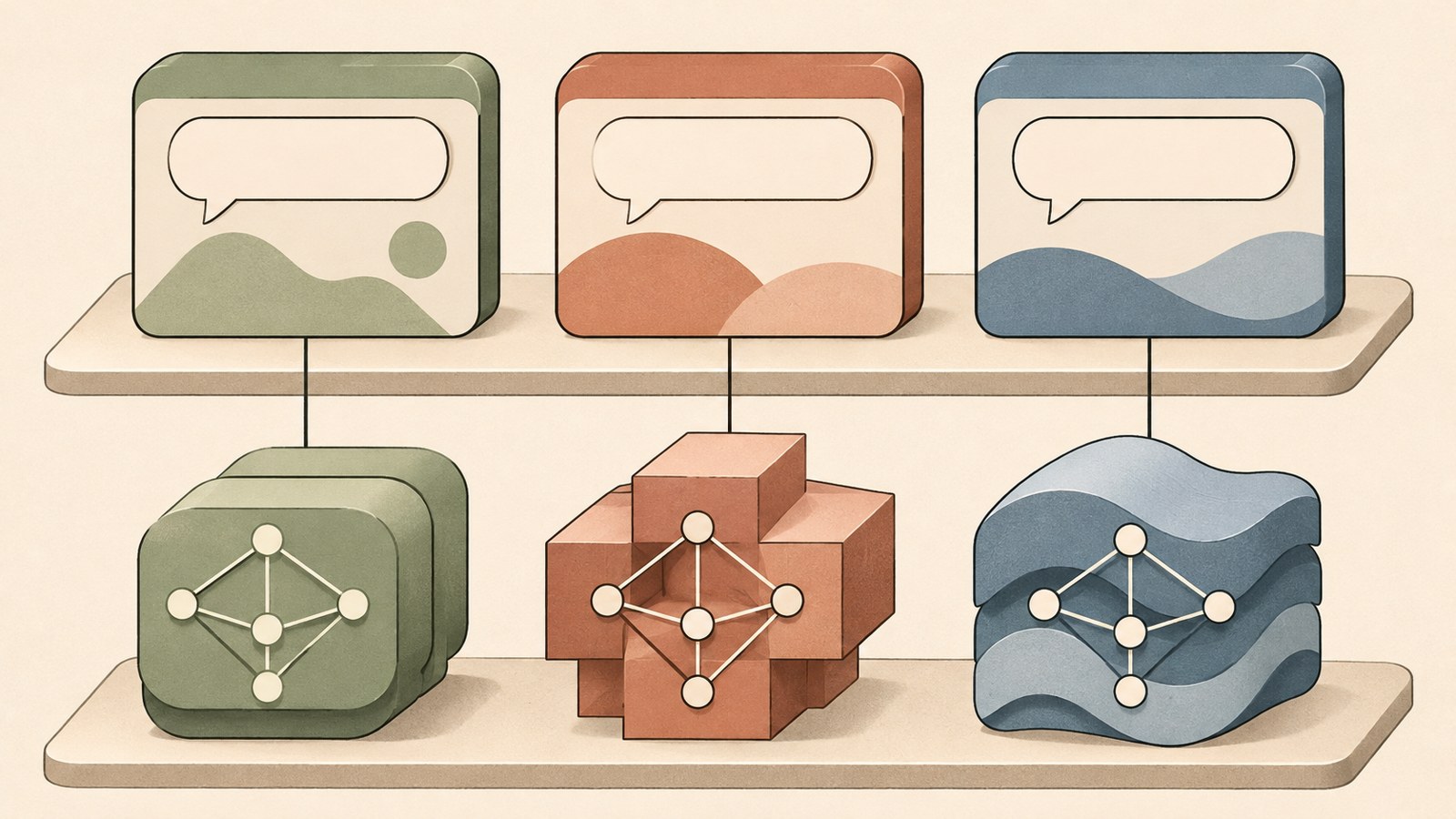
GPT and ChatGPT are different names. GPT is an AI model; ChatGPT is a service people use to access a model.
You can think of a model as the AI’s brain and a service as the app or website that lets you use it. Claude and the Claude app, as well as Gemini and the Gemini app, follow the same distinction.
A service may include several models. The models available can vary between free and paid plans, so check both the service name and the options shown in its interface.
The diagram shows how model names connect to service names.
2. Six types of generative AI, grouped by output

Generative AI can be grouped into six areas by the kind of output it creates: text, images, video, voice and music, code, and multimodal content. Text generation is used for answering questions, writing, translation, and summarizing.
Image generators turn written descriptions into pictures. Video generators create video from text or images. Midjourney is an example of image generation, while Runway and Sora are examples of video generation.
Voice and music can be grouped together because both produce sound. ElevenLabs is used for voice generation, and Suno for making music. Coding tools help write code and fix errors.
This guide groups generative AI into six areas by output type.
3. Choosing between ChatGPT, Claude, and Gemini

Conversational AI services can answer questions and help with writing and working with documents. When comparing types of generative AI services, start by looking at the tasks each one supports.
ChatGPT can help with writing, organizing ideas, image analysis, and coding. Claude is used to read and summarize long documents or edit writing.
Gemini can be used alongside Google services. Features vary by service and plan, so check the interface and plan details to see whether they cover the tasks you need.
| Service | Examples of use | Tasks to consider first |
|---|---|---|
| ChatGPT | Writing, ideas, image analysis, coding | A range of different tasks |
| Claude | Summarizing long documents, editing writing | Documents and writing |
The comparison graphic lists example tasks for ChatGPT and Claude, and shows Gemini’s connection to Google services.
4. Find a service that fits your work
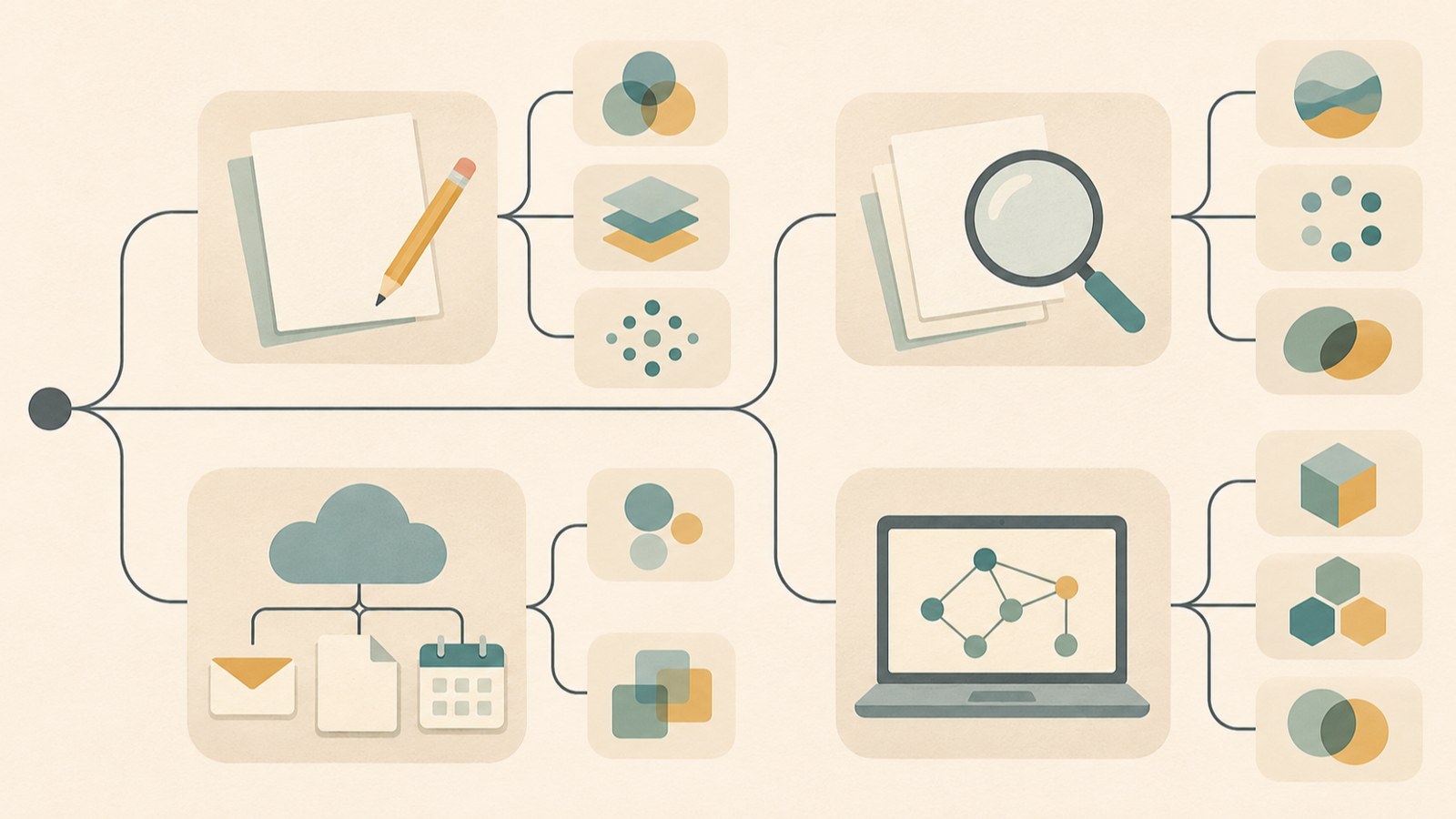
Start with the output you want to create. For a writing draft or document summary, consider a conversational AI service. If you need an image or video, look for a tool with that generation feature.
If you want to search the web and see sources alongside an answer, you can look at Perplexity. Gemini’s Deep Research can also be used for research.
If you often summarize long documents or edit writing, add Claude to your shortlist. If you use Google services often, check Gemini’s connected features. Compare services based on the work you need to do.
The flowchart narrows down service options based on tasks such as writing documents, searching for information, using Google services, and coding.
5. If you can’t find the app on your phone
If you have trouble finding an app, you can start by using the service’s website. ChatGPT is at chatgpt.com, Gemini is at gemini.google.com, and Claude is at claude.ai.
On a phone, search for the service name in Google Play or the Apple App Store. If several apps have similar names, check the developer before installing one.
Some services work in a browser without needing to be installed on your computer. Before downloading an app, check its developer details as well as its name in the search results.
- Check the website address for the service you want to use.
- If you need the app, search for the service name in your app store.
- Check the developer name on the app’s installation screen.
The graphic shows the steps for finding an app and checking its developer.
6. Try free access and review the results
You can start using leading conversational AI services for free. Free access may limit the number of uses or available features, and paid features vary by service.
Before paying for several services, try the features you need with free access. Enter the same question in two services and compare their answers to see which one suits your work.
Generated answers are not always accurate or natural. Check details such as numbers and dates, and review the output before using it.
The checklist shows how to explore free features, compare answers to the same task, and review the results.
Choose one task you do often and try the related features for free. Check the developer before installing an app, and review generated results before using them.
FAQ
What should I do if the app store only shows AI apps with similar names?
Check the app developer before installing. To use the service on the web, visit the ChatGPT, Gemini, or Claude website.
Do I need to install an app to use generative AI on my phone?
No. ChatGPT, Gemini, and Claude are available on their websites, and they also have smartphone apps.
Does free access have no limits on use or features?
You can start for free, but there may be limits on the number of uses or available features. What you can use also varies by service and plan.
댓글
댓글 쓰기