

- wrks.ai and Naver WORKS AI Studio are separate services.
- For a business account, the company signs up and invites employees.
- Check your company’s documents for the data handling terms that apply.
1. Works AI and Naver WORKS AI Studio are different services
If you saw Works AI mentioned in a company notice, check the service address and provider first. Several products use “WORKS” in their names, so it is easy to mix them up.
wrks.ai is presented as a service from AI3. It provides access to AI models from several companies, including OpenAI, for work. Naver WORKS AI Studio is a feature within Naver WORKS, Naver’s messaging and email collaboration tool. The names are similar, but the services have different accounts and operators.
| Name | Operator | How it is described |
|---|---|---|
| Works AI (wrks.ai) | AI3 | A work service for using multiple AI models |
| Naver WORKS AI Studio | Naver | An AI feature within Naver WORKS |
2. Personal app and business account options
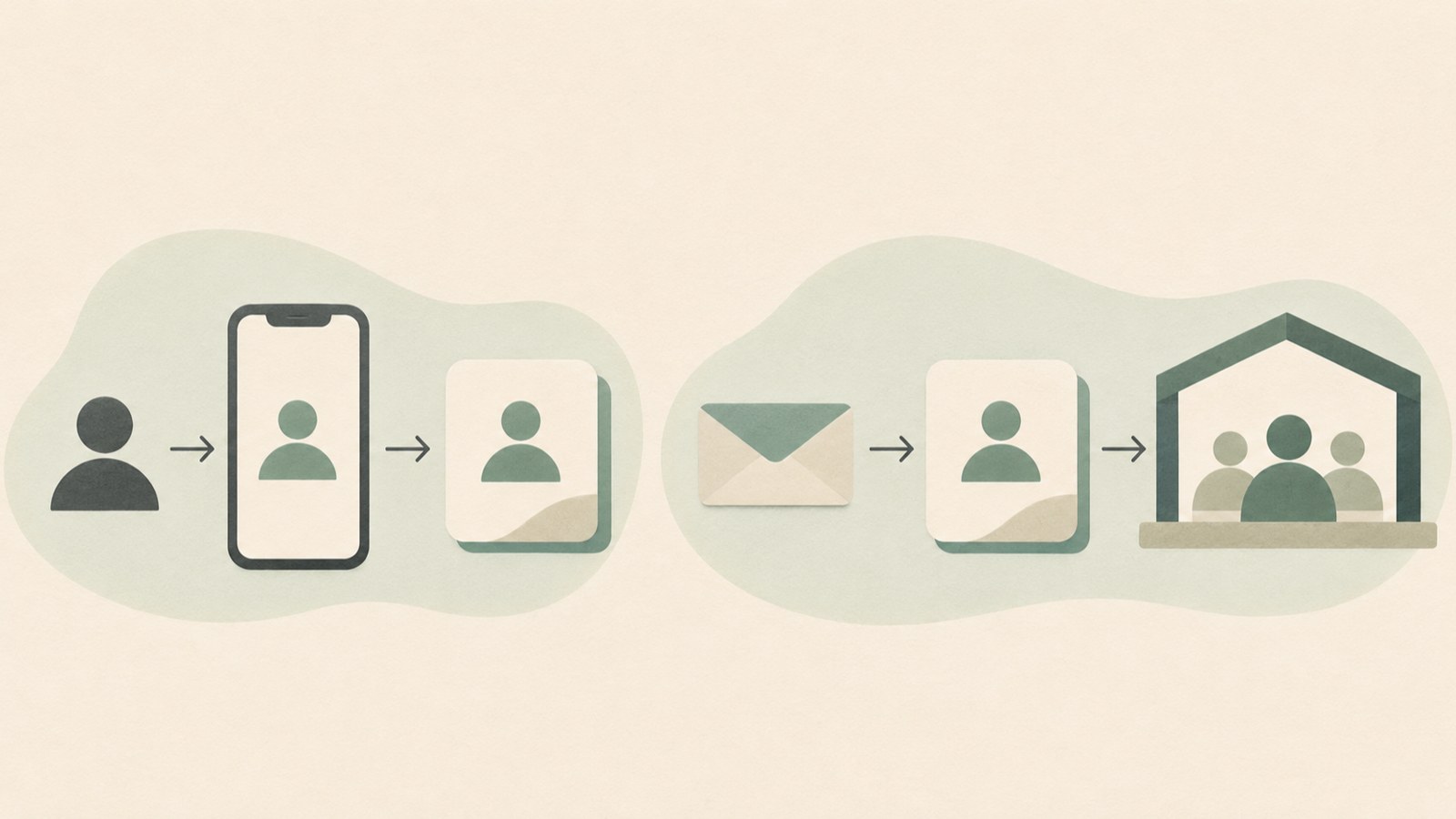
The personal app is described as available through the App Store and Google Play. Conversations are free, and separate paid plans are also available.
For business use, the company signs a contract and invites employees. The service is described as charging an initial setup fee, then billing in arrears based on usage.
Business accounts are presented as offering a choice of models, including models from Google and Anthropic as well as OpenAI. Check your company’s guidance for the models available to you and how charges are calculated.
3. Check company chat and data handling information
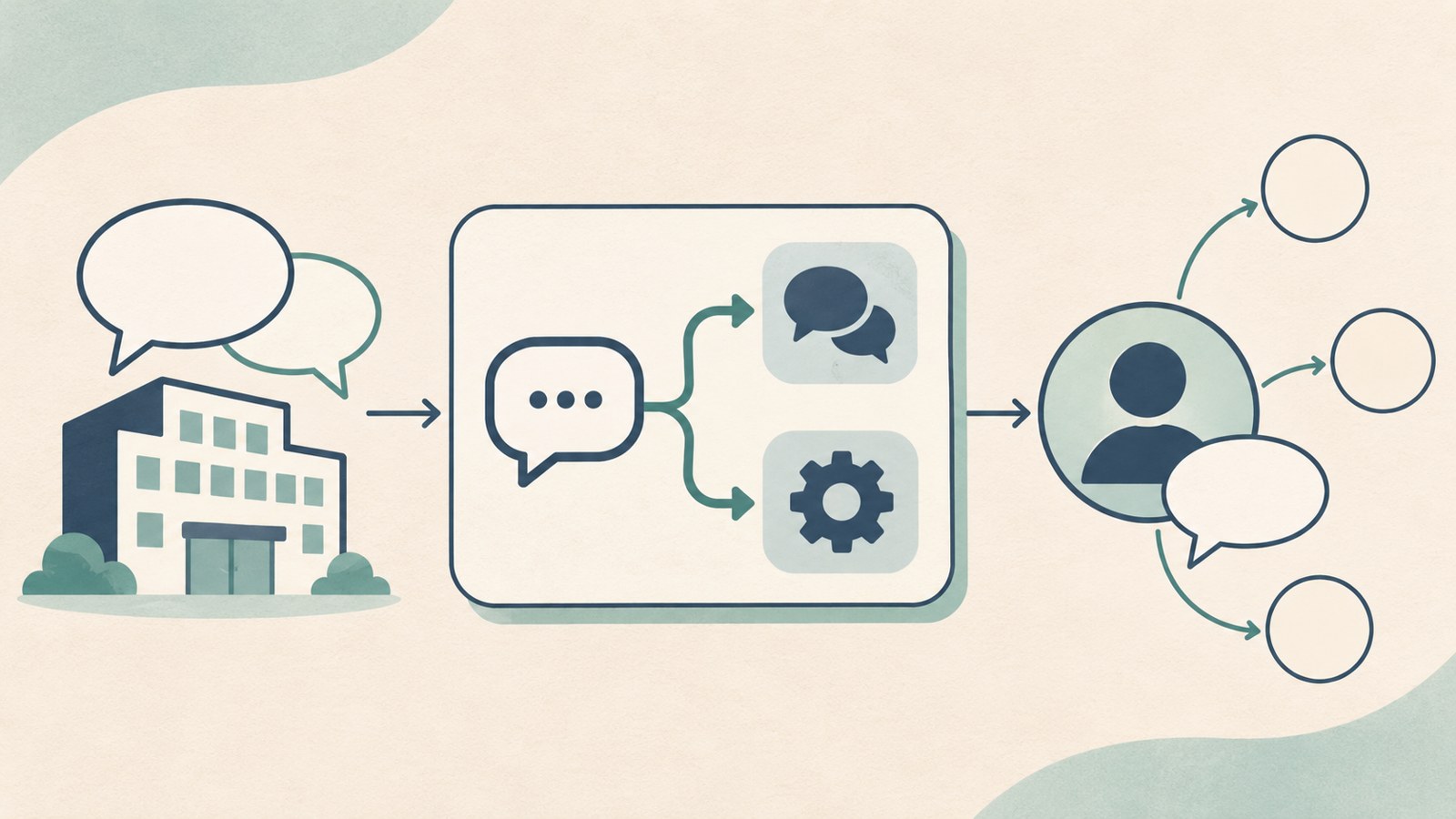
The service says that conversations in company accounts are not stored or retained on Works AI’s own servers.
It also says conversations ultimately remain with the model providers, and that OpenAI API data is not used to train AI. These statements come from the service provider.
According to the article introducing the service, no third-party materials verifying these statements were identified. If your company has provided related documents, ask the administrator which models and contract terms they cover.
4. Can you enter personal information in a company account?
A company account does not mean you can enter any kind of information. The service introduction mentions features that let administrators review employee usage and filter sensitive information.
Check what information the filters block and whether your company has enabled them. Ask your HR or security team about the company’s rules for entering information and the scope of any blocking features.
Company accounts are described as usage-based, with token consumption visible. Follow the work guidelines and billing terms your company provides.
5. What to check when you receive a company invitation or login notice
If the service in an invitation is unfamiliar, start by checking the address and account type. The steps differ depending on whether you are signing up for the personal app or joining a company account.
Ask the administrator which models you can use and how costs are billed. If there is a data handling document, check which models and contract terms it applies to.
- Check the service address and account type in the company notice.
- If it is a business account, confirm who sent the invitation and how to log in.
- Ask the administrator about available models and billing terms.
- Check the rules for entering sensitive information and which accounts the relevant documents cover.
6. What to review when assessing Works AI’s data handling
Public descriptions alone cannot confirm how every company handles data. Check how the stated storage policy and contract documents apply to your company account.
Ask your company administrator about the contract documents and the scope of any sensitive information filters. Also check which models are available and what guidance employees have received about entering information.
Personal apps and business accounts have different signup and billing arrangements. If your company has recommended Works AI for work, confirm that you are using the invited account and follow your company’s rules.
FAQ
Is Works AI recommended by my company a Naver WORKS feature?
They are not the same service. wrks.ai is an AI3 service, while Naver WORKS AI Studio is a feature within Naver WORKS. Check the address and operator in the notice you received.
Are conversations in a company account excluded from AI training?
The service information says OpenAI API data is not used for training. Ask your company administrator which models and contract terms this applies to.
Can I start using the personal app for work without a company invitation?
Personal apps and business accounts have different signup and billing arrangements. If your company directed you to use Works AI for work, check the invited account and your company’s rules first.
댓글
댓글 쓰기