

- You can start chatting on Wrtn's PC website without signing in.
- You need to sign in to attach files, save conversations, or use tools.
- The app requires a login, and you can set your Supporter's speaking style.
How Wrtn AI chat and tools work
Wrtn, operated by Wrtn Technologies, is a Korean AI service that lets users access large language models. In chat, you can ask a Supporter questions freely and receive replies.
Tools use set input fields to create content such as writing or summaries. Wrtn's help center lists tools for blog posts, personal statements, interview preparation, presentation scripts, book reports, social media posts, and copywriting.
You can customize a Supporter's name, speaking style, and appearance. Choose from nine default animal skins, or upload a PNG, JPG, JPEG, or WebP image under 10 MB.
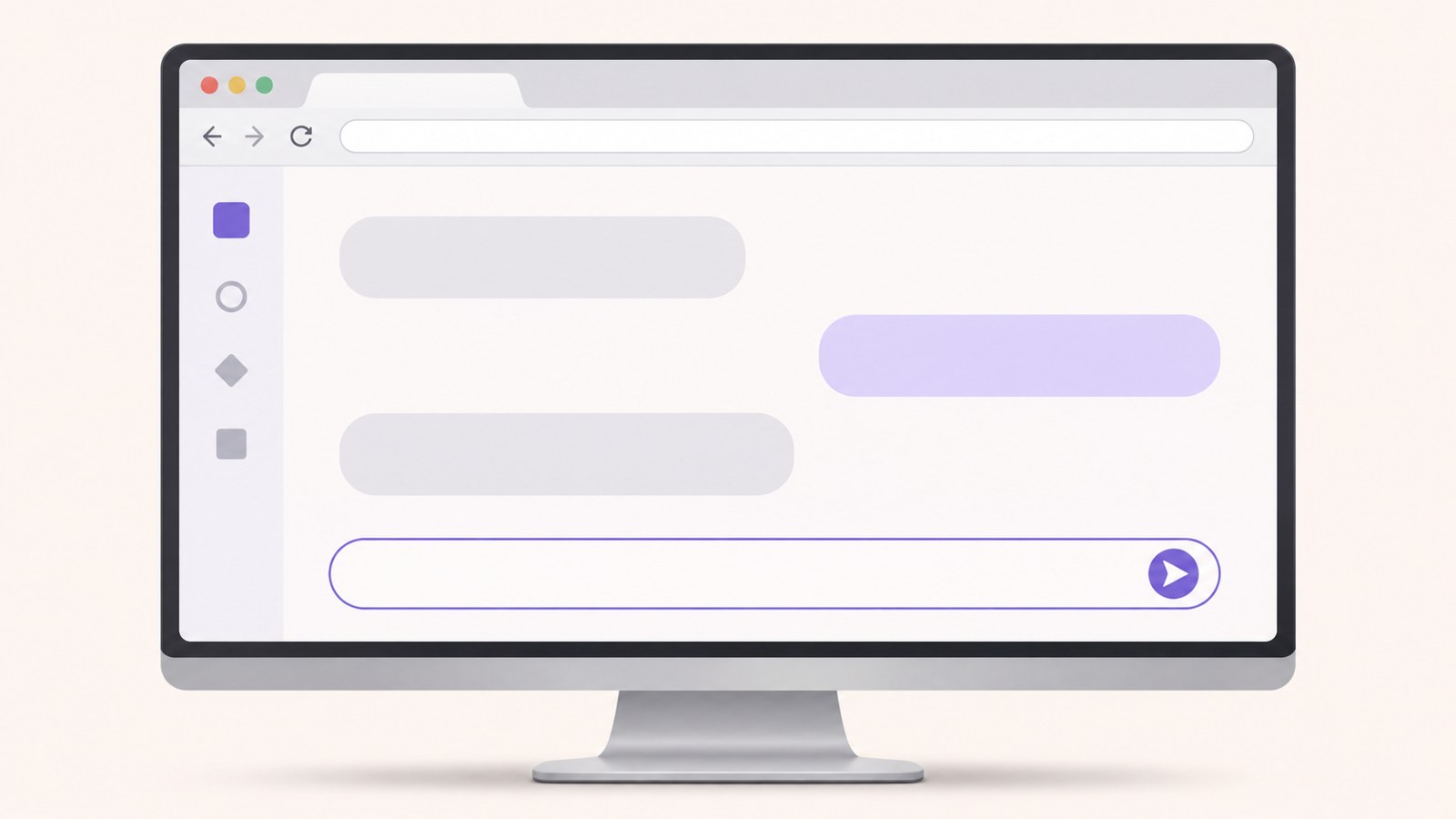
How to ask questions on a PC without signing in
You can start a web chat before creating an account. Without signing in, you can use one chat room and continue sending questions and receiving replies.
Before signing in, you can copy a reply or regenerate it. File attachments, saved conversations, and tools require a login. Sign in when you need one of those features.
To ask a question or upload a file, select “Sign up for free” in the upper-right corner. Users under 14 need a guardian to complete PASS identity verification during sign-up.
- Open wrtn.ai in your browser.
- Enter your question in the input box in the center of the page and send it.
- If you need to save a conversation or attach a file, select “Sign up for free.”
- After signing up, log in and continue the conversation in the input box.

Free features before and after login
The available features depend on whether you are signed in. You can try chat on the web without an account, but saving conversations and using tools require a login.
To keep a result, select “Save” in the upper-right corner. You can find saved results in the “Saved” tab on the home page.
Reports, PPT drafts, and résumés are not saved with the save button. Download these items as files to keep them.
| Feature | Web before login | After login |
|---|---|---|
| Chat | Unlimited conversation, one chat room | Conversations available |
| Files, tools, and saving | Unavailable | File attachments and tools available |
How to change your Supporter's speaking style in the mobile app
The mobile app works only when you are logged in. Search for “뤼튼” in the App Store on iPhone or Google Play on Android, install the app, then sign up or log in.
When you sign up in the app, you will go through the Supporter setup. If you already have an account, open the Supporter profile and select “Supporter speaking style.”
If you cannot find that option in the profile, tap the gear icon in the chat list and open “My Supporter.” On the web, select your profile icon, then choose “Supporter settings.”
- Search for “뤼튼” in the App Store or Google Play.
- Install the app and sign up or log in.
- Open the Supporter profile or the gear icon in the chat list.
- Choose your preferred settings under “Supporter speaking style” or “My Supporter.”

When an answer seems wrong or a menu is missing
Answers may contain inaccurate information, so check important details against an expert or an authoritative source. Wrtn's help center also says that a Supporter can generate information that sounds plausible but is false.
If a long conversation seems to have lost its earlier context, start a new chat and ask again. Keep questions short and specific, and list any necessary conditions separately to make the answer easier to check.
If a menu is missing, check that you are logged in and look at the screen you are currently using. On March 9, 2026, internet search in Supporter chat and image generation inside tools were discontinued.
Feature descriptions can differ, so check the Wrtn help center's FAQs and notices. A menu mentioned in an older guide may no longer be available; confirm it in the current app or website.
Before saving or using results commercially
Wrtn's help center says users own the copyright to generated results and may use them commercially. Users are also responsible for any gains, losses, or other consequences of using the results, so review the content before publishing or submitting it.
For writing that includes factual claims, verify important details and check that the wording suits its purpose. Treat an AI reply as a draft to review and edit, rather than a finished piece.
Reports, PPT drafts, and résumés are not stored with the save button. Download them as files if you want to keep them for later.
Features and terms of use can change. If a menu you need is missing or you have questions about payment, check the latest notices and payment information in the Wrtn help center.
FAQ
What if I cannot see a save button while chatting without signing in?
Saving conversations requires a login. After signing in, select “Save” in the upper-right corner of the result. You can find it later in the “Saved” tab on the home page.
Do I need an account to start chatting in the app?
The app works only when you are logged in. Create an account or log in with an existing one to use it.
Can I use writing created with Wrtn commercially?
Wrtn's help center says commercial use of results is allowed. Users are responsible for the consequences of using them, so check the facts and wording before publishing.
댓글
댓글 쓰기