
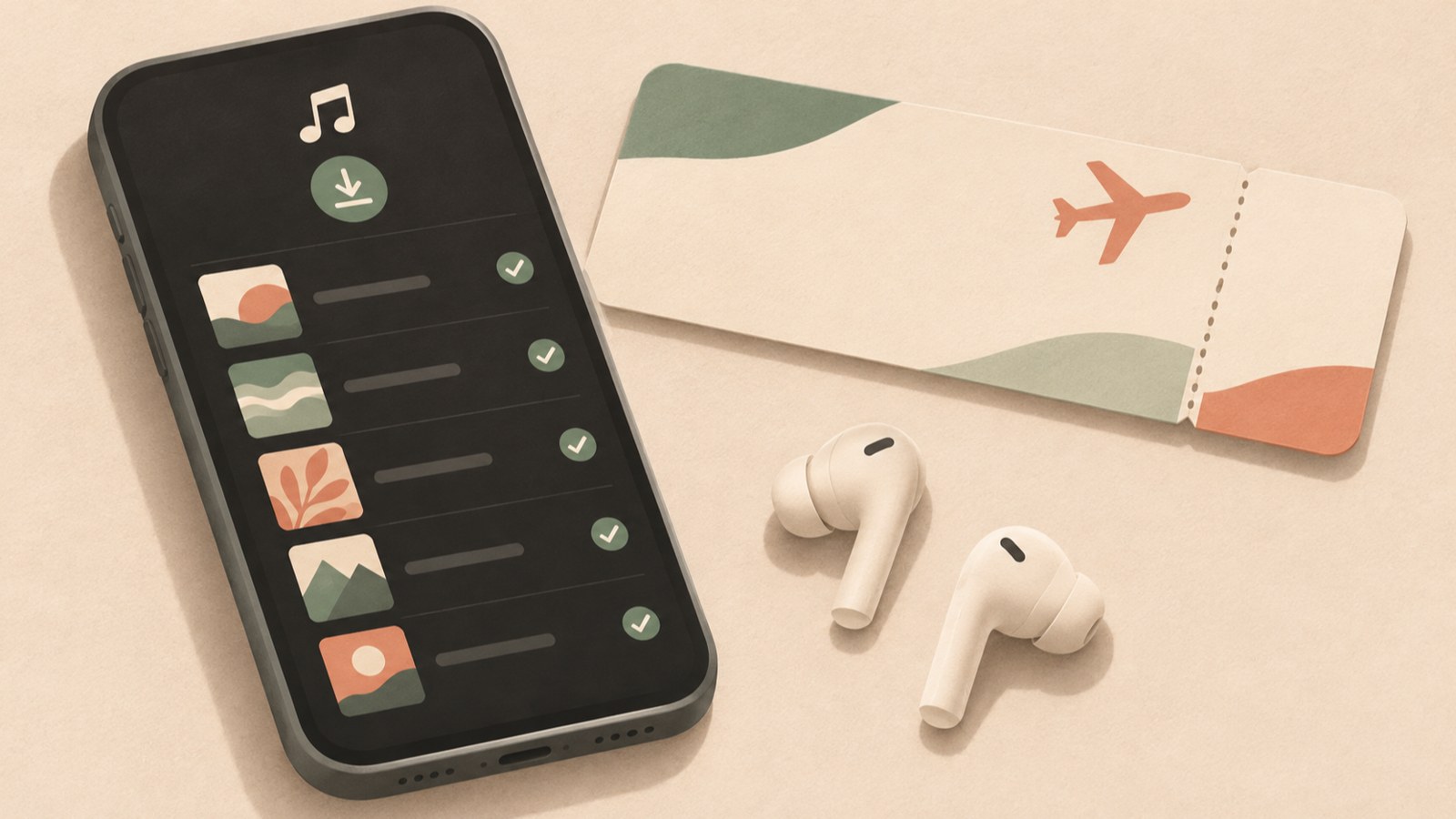
- Offline downloads are available in the mobile app with a Premium account.
- Find saved music in Library under Downloads.
- Connect to the internet at least once every 30 days to renew playback access.
YouTube Music downloads stay inside the app
Offline downloads let you listen to music in the YouTube Music app when you don’t have an internet connection. Tapping Download does not create an MP3 in your phone’s file manager.
Downloaded tracks are stored in encrypted form and managed by the app for playback there. You can’t move them to another music player as separate audio files. Decide whether you want offline listening in the app or music files for use on other devices; the options work differently.
| Purpose | Method | Result |
|---|---|---|
| Listen offline in the app | YouTube Music offline download | Plays in the app |
| Get a separate MP3 file | Check content usage rights | Options depend on the rights |
Check your account and device if Download is missing
If you can’t see the offline download option or tapping it does nothing, first check the subscription on the account you’re signed in to. Offline downloads are available to YouTube Premium and YouTube Music Premium subscribers.
You can’t download music for offline listening from a PC or web browser. Use the mobile app to find and save tracks. On a computer, you can stream music as usual.
If downloads still won’t start, check whether the app is set to download over Wi-Fi only and whether your device has enough storage space. Menu names and locations can change with app updates.
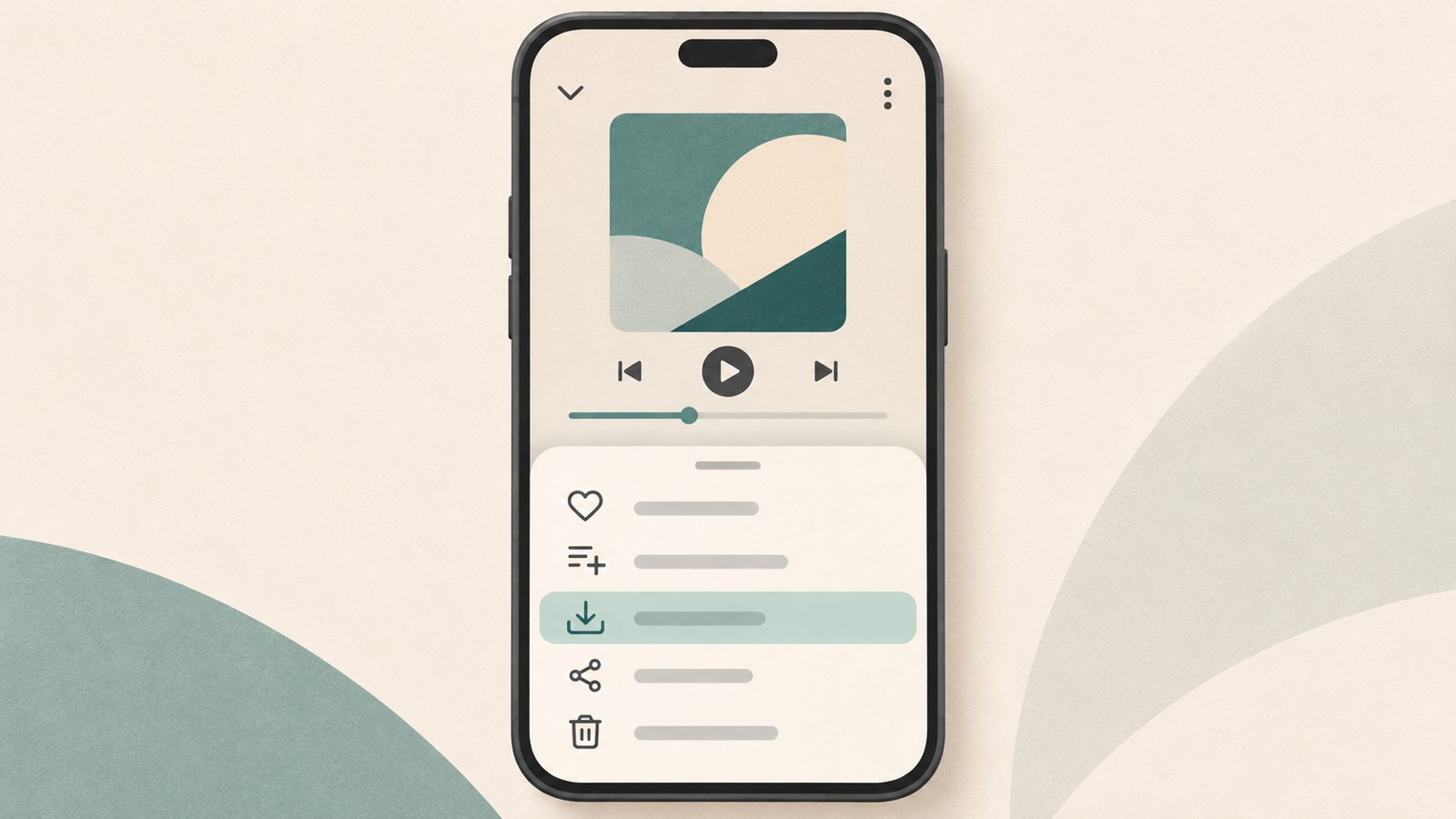
How to download a song or playlist for offline listening
In the mobile app, find a song and open the three-dot menu beside it, then choose the offline download option. You can find the same option from an album’s menu.
For a playlist, you don’t have to save each track separately. Open the menu at the top of the playlist and choose the offline download option to save its tracks together.
When a download finishes, a downward arrow appears next to the track information. Check for this icon to confirm the song has been saved.
- Sign in to the YouTube Music app with a Premium account.
- Tap the three-dot icon beside the song or album you want to save.
- Choose the offline download option from the menu.
- For a playlist, tap the offline download option in the menu at the top of the screen.
- Check that the download complete icon appears beside the track.
Find your downloads in Library
To check your saved music, tap Library at the bottom of the app, then open Downloads. Your saved songs, albums, and playlists appear there.
Before a flight or a trip somewhere with limited data access, check this list while you still have a connection. You can briefly turn on airplane mode and play a downloaded track to make sure offline playback works.
A download icon alone doesn’t confirm that a track will play, so try playing it before you leave. The Downloads list is in Library.
If a download disappears, check when you last connected
Offline downloads aren’t permanent. To keep playback access, connect the app to the internet at least once every 30 days.
Connecting renews the download period automatically. If you stay offline for too long, playback access to saved tracks may expire.
If a track suddenly won’t play or disappears from your list, check when the device last connected to the internet. Even a device you use only for music needs to connect to Wi-Fi and open the app about once a month.
Need an MP3 file? Check the download method
Downloading music in YouTube Music does not create a regular MP3 file. The saved track is offline content for playback inside the YouTube Music app.
Some audio extraction or conversion sites advertise that they can provide files from YouTube. Before downloading content, check whether the use is allowed or whether you have the necessary rights. Personal listening alone does not mean every extraction is permitted.
If you created a video and own its rights, one described option is to download it from YouTube Studio and extract the audio in an editing program. If your uploaded video includes someone else’s music, check the rights for that music too.
FAQ
What should I do if the YouTube Music download button is missing?
Check that the account you’re signed in to has YouTube Premium or YouTube Music Premium. Offline downloads are a mobile app feature, so the button won’t appear on a PC or in a web browser.
Can I move downloaded songs to my phone as MP3 files?
Offline downloads play inside the YouTube Music app. You can’t take them out through the file manager and move them to another player like regular MP3 files.
Why did a downloaded song suddenly stop playing?
Connect to the internet at least once every 30 days to renew playback access to your downloads. If you haven’t connected for a while, check whether that access has expired.
댓글
댓글 쓰기